 2:56
Getting good audio into a live stream
On YouTube this video is called Facebook Live Streaming Good Audio for DJ Mixing Tutorial
What this lesson teaches
Three minutes, done live on camera, and the whole thing turns on which socket you take the audio from.
The idea
A phone streaming video will use its microphone by default, and a microphone in a DJ booth picks up the room - reflections, the crowd, whatever is nearest, all in mono and all distorted if it is loud.
Instead, feed the phone the mixer's own output. Then the stream carries exactly what the mixer is producing, clean.
Why the booth output
He takes it from the booth out, and that is the right choice.
The booth output exists to feed the DJ's own monitor speakers, and - crucially - it has its own level control, independent of the master. So you can set the level the stream needs without touching the volume in the room.
The record output does the same job on mixers that have one. Either is better than the master, which has to stay where the room wants it.
The cable
RCA out of the booth output - via a couple of quarter-inch jacks, depending on what your mixer provides - into a mini jack.
Then the piece that makes it work: a small TRS-to-TRRS adapter (the Rode SC4 in his case) into the bottom of the phone, with the mini jack into its input side.
That adapter is the whole trick, and it has its own lesson in this course. A phone's socket expects four conductors with the microphone on one of them; a normal stereo cable has three and will not be recognised as an input at all. The adapter rearranges them.
Setting the level
His booth output sits at about 9 o'clock - low - and his method for finding that is the only one that works: listen on another device.
Go to a second phone or a laptop, play the live stream, and judge the level there. Too quiet and you turn the booth up; distorted and you turn it down.
He demonstrates it mid-stream, turning the booth down and back up and watching the result arrive a few seconds later. Which flags the other thing to expect: there is a delay between what you do and what the stream shows, so make one adjustment and wait rather than chasing it.
What you cannot hear
Worth understanding, because it surprises people.
With the audio coming from the booth output, the stream contains only the mixer. No microphone, no ambient sound, no crowd - and not your voice unless your microphone is going through the mixer.
That is usually what you want for a mix. If you want to talk over it, your mic has to be in a channel on the mixer, not in the phone.
The level the room hears
And one consequence to keep straight: because the booth output is independent, the stream's level and the room's level are separate. You can turn the master down to nothing and the stream carries on perfectly.
Which is exactly what you want at home, and exactly what to double-check at a gig.
Contents of the video
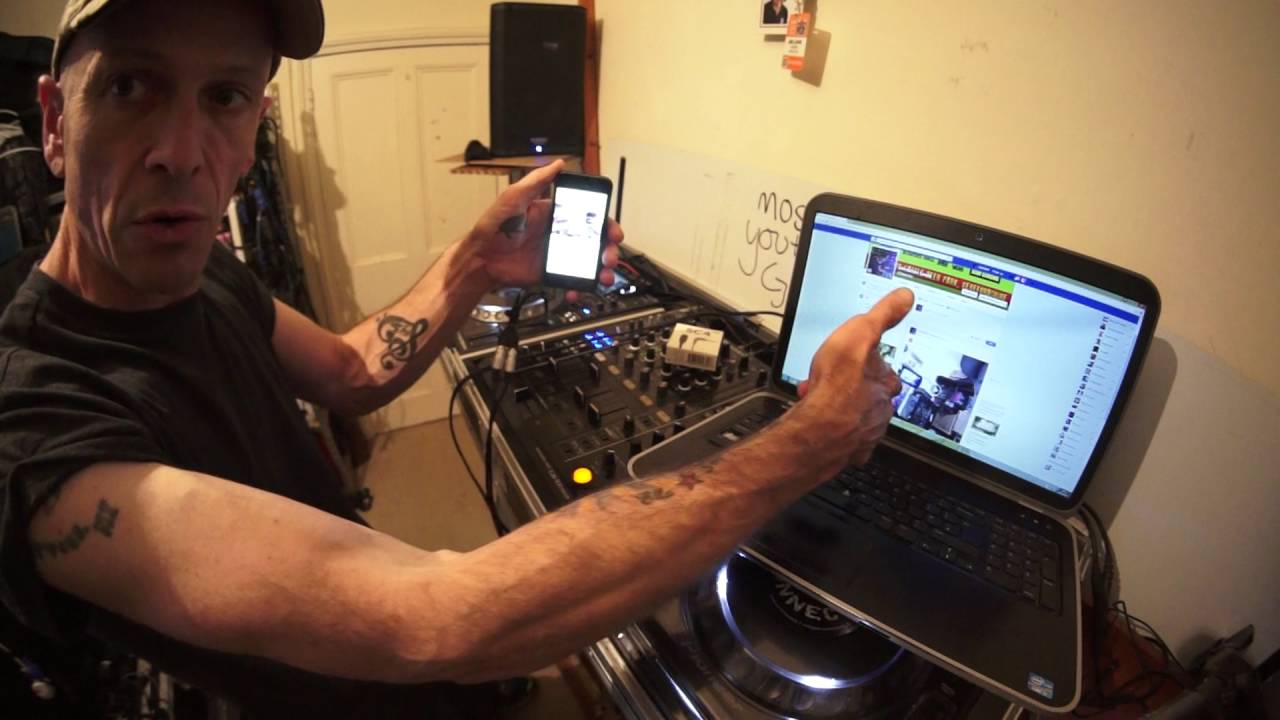
Alright guys, first of all the tune I'm using is Dirty Design by Diamond Skin Snakes. In this video I'm going to give you a step-by-step tutorial on how to do some really good live streaming audio via Facebook. Now I have got on this mixer a booth output. I have plugged in an RCA cable into the back of my booth out, along with a couple of jack inputs, but it depends on what your output is for your booth out. I've gone then into a mini jack. Now I'm also using this piece of kit from Rode. It's an SC4. I'm going to plug in the SC4 into the bottom of my iPhone like that. I'm now going to plug in the mini jack into the female part of the SC4. And I've got my Facebook there, so this is going to be live. You're going to see and hear what I'm actually recording as well.
So there will be a link in the description of this video to the video I recorded on Facebook and vice versa. Right, so I'm going to go to my page. I'm going to go to post status. I'm going to click live. I'm going to go to video. It's connecting. It's still connecting. It's trying to connect. This is live. Okay, go live. Right, 3, 2, 1. Now what I have done as well is I've set my booth output to about 9 o'clock. But again, all you can do is go on another device, listen to the audio level, and you'll be able to determine what the audio level is like based on how high you turn the volume up. So I've set my booth up or down. Right, I'm going to turn the master volume down now. And I'm now going to refresh Facebook and let's have a listen to there we are.
You can see that now. And I'm just going to scroll down a little bit and click on the live stream and put the volume up. And there it is. That is good audio. So it's as simple as that. All right. Of course, you won't be able to hear me because you're listening to the audio directly from the phone. But if you're listening to the audio directly from this, you're not listening to the microphone or you're not listening to ambient sound. You're listening to the volume directly from the mixer. And of course that is by the booth output. So it's determined on how much high or low I bring the booth up or down. If I turn the booth down in a bit because of the delay, that should turn off. See me waving my hand and bringing it back up again.
So now I brought it back up and now we should have the volume back up again. Okay, three, two. There it is. All right. So I hope that's been a help. This should help you to get some better live streaming through Facebook. Practice and enjoy. Thank you.
This transcript was produced automatically from the audio of the video and may contain mistakes.











