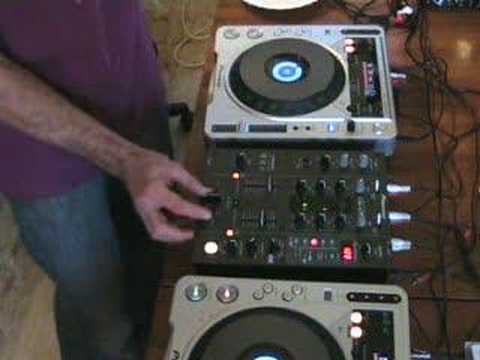
 6:13
Fader start on the crossfader, punching fragments
On YouTube this video is called Fader start, What does it do? video 2, Dj tutorial on Pioneer DJM-400
What this lesson teaches
The follow-up, and it goes somewhere more interesting than the first.
The difference from part one
Part one disabled the crossfader and used the channel faders. Here the crossfader is doing the work, with its curve set to a smooth, gradual cross - volume falling away on one side as it rises on the other.
Both players have fader start engaged, and both have their control cables connected.
Without fader start
Again, two hands: one pressing play on the player, the other moving the crossfader. He demonstrates it so you can see how much movement is involved.
With fader start
Move the crossfader towards a deck and that deck starts.
Move it away and that deck stops and returns to its cue point.
So a single crossfader movement now performs the entire transition - starting the incoming record, fading between them, and resetting the outgoing one ready for next time.
And it works in both directions: crossfade left and the right player stops and resets; crossfade right and the left player stops and resets.
The second idea, which is the good one
Now change the crossfader curve.
Instead of a smooth cross, set it to the sharp curve - where the sound comes in abruptly, within a few millimetres of travel. That is the setting scratch DJs use.
With fader start on and a sharp curve, a tiny crossfader movement starts the other deck and brings it in instantly, and moving back stops it and resets it.
Which means you can punch fragments of the second record into the first, in rhythm, with one finger - and every fragment starts from exactly the same place, because the reset is automatic.
His own framing: not so much turntablism, but if there is a particular part of the other track you want to edit into this one, this is how.
Why the reset matters so much here
Because a punch-in technique without it falls apart after two goes. Without fader start, each stab leaves the second record a little further along, so the third one lands on something different.
With it, the fragment is the same every time. That turns a trick into something you can use in a pattern, which is the difference between a stunt and a technique.
Worth knowing even if you never use it
The crossfader curve and fader start together describe a whole family of techniques - punch-ins, transformer-style cuts, stutters - built from two settings rather than any new equipment.
Both settings are on almost every DJ mixer made, and most people never touch either.
Contents of the video
0:00 In other words, the crossfade was disengaged
Alright folks, Jonathan here. This is video number two in a selection I'm going to be doing on the utilisation of what is known as the fader start. Right, now in this video what we're going to be doing is looking at the DJM400 mixer. In video number one we looked at fader start without the utilisation of the crossfade. In other words, the crossfade was disengaged. Whatever we did, the crossfade would not interfere with any part of the music. Now in this video we're going to be actually using the fader start On the crossfade. Now then, what I've done, I've set the position of the crossfade curve to a nice curve like so, a nice steady curve. It's on the cross position. Now in other words, what that means is that the volume from the one side will slowly disappear and then the volume on the other side will start to increase as I move the crossfade over. And again, the opposite applies like so.
We'll start on the right-hand side CDJ and we'll move the volume up. Bearing in mind that I've actually got the crossfade set into the centre, so volume up on the slider, volume down, we can hear the music. Now let's just pause that and do the same with the other side. Down and up. Like so. Now then, we'll pause that again. Now what we'll do is have both volumes up and we'll have the crossfade set to the left-hand side. So we'll press play on the left hand side, move the crossfade over to the right hand side and the volume disappears. Now what we'll do, we will start the music on the right hand side and slowly move the actual crossfade over. Now again, we're not mixing but you can start to hear this music on the right hand side and the left hand side starts to disappear. We'll try and get it in beat this time.
2:17 All the time while I'm actually doing this, I'm having to use two hand
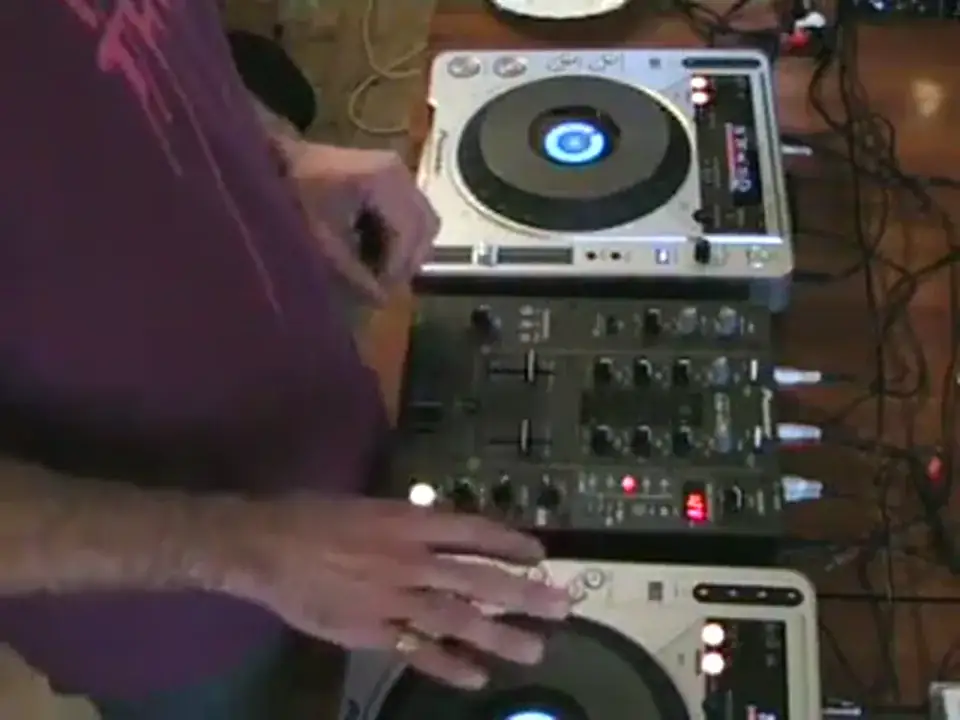
All the time while I'm actually doing this, I'm having to use two hands. I'm having to use one hand to press start and stop on the actual CDJ, and the other one to actually move the crossfade, as you can see like so. Now then, if I now press fader start on both of them, like so. Now as you can see, we've got buttons that are now lighting up. And also, just very quickly as well, if you didn't watch video number one, there is a cable from each of these CDJs out of each individual CDJ. and into each individual channel of this particular mixer. Now what I'm going to do, I'm going to now move the crossfade to the left-hand side. Now what's happened now is as soon as I now move this crossfade, the right-hand CDJ will start as follows. Also, like so, to the right-hand side. Now what's happened now is because it's now on the right-hand side and I've got fader start mode on, as soon as I move the crossfade
A little bit towards the left hand side, the left hand turntable will start to work. If I move the crossfade back to the right hand side, the left hand CDJ will stop and it will go back to its original position. Again we'll do that again. Crossfade over. Now the opposite applies. If I move the crossfade to the left hand side, the right hand turntable, this one here, has stopped and it's gone back to its original position.
4:36 Let's start the actual music on the left hand side
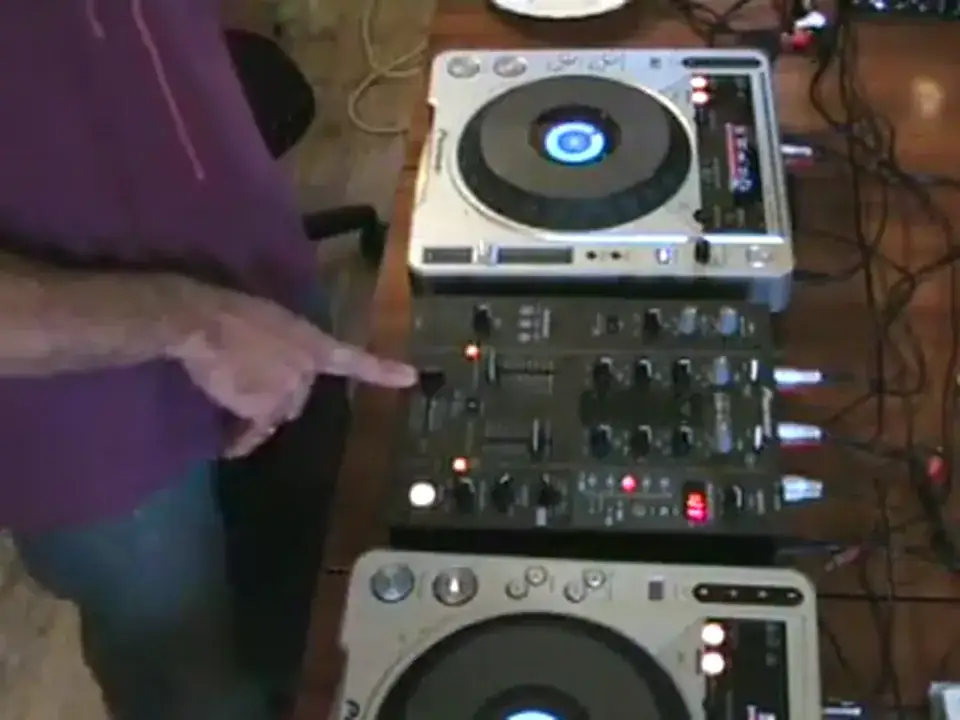
Now another thing we can do with this, right now let's say for example now we've got the crossfade set to the left hand side and let's say if we want to do a bit of not so much turntablism but there's a certain particular part of this track on the right hand side maybe you want to edit into the left hand side what you can actually do is set your crossfade to that position it's whereby You've got not a nice steady curve, but what's happening is the music is coming in very abruptly. Now what we can do is this. Let's start the actual music on the left hand side. And by using the crossfade and only moving it a tiny amount, we can actually bring the music from the right hand side directly in. This is video number two. It's a basic insight into the utilisation of what is known as the fader start.
Thanks for watching, practice and enjoy.
This transcript was produced automatically from the audio of the video and may contain mistakes.











