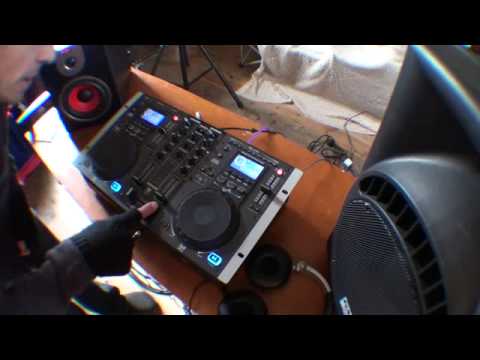
 7:17
Getting to grips with the cue button
On YouTube this video is called GEMINI CDM 3600 Help with cue
What this lesson teaches
The same trick as the "what does a DJ hear" lesson, done on a different machine: the master output goes to one powered speaker standing in for the crowd, and the headphone output goes to a second speaker so the camera can hear what would normally be private.
It means you can hear both sides of a mix being built, which is rare and very useful.
The two volume controls
On this unit the cue selector chooses which channel you are monitoring - one or two - and a separate cue volume sets how loud it is in your headphones.
The master volume is a different control entirely, and it feeds the room.
He demonstrates the independence directly: master up and cue down means the crowd hears a track and he hears nothing; cue up and master down means he hears a track and the crowd hears silence. They are two separate paths out of the same mixer, and understanding that is most of understanding a mixer.
The technique worth taking away
The part that is not about this particular machine.
With jog mode engaged, he moves the jog wheel very slowly to find the exact start of the beat, rather than spinning it back and forth.
His observation is that most people on this kind of player fling the jog wheel around and end up slightly past the first beat - and the first beat is the one that matters, because it is the one that has to land in time with the record already playing.
Slow is the whole instruction. You are listening for the instant the sound begins, and at speed you cannot hear where that instant is. Find it, cue there, and the track will start from exactly that point every time you press the button.
It takes practice and it is worth it, because a cue point set a fraction late means every drop you ever make with that track is a fraction late.
Contents of the video
0:00 It's from a company called Gemini and it's known as the CDM3600 Workst
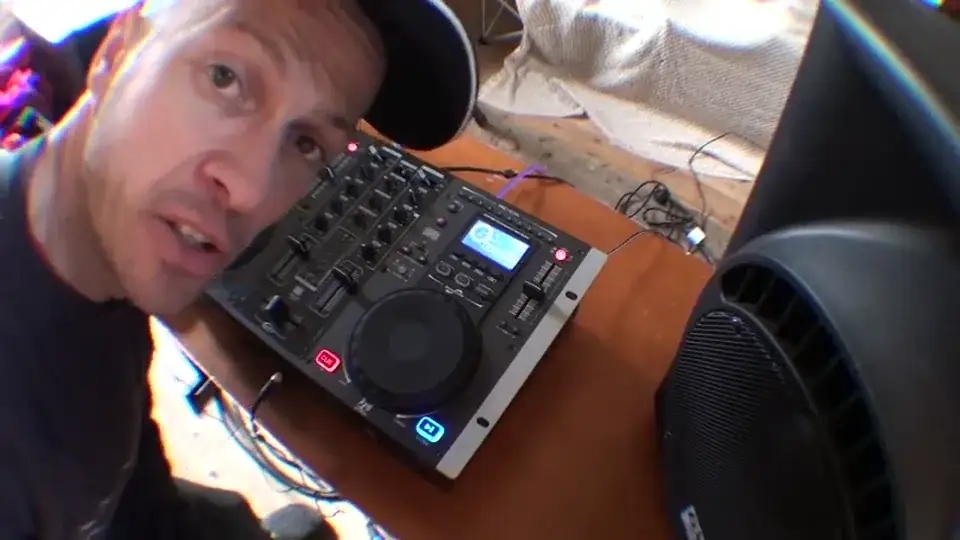
Right folks, another video on this guy here. It's from a company called Gemini and it's known as the CDM3600 Workstation. Now, as I thought about this particular video, it started to expand and expand. So it's not just about this, it's about actually what a DJ is listening to while they're monitoring the music and while they're cueing the music as well. One of the main reasons for using this is to explain how you can set the track So in other words, when you cue your particular track to bring in, if you just spend a little bit of time, you can get it in beat when you want to cue it in. Now also, like I said earlier, as I sort of thought about this video, it started to expand a little bit. So in other words, it's more user-friendly. You can actually hear and see what's going on. Now admittedly, I've got the wide-angle lens, so I will explain all the knobbly bits in the middle. Right, now this guy here, that is...
For my headphones, in other words I can monitor. But also on this unit we've actually got two outputs for headphones. So I've got this guy here, this lead, going into this powered speaker. So maybe a lot of people out there will think straight away, ah I know what's going on. Hope you do. The people who don't I'll explain. That guy there is the main speaker and imagine that is for the crowd. Now what's happened is I've gone out the master output into this guy. And I've gone out the headphone into this one here. So basically what we're able to do with this particular video is show you what the DJ would be listening to, let's say if he or she was monitoring the music and getting a track ready. Now on this guy here we've got cue selector. Not boo selector, man. We've got cue selector. Channel 1, channel 2. When you flick it over to channel 1, you're able to cue up this side.
2:21 Cue selector to channel two
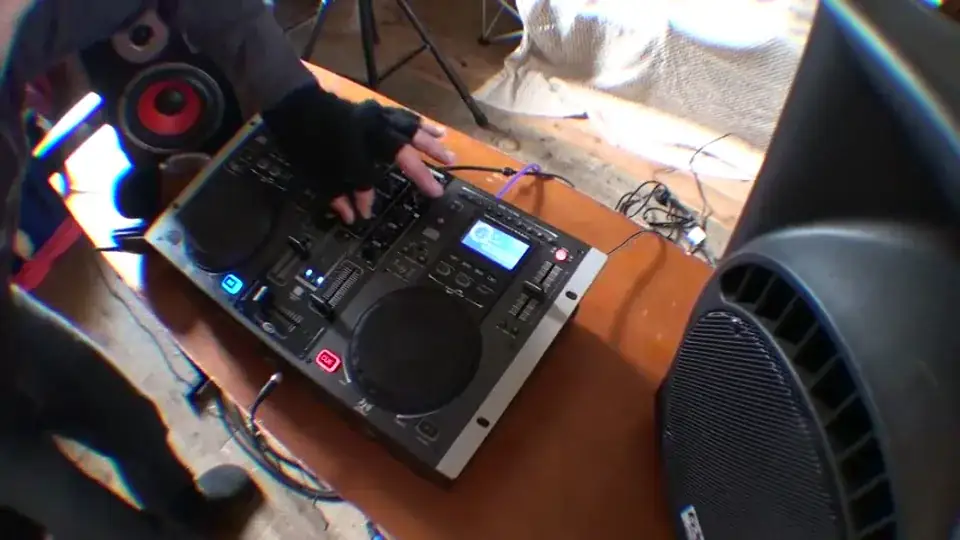
While, let's say the crowd is listening to that side, but of course the crowd don't have to listen to you cueing up. All they want to do is listen to the music. But of course in this video, we're going to listen to what I'm cueing up. If I switch that over to channel 2, we can cue up channel 2. The volume here is for, of course, the cue. In other words, that's for your headphones up or down. The master volume is here. So of course the beauty about this now, what I can do, I can actually do something like this. If we press play... Now, master volume. And that's coming through that speaker over there. But listen, cue volume down, put the channel selector to number one. Now have a listen when I turn up the cue selector which will of course increase the volume on my headphones but at the same time increase the volume on that speaker. Let's have a listen. That's that one. Cue selector to channel two. Nothing because it's cut off. That's exactly what would happen with my headphones.
4:35 What I'm going to do now is slowly move this jog wheel, very slowly
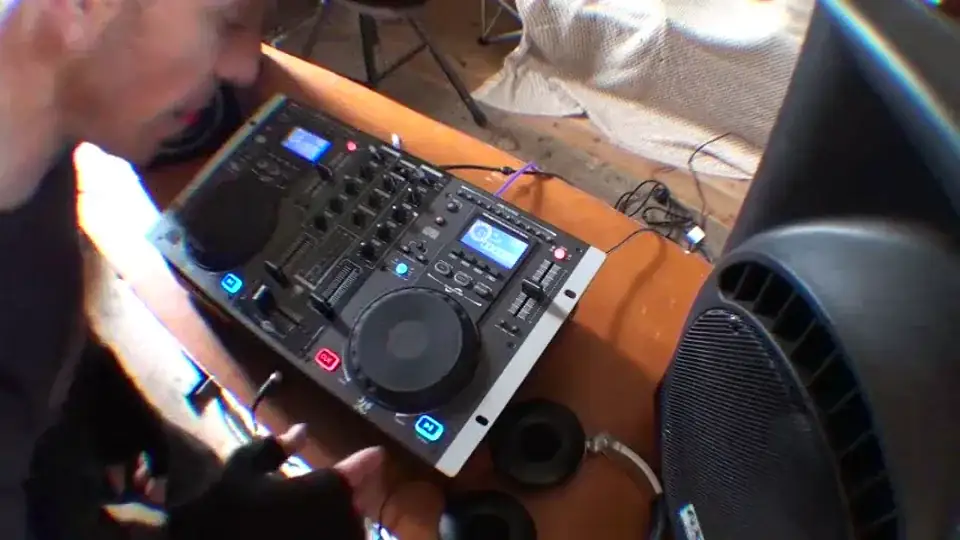
Now notice the volume is down on this side, so theoretically what's happening is the crowd aren't able to hear this, only I can hear it through headphones or through that monitor. Now what I'm going to do now is turn that down, so look, no volumes at all, nothing. I'm just using the volume on the cue. I'm going to turn the cue down, I'm going to put the crossfade over to the right hand side, Still nothing, that's because the master volume is down. I'm now going to increase the master volume and it's coming through there. So hopefully you'll get a general idea of what's going on. In other words, the cue volume is for my headphones and for that speaker. The master volume isn't for my headphones, it's for that speaker and for the crowd to listen to. So without further ado-doos, I'm going to cue both tracks up again. Now let's play this track over here.
Turn the master volume up. What I'm going to do now is I'm going to turn the cue volume up, make sure we're on channel 2 because we want to listen to this guy here. Let's just play it with nothing else. That's that one there. All over the place. Right, I'm going to turn that one back down, press cue again on this one. Now I'll explain why. I'm going to hit jog mode on this guy here. Now what I'm going to do now is slowly move this jog wheel, very slowly. I'm going to move it in a clockwise manner. Here we go. Now can you hear that? That's the beginning of the beat. There you go. Now again, this will take a little bit of practice but it will help. So many people on kit like this, they're spinning the jog wheel all over the place and what you could be doing, you could be missing that first initial beat which is the important one. So make sure it's right at the beginning. Cue that up.
Volume up on this guy here. So what you're listening to now is through this speaker and basically what the crowd would be listening to. I'm going to put that volume up for this side, and now what you're going to listen to, that do-do-do-do-do, is basically what the DJ will be listening to, but of course you can hear it through that monitor speaker. Crossfade still over on this side, which is what you can hear here, here, here, here, and there and all over the place. Right, here we go.
Here we go. Now this is what I'd be listening to through my headphones. Now we've taken it off from the headphones, from that side, just in there, just cue, there, crossfade in the centre, maybe take the bass out on that side, and we're straight over. Cue that back up again. Alright, now what I was trying to do there is show you first of all how you can cue up on this by spending a little bit of time moving the jog wheel slowly. But also trying to explain to you in a way what the DJ is sort of listening to while they're cueing up a track, while of course the crowd is listening say to the other track. I hope it's been a help.
This transcript was produced automatically from the audio of the video and may contain mistakes.
This video is part of
Related videos
-
Complete Beginner DJ Lessons Tags Key BPM Etc
A more advanced lesson folded in early, and worth doing once rather than putting off, because everything it sets up gets used for years…
-
Complete Beginner DJ Mixing Lessons Video 19 Getting Your Kit Ready for an Easy Mix
A whole lesson on getting ready, which is the right call - the exercise in the next video only teaches anything if the two decks are…











