 16:38
Help with Mixing Vocal House Dance Tracks CD Pool Club August 2019
Contents of the video
0:01 In other words, not much of a break
Okay, so it's an absolute nightmare when you're trying to put two tracks together that are big tracks. There's a lot going on. Very melodic. There's very little amount of time in the track where you can bring another one in, where there's no vocals or melody. In other words, not much of a break. For example, something like this. It's a big tune. A lot going on. First rule of thumb. If the track that is playing is only about three and a half minutes, then it's very likely it's the radio version which means it's going to be full. Chorus verse, chorus verse, chorus verse, not much in between for you to maybe mix the next one in. I've got some tunes here from CDPool, these are the club releases for August 2019. That is a link there, DJ Tutor, or it's a code should I say. If you are a first time user of CDPool and you type in that code, you will get your first month subscription half price. Pretty good.
Alright, so, family affair here, the Tempo Electric remix. All of these tracks can be found on the August releases. Now, on the right-hand side, I have a track here entitled Secrets. So let's listen to it from the exact beginning. This is only three minutes long. Okay, listen to that intro. Not much. Alright, so what I'm going to do is this. Form a loop. Ooh, it's very close. Now very quickly as well, I'm not using rekordbox software. If I was using the correct software for Pioneer Kit, rekordbox, I had it all quantized, then that loop should theoretically, so long as the software reads it correct or reads my in and out correctly, it should be a perfect loop. Alright, so what I'm going to do is I'm going to go towards the end of Family Affair. Last 30 seconds left here.
2:35 Secrets track, loop
That is where I'm going to bring the Secrets track. But if I just press play with the volume up on the Secrets track without a loop, again if I'm using master sync it's going to bring it in time but I don't want to do that. I still want to keep the human element in my mix and anyone and everyone will know out there. That I will very, very, very rarely use sync. I like to still keep that kind of organic natural feel to show that you're doing something instead of a computer and all you're doing is pressing a button. So what I'm going to do, let's go back a little bit further. Now what I'm going to do... is in time i'm going to bring in my loop underneath the track that's playing and as soon as i get to that position in the track where i wanted the track on the right hand side to start bringing that loop because the loop will be in time uh with the track while i'm listening to it as soon as i want to bring it in slap it straight in there it is come out of the loop and let it play and bring the other one out okay so
3:55 Website cdpool
Start it. So I can hear this in the background, the loop. Okay, so this one here, Apres featuring Rockwell. The original mix was track entitled Secrets. Okay, all of these by the way are in alphabetical order but when you go to the website cdpool.com You will have the tracks as they are on the Twin CD. Now, you can get the hard copy on CD. If you don't want to do that, you can of course download the tracks, WAV or MP3. I think there's another format as well but you can definitely get the MP3 version or the WAV for better quality. And again, a lot of people are saying now, do you really need... To use WAV, which is the best one? Well if we go back in time, MP3 was probably the way forward because your storage devices weren't capable of holding thousands and thousands of tracks. But now you can get 1, 2, 3, 6 terabyte hard drives. So WAV possibly is the way to go. Still MP3 is great.
If let's say you only have a couple of thumb drives that are 32 or 16 gig. Don't forget as well some really good advice, if you're downloading the CD pool tracks onto your laptop make sure you get a backup on an external device because if your laptop The DJ Tutor is available for purchase at Ellaskins.com
7:21 This here is Days Go By Camel Fat Remix
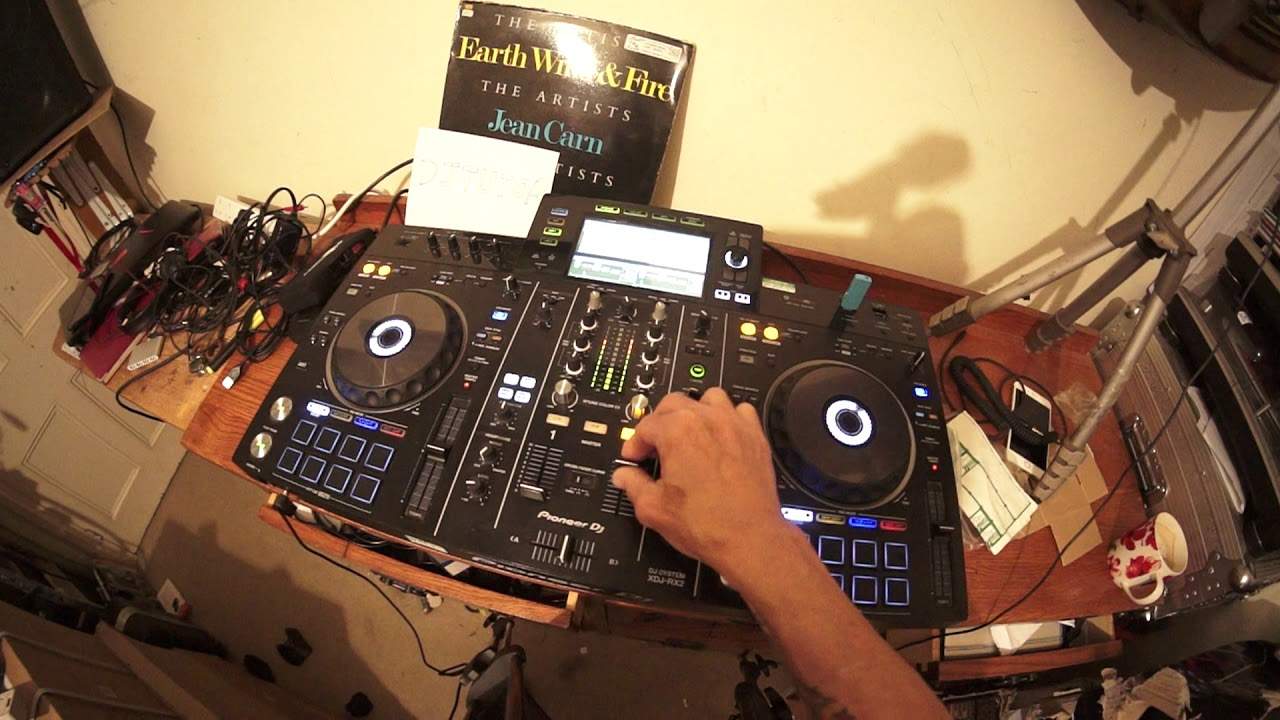
Okay, this here is Days Go By Camel Fat Remix. I've got the camera right here so as you can see it's a little bit difficult. I can't grab hold of things properly. What I do sometimes as well is a track will be playing and you'll just think, wow, the next track, you know what, let's just bring it in because it just works. This does here. I'll let you listen to a little bit of this Days Go By, then I'm going to bring a track in time, lifting me up the original mix. Here we go. Sort of track here that would take you on a nice kind of journey. It's got that wobbly kind of close your eyes and move feel for the dance floor. Right, let's go back there. You'll see what I mean now. Maybe not exactly in phrase, but I added lifting me up over the break in Days Go By.
9:45 Beat, second bassline, melody, vocals, effects
Okay, a lot of things going on there but what you've got to remember as well with a break quite often elements of that track have been taken away. So if you imagine layers, if you imagine say someone building a house and they've laid down five rows of bricks, the first one the beat, second bassline, melody, vocals, effects and so on. With a break, quite often, a lot of those layers have disappeared, which means there's a gap in there and you can bring something else in to take the place of the layers that have been taken away. So try that in your next transition. Mixing the next song over the break. Okay, this one here lifting me up, let's find another one. That's quite a good track. That is Jordy Marcel, Like You. Go and check that out on the web, but I don't want to play that at the moment. I'll try and keep...
Okay, slight key change here. This is where disengaging the master tempo works. Now the trouble is with the track on the right hand side now called Emotion, it's... It's a 116 BPM. What you're listening to now is Get It, it's 123. Now this kind of mix I don't think I'd do live but demonstrate to you. Let's just cue that up there, let's have a listen to Emotion, master tempo on and at the correct speed. Okay what I'm going to do now, disengage master tempo, oh no keep it on, go to 16 where it was. Now listen, that's master tempo on, now master tempo off. Definite key change there. So I'm going to leave it there because I need to slow this down. Let me get to that bass line. Pretty much starts when I slow this down. Always good to use the rekordbox software. I can see that jumping from 116.1 to 116.3. Also, when disengaging master tempo on a track, you've got to be careful about using the jog wheel.
14:58 Let's imagine now you've done that in a working environment
If you use it too forcefully, you can hear... You can not only speed it up, but you can hear the key of the track changing as well. Okay, there you go. Okay, so let's imagine now you've done that in a working environment. You've changed the key of the track. A couple of things you can do. One is over time increase the speed. Now watch what happens or here, listen to what happens if I do it very quickly. You've got that not only an increase in speed but also an increase in key that does sound a little bit rough. Let's bring it back down again, now listen. And now spinning up slowly so it's not so noticeable. Alright, in motion we're listening to now the extended mix from Purple Disco Machine. Don't forget there's a link in the description to cdpools.com
And don't forget that code DJTutor. If you're a first time user for CDPool, put that code in and you will get 50% off your first month's subscription. Practice and enjoy!
This transcript was produced automatically from the audio of the video and may contain mistakes.











