 3:32
Cueing a track on a CD deck
On YouTube this video is called How to cue a toon on the Gemini CDM 3600
What this lesson teaches
A short, specific lesson, and the kind of thing that separates a tight set from a slightly scruffy one.
The problem
You press play and there is a very small delay before the track is audible. Not a fault - just a little silence at the head of the file or the pressing, before the first sound.
It matters because of what you do with a cue point. You are dropping this track so that its first beat lands exactly on a beat of the record already playing. If there is two hundred milliseconds of nothing between your finger and the sound, you will always be late by two hundred milliseconds, and no amount of good timing fixes it. You will blame yourself for something mechanical.
The fix
Four steps, and they work on almost any player:
1. Press play, and let it start. 2. Pause a moment after the sound has begun - half a second in is fine. 3. Nudge the jog wheel backwards, slowly, listening, until you are at the very first instant of sound. Slowly is the point: at speed you cannot hear where the sound starts. 4. Press cue to store that position.
From then on, cue returns to that exact point, and pressing play produces sound immediately.
Why it is worth the thirty seconds
He demonstrates editing the track in afterwards, and the difference is obvious once you have heard it: the track arrives on the beat rather than just after it.
This is also the step that makes hot cues reliable on a player that has them. A stored cue point is only as good as the position it was stored at, and setting them properly once - at home, with time - means you are not fighting the machine later.
Contents of the video
0:00 Cue up a track exactly
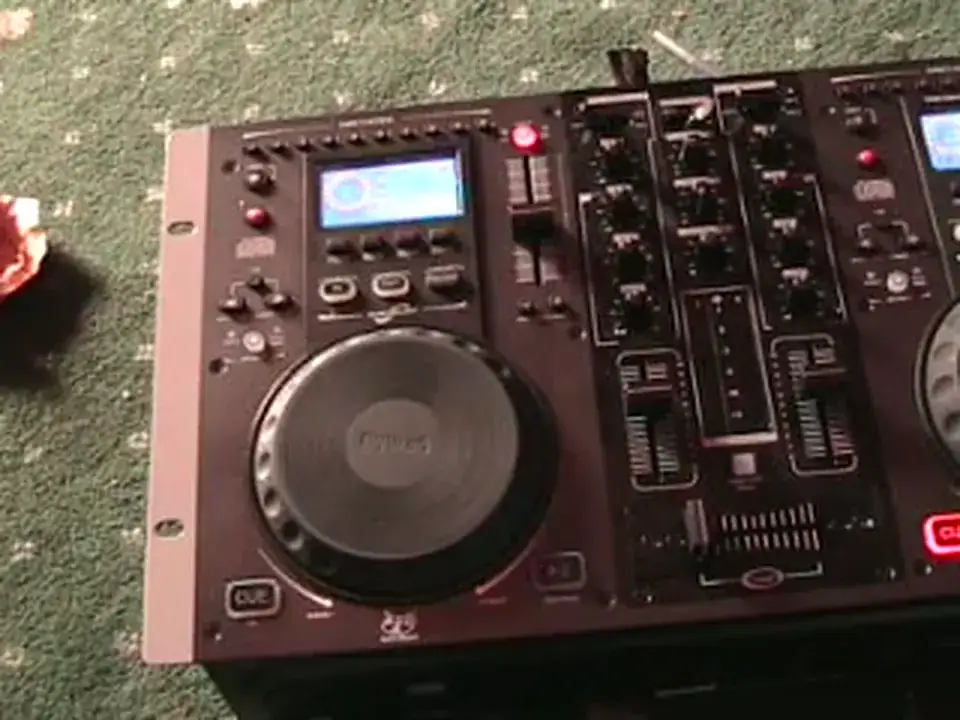
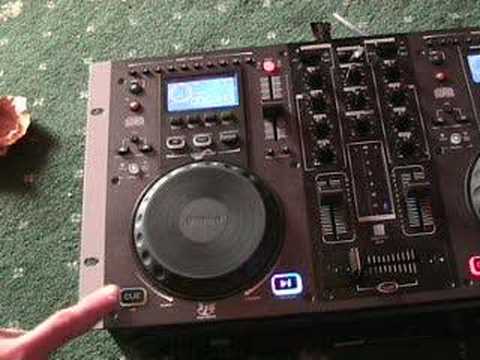
Alright folks, another demonstration stroke tutorial for you on this guy here. It's from a company called Gemini. It's known as the CDM3600. In this video I'm going to show you how to cue up a track exactly at the beginning of the track. Now the reason I'm doing this is because sometimes what you find is you'll actually press play and there will be a very, very tiny small delay before the actual track comes in. Now first of all, I'll just give you a demonstration. Very quickly as well, look to the side of the video in the description for the actual track names. Now what I'm about to do on this side, you would normally do with the volume down on this side and you would do this with your headphones on. So theoretically let's say we have a track playing on the right hand side, you'd have the crossfade over to the right, the volume up on the right hand side, and you'd have the volume down on the left hand side. But like I said, just for demonstration purposes, we've got the volume up...
Crossfade over so you can actually hear what I'm doing. Right, let's press play again. Here we go. Right, watch what I do now. Press play. Right, the track has actually started and I've pressed play pause again. Now that's flashing. Now listen to what we can hear when I move the jog wheel anti-clockwise. Forwards. Anti-clockwise. Now that's the beginning of the track. What I'm going to do, I'm now... Going to press play pause again. Now I'm going to press cue. Now let's have a listen when I press play pause again. I've now got that track exactly at the beginning, so I'll start again and I'll show you again what I did. Alright, first of all we're right at the beginning of the track. Let's press play pause again. Now the track has started and I've paused it maybe half a second into the track. Move the jog wheel anti-clockwise.
2:16 Cue it again and press play, pause again
Press play, pause. Cue it again and press play, pause again. So now what I can do is if we press play on this track here, let's have a listen. Now if I want to edit this track in, I can do it like this. There you go, a bit of an insight for you on how to get a track right at the beginning and in this video we're looking at the Gemini CDM 3600. Practice and enjoy.
This transcript was produced automatically from the audio of the video and may contain mistakes.
This video is part of
Related videos
-
Complete Beginner DJ Lessons Tags Key BPM Etc
A more advanced lesson folded in early, and worth doing once rather than putting off, because everything it sets up gets used for years…
-
Complete Beginner DJ Mixing Lessons Video 19 Getting Your Kit Ready for an Easy Mix
A whole lesson on getting ready, which is the right call - the exercise in the next video only teaches anything if the two decks are…











