 1:51
How Tyo Make Your Pioneer DJ XDJ-XZ into a Five Channel Mixer
Contents of the video
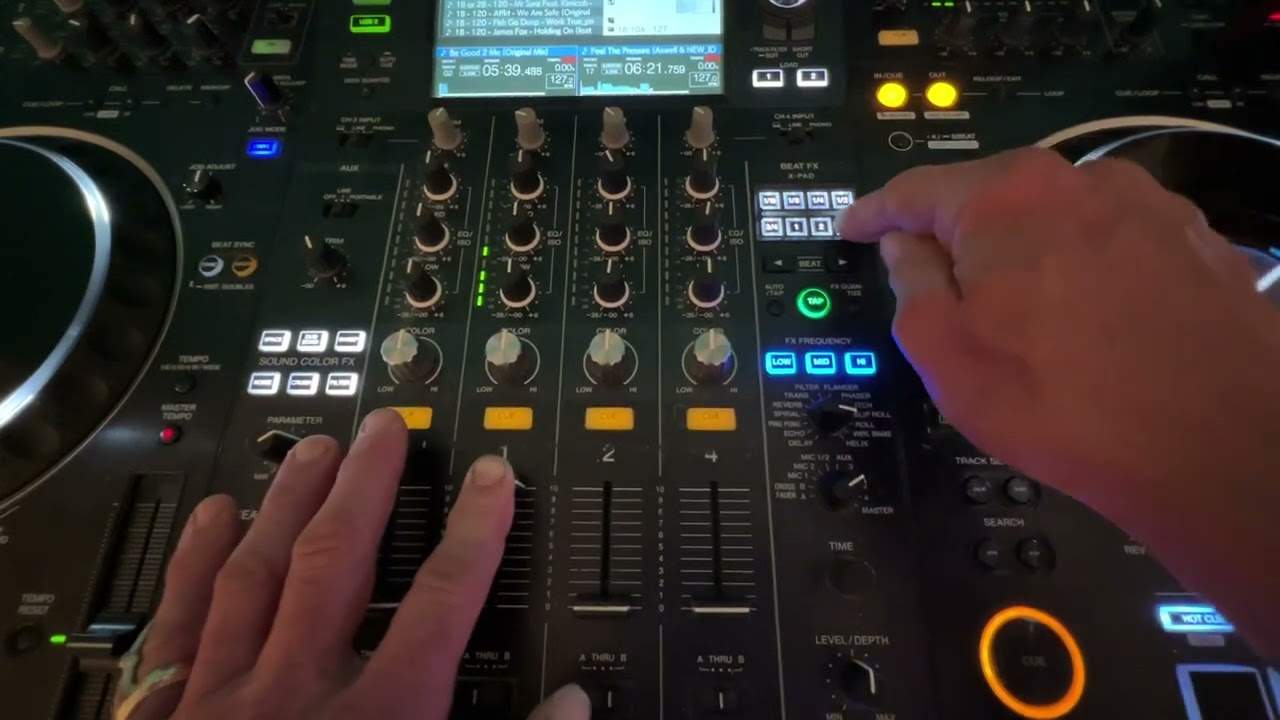
Right, ladies and gentlemen, first off, I'm not using rekordbox, I'm using General Files. Secondly, this is just a demonstration. And thirdly, this is a five-channel mixer. One, two, three, four. Let me show you where the other channel is. Okay, we've got an auxiliary here. Now, if you're the sort of person who just likes to absolutely go mad and wacky, what I want to do, I'm going to demonstrate what you can do, but then, of course, it's up to you to take it to the next level and make it your own. So, all I'm going to do, I'm going to turn my effects dial to channel one. I'm going to play a beat.
Tap in time to three. Three, four, one, two, three, four. I'm going to press four because I want one bar. Start, two, three, four, one, two, three, four. Flick over to auxiliary. Stop that. There you go.
Nothing on there at all. No LEDs, nothing at all. Nothing's moving here. You can see nothing. Absolutely nothing at all. I have now tracked the sound of my music. I've transferred that bar, three, four, one, two, three, four, over to the auxiliary channel. The only way of stopping that, the trim won't even work, is to stop the effect. There you go. All right? Now this is a demonstration. All right? That's all I'm showing you. You take it to the next level. Practice and enjoy. Thank you.
This transcript was produced automatically from the audio of the video and may contain mistakes.











