 5:39
Intermediate DJ Demonstration on Making Some Cool Sounds Using the Wide Featuer Beat and Colour FX
Contents of the video
0:01 A bit of an intermediate DJ demonstration here
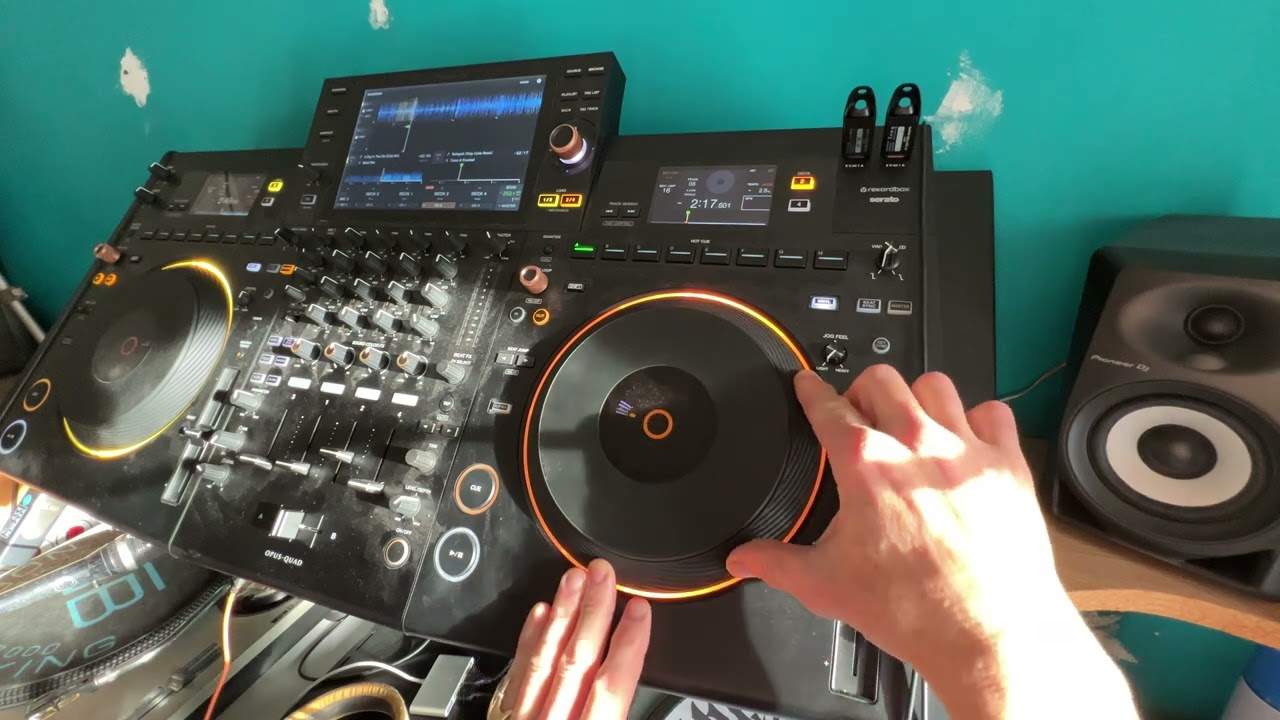
Right, ladies and gentlemen, a bit of an intermediate DJ demonstration here. So this isn't really a lesson. It's just a demonstration for getting some kind of wicked effect. Now on the left hand side, Black Riot, A Day in the Life. I've looped part of the break so we don't get any copyright issues. That's it. That's how we're rolling. All right, really what we're looking at is the right hand side. Now again, if you've got the likes of a controller like the XZ, the RX, the RR or maybe some of the other controllers, I'm sure Denon do this as well, you should have a bunch of color effects and beat effects. Very quickly, what is the difference? Well, the color effects add, when I say a color, they'll add an effect to the track that isn't necessarily
In beat. You're the one who has to use the effect to make it in beat. So for example, if I go to say sweep, you know, if I just do that, it's going to sound weird. But trying to keep in beat, filter.
1:30 Of course, you get the general idea
Okay, of course, you get the general idea. Whereas the beat effects, which are here on the right hand side, they're actually or they can be put in beat with the track. And again, if you're using Rekordbox, the correct software, then of course, and of course, you've got Quantize, it should automatically be in beat anyway. Alternatively, you can use the tap button to get it in beat. So what I've done here on the right hand side is I've got the wide feature. So we can hear a bit of a noise going on there. Let's disengage. The echo. Okay, so what I've done there is I just got a quick loop, just a tiny part of the track. Let's go to the out, press the out. Okay, let's get that sound. Let's disengage master tempo. Now straight away,
What you can do is if you get the correct tone, the correct sound, you can pretty much almost it's a bit like playing a keyboard. So you could add that to the other. Track. Let's engage the beat effects. So if we have a listen now that now you'll notice as well, I've queued it up. So when I press the Q button, we just get that sound for as long as I've got my finger on the Q button. Okay, let's just try a bit of sweep with that as well. So listen,
Do filter. Okay, again, this is really kind of a demonstration, you can always enhance on this using the dub. Echo also the sweep and the filter engaged an echo as well. Over that, the main thing here to remember is it's all about what you do on the right hand side. Now again, very quickly, I've gone to the wide feature as well. I've disengaged master tempo, which means that the key of the track will change as I move the pitch up and down so we can have a listen there.
All right, let me know what you think in a comment. Thank you for watching. Practice and enjoy.
This transcript was produced automatically from the audio of the video and may contain mistakes.










