 2:06
Intermediate DJ Tutorial on Chopping in to a New Tune BY Using the Cross Fade DJ Tutor Style
Contents of the video
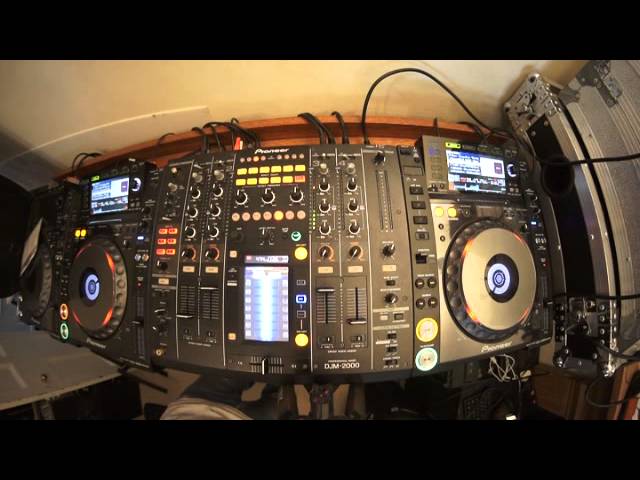
Alright guys, another demonstration, mainly a tutorial here on a couple of tracks from CDPool. In this video we're using the Urban releases for June 2014. This video is for intermediate DJs. What we're going to do, we're going to use the crossfader on two tracks. If you want any info on the tracks, check out the link in the description. It'll take you to cdpool.com. This one here is by The Jackal, a track entitled Feel. It's the original mix. Over here on my left we have Martin Carr, a track entitled Getaway. What we're going to do is use the crossfade to chop from one track to the other. So we're going to tease the crowd by having the crossfade on the one track that's playing in the center so we have the two tracks and bring the crossfade over to the other track that we're going to mix in but then put the crossfade back into the center.
And back over to the original track. Carry on doing that until we've finished our transition, a bit of a spin back and then we go in with the track that we want to finish off with which is the Martin Carr. So crossfade over there. I'm not using any headphones. Hopefully we'll get this working perfectly. Fingers! And again, any info on the CDPool tracks, Urban releases, check them out in the description. Here we go. 2, 3, 4. So that's pretty much it. Watch the moves down there. Watch it again if you want to but Instagram. It's a great way of a slick transition. Practice and enjoy. Thank you.
This transcript was produced automatically from the audio of the video and may contain mistakes.











