 1:48
Mapping the Pioneer XDJ RX with Virtual DJ 8
Contents of the video
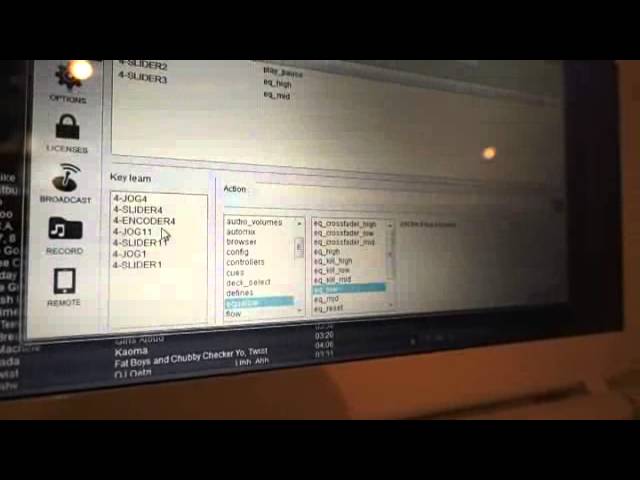
Alright guys, we've got Rob Griffiths here. We're looking at the Pioneer RX and he's mapping it with VirtualDJ. So what have you just mapped, Rob? We're mapping the tone controls, the EQs on the mixer section. Obviously, again, make sure it's in MIDI mode, the mixer, not in the hardware mode. Make sure it's white on the screen and then you know you're in MIDI mode. Okay, so we've assigned the high EQ and the midi cue on the left channel. Yeah, okay, and the play and pause button. What we're going to do just to run you through very quickly how we did those, the first thing we need to do is move the button that we want to program. So we're moving that and you can see at the bottom the program is seeing that we're playing around here and the buttons,
The top three there, you've got jog 4, slider 4, encoder 4. What we want to do is select slider 4, so you've got a continuing You know, you've got a variable setting not just an on-off switch. Okay? We selected that now. We need to go down here then these are the actions that you can get. We're on equalizer and we're doing EQ low. Okay, mm-hmm. So it's EQ low on slider 4 enter And that's done. So if we go back to the program now, we can move the button
Move the slider control. Yeah, sorry So move that now and carry on moving and we're moving that and it's working fine So we're actually using the mixer the hardware now to control the software. Fantastic. Thank you very much practice and enjoy
This transcript was produced automatically from the audio of the video and may contain mistakes.











