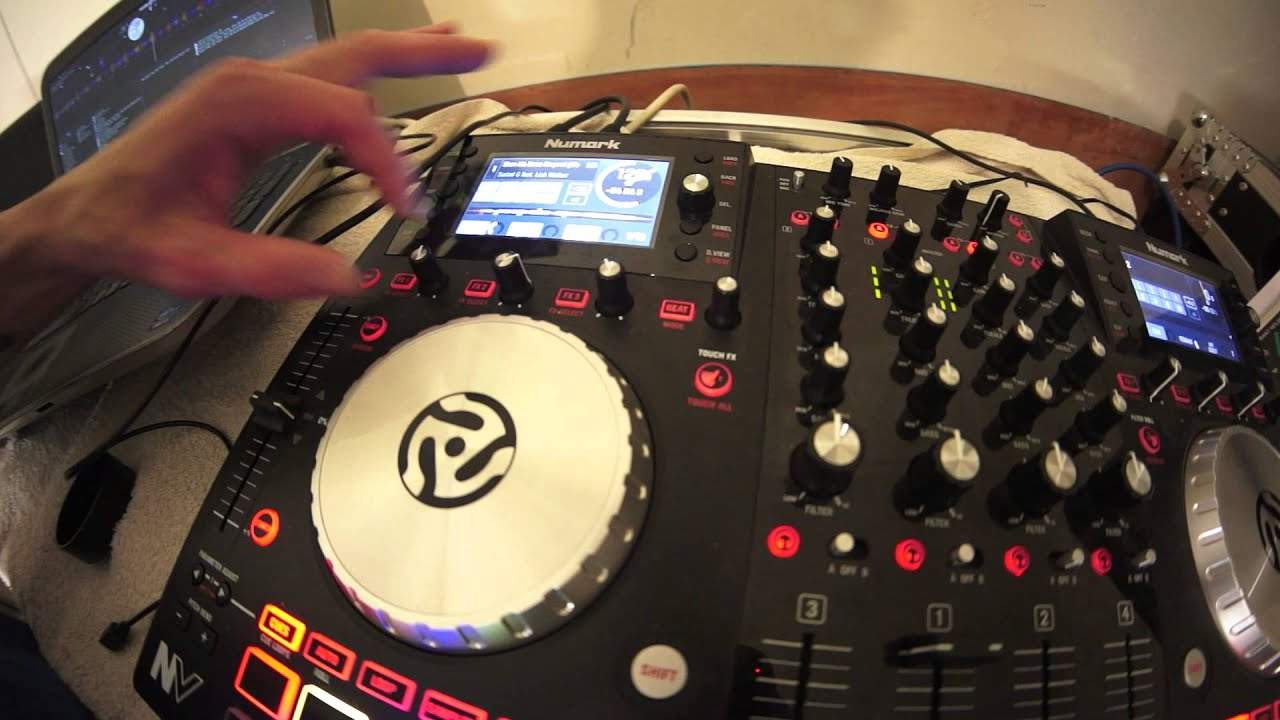
 4:05
Three effects at once, on a touch strip
On YouTube this video is called Numark NV Using the Touch FX Effects for Some Wicked Tricks
What this lesson teaches
A short, cheerful one, with a useful convention buried in it.
Seven o'clock means off
His aside, and it is the transferable part: on pretty much every controller and mixer in the world, an effect dial's off position is seven o'clock - fully anti-clockwise.
So the shape of an effect control is almost always the same: anti-clockwise is nothing, and turning clockwise increases whatever the parameter is. On the break effect he demonstrates, seven o'clock stops the track almost instantly and twelve or three o'clock stretches that stop out over a longer time.
Knowing that lets you walk up to unfamiliar equipment and read the panel without touching it.
Touch effects
The feature. You set up the effects you want in advance - here break at twelve o'clock, delay around ten, reverb at twelve - with the effect buttons disengaged so the dials can be moved without producing anything.
Then you press the touch-effects button, and the effects trigger when you touch the top of a dial. No pressing, no turning: contact is the trigger.
His verdict - that is so much fun - is accurate, and the reason is the latency. Reaching for a button and pressing it is a deliberate act with a delay in it. Touching a surface is immediate, so you can play effects rhythmically in a way that buttons do not really allow.
The method worth copying
Note the order he works in, because it generalises to every effects section on every piece of equipment:
1. Disengage the effect so the dial is inert. 2. Set the parameter where you want it, with no sound happening. 3. Engage it at the moment you want it.
Setting parameters while an effect is live means the room hears you searching. Setting them first means the room hears only the result.
That is the difference between effects that sound composed and effects that sound like somebody fiddling - and it costs nothing but the habit.
Contents of the video
0:00 Touch effects feature on the Newmark
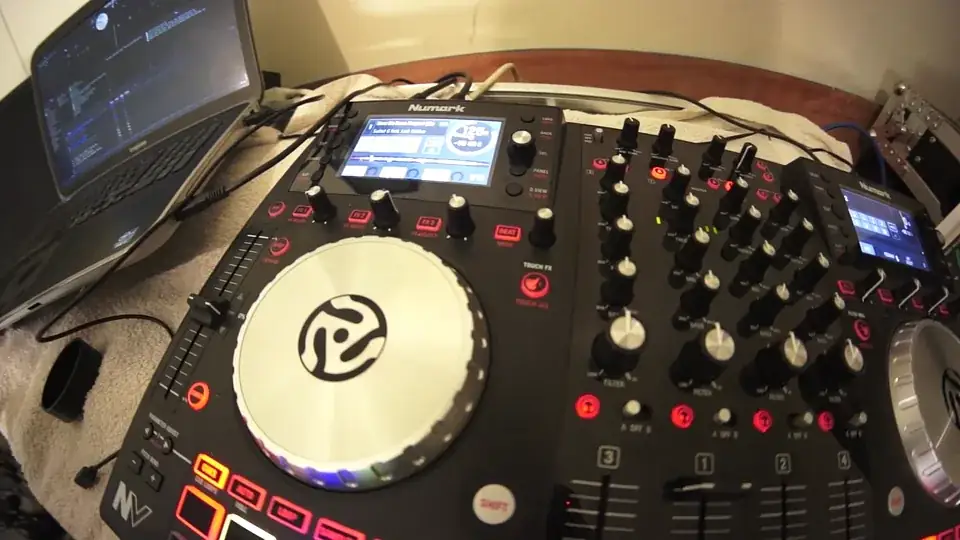
Right ladies and gentlemen, we're rocking the Newmark NV. The track I'm using is entitled Show Me Some Respect, the club mix by Sudad G featuring Leah Walker from the Karmic Power Stables. I'll put a link in the description. Right, in this video what we're going to do is look at the touch effects feature on the Newmark NV. Now you can have one hell of an amount of fun with this. First of all, let's not use the touch effect and we can see that there. Touch effects, press it once, press it twice, press it a third time, off it goes. Okay, for this demonstration we're just going to use the effects. The effects that are at the moment connected to the software on the screen, Serato DJ. Okay, so effect one, we've got break. Press that, of course as you can see I'm having to, for the partially sighted as well, I'm pressing the button next to the dial above the dial on the screen, we've engaged the break effect, so turn that to the off position, we've engaged the break effect.
1:15 The more we turn that, the longer the break will take to stop
The effect on pretty much every single type of controller, mixer around the world is at the seven o'clock position. Now the more we turn that, the longer the break will take to stop. So you can hear at the seven o'clock position it's pretty much instantaneously stopping. Twelve o'clock and three o'clock like so.
2:42 Same with delay, also same with break
I've set the delay on. I've set that to the next dial along, next to the break. Okay, turn that off by pressing the effects two onto effects three, now we're on reverb. Okay, what I'm going to do now is I've now pressed the effects three so now that button isn't highlighted which means that I can pretty much turn that dial wherever I want and I won't get the effect. Same with delay, also same with break. What I'm going to do now though, is I'm going to turn the break to twelve o'clock. We'll turn the delay to about ten-ish and then, hold on, let me just put the computer back on, it's decided to do silly things. And I'm going to put the reverb to twelve o'clock. Now I'm going to press the touch effects button, now have a listen.
That is so much fun! So you don't have to turn the dials, you don't have to press any buttons. All you've got to do is press touch the top of the dial and you will get that effect. Note touch effects on the Newmark MV Check out the link in the description it'll take you to Karmake Power Records and also to the Newmark website where you can get more info on the MV Practice and enjoy, thank you very much.
This transcript was produced automatically from the audio of the video and may contain mistakes.










