 1:18
PACEMAKER. Tutorial,setting the gain/ vol
Contents of the video
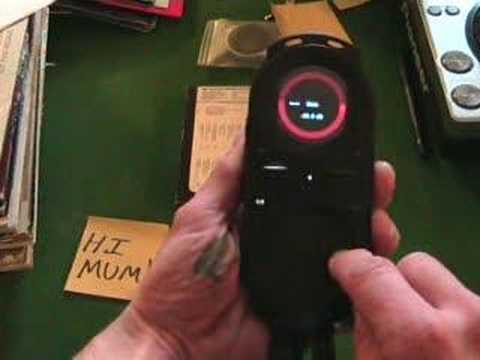
Alright folks, another general video for you showing you how to use this guy here. It's known as the pacemaker. In this video I'm going to show you how to adjust and set the gain. The gain is also known as the volume control. So with your finger in the centre of the bottom circle, move your finger to the left. Now you can see at the top there, you can see a red circle with gain in the middle. If you move your finger around the outside of the bottom circle in a clockwise motion, you will increase the gain or the volume. If you then keep your finger on the side of the outside circle, the bottom circle, and move it in an anti-clockwise motion, you'll decrease the gain. At any point if you take your finger off, the volume, the gain will stay at that volume. To get the gain higher or lower, finger in the centre, move across, and then clockwise to increase, anti-clockwise to decrease. And basically to get it back
To its original setting, you'll see an area that's slightly brighter than the rest of the circle. Follow that dot till the circle becomes the original colour and also you can see 0.0 dB which is the original setting. There you go. Practice and enjoy.
This transcript was produced automatically from the audio of the video and may contain mistakes.
Related videos
-
Complete Beginner DJ Lessons Tags Key BPM Etc
A more advanced lesson folded in early, and worth doing once rather than putting off, because everything it sets up gets used for years…
-
Complete Beginner DJ Mixing Lessons Video 19 Getting Your Kit Ready for an Easy Mix
A whole lesson on getting ready, which is the right call - the exercise in the next video only teaches anything if the two decks are…











