 1:08
PACEMAKER. Tutorial,setting the treble
Contents of the video
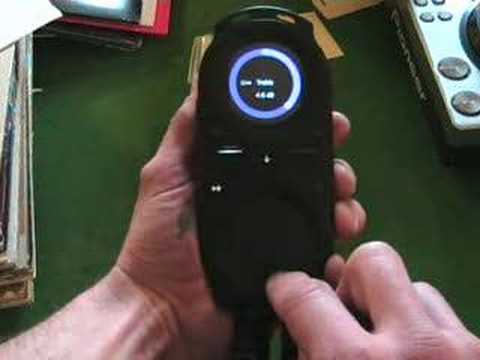
Alright folks, another general video for you showing you how to use this guy here, it's known as the pacemaker. In this video I'm going to show you how to set and adjust the treble frequency with your finger in the centre of the bottom circle, move your finger up to the 12 o'clock position and then with your finger still on the actual bottom circle, on the side of the circle, if you move your finger in a clockwise motion you'll increase the treble. Anti-clockwise you'll decrease it. At any point when you want that particular If you want that sound to be set, just take your finger off and it will stay at that particular sound. If you want to reset the treble back to its original position or set it to a different sound, then finger in the centre again up to 12 o'clock and then you'll see an area that's slightly brighter than the rest of the circle. What you need to do then is follow that dot through till the circle becomes one original colour. Take your finger off.
There you go, back to its original setting. Practice and enjoy.
This transcript was produced automatically from the audio of the video and may contain mistakes.











