 2:35
PACEMAKER Vinyl Pause feature, Scratch it!
Contents of the video
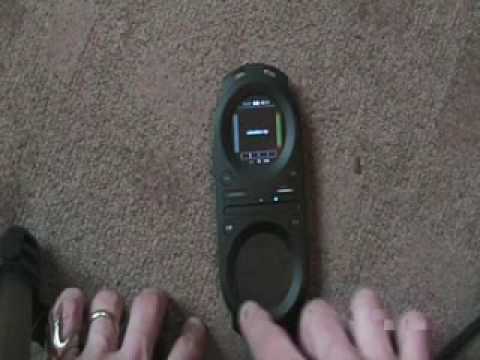
Alright folks, a bit of a demo stroke video tutorial on this guy here. It's from a company called Tonem and it's known as the Pacemaker. Now this guy here is a handheld complete DJ console. You have two CD players and a mixer. In this video I'm going to show you how to use and how to get the vinyl mode to the extent of you can scratch and move the music by using the bottom pad down here. Top pad is basically there so you can see what you're doing. The bottom pad here is where you will move the music. That guy there is touch sensitive. So first of all, I've got a track ready and I'm going to press the play pause button. I'm going to press play pause again. Now by moving my finger around the outside of the bottom pad, I can now manipulate and move the music.
By moving my finger around clockwise, I'm moving forward. I can move forward through the music, anti-clockwise backwards. This is the equivalent of having your finger on a vinyl turntable and moving the piece of vinyl with your fingers as opposed to the mechanics of the vinyl turntable. Moving the piece of vinyl for you. At any time, if I want the track or the music to start off as it was earlier, I can press play, pause again. OK, how do we get there? At the top of the unit, we have two buttons. I need to hit the button on the left-hand side and we get to this screen. By moving my finger on the bottom pad up to...
Vinyl pause. I want to make sure that I've got final pause on. I can do that as soon as I get to vinyl pause here, you can see it's off. If I go from the centre of the pad across, it's on. Centre of the pad there across again, it's off. Practice and enjoy.
This transcript was produced automatically from the audio of the video and may contain mistakes.










