 1:00
Using the USB on a club player
On YouTube this video is called Pioneer CDJ-900. Using the USB
What this lesson teaches
A minute long and almost identical to the lesson before it, which is itself the lesson.
The sequence
Thumb drive into the slot - here, top left rather than top right.
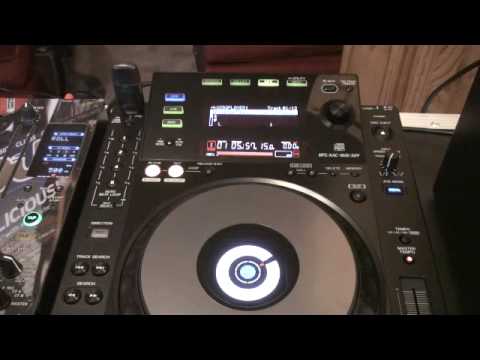
The screen reads LINK USB DISK. Make sure you are on USB folders rather than the CD source, press down, and navigate with the small jog dial: up and down through the folders and then the tracks.
Select a track, press down, and it loads. Back out at any time to look at the others.
To remove: press USB STOP, then take it out.
Why it is worth having both lessons
Because the operation is the same on every player that takes a drive, and only the layout changes.
Select the source. Navigate with the dial. Press down to load. Stop the drive before removing it.
That is four steps, and knowing them means you can walk up to a player you have never seen and work out its USB handling in under a minute: find the source button, find the dial, find the stop. The words on the buttons vary; the order does not.
Which is a general principle for arriving at a gig. You are not learning each machine - you are learning the pattern, and then locating the pattern on whatever is in the booth.
The one difference worth noticing
The slot is on the other side of the top panel from the previous player.
Trivial, except when you are reaching for it in the dark with a record playing. Find it in the light, before anyone arrives - which is what the arrival checklist in stage 1 is for.
Contents of the video
Right guys, we're looking at the Pioneer CDJ-900. Bit of a thumb drive there. I'm going to put that top left hand corner like so. We can see at the moment we've got link USB disk. Just make sure you're on USB folders. So what I'm going to do is I've only got one folder at the moment. I'm going to press down and now using this small little jog wheel we can go up and down through the particular tracks on here. Click this one here, Enzyme Black 90s Yo Hands Up. Press down and we're good to go. Anytime I want to, I can go back and have a look at the other tracks. Okay, let's pause that. If I want to take the USB out now, what I need to do is just press this button here, USB stop, and I can take that out. There you go. Practice and enjoy.
This transcript was produced automatically from the audio of the video and may contain mistakes.











