 3:59
Pioneer DDJ--RB and rekordbox for the New Beginner DJ Loading a Track
Contents of the video
0:00 You've got in front of you Pioneer's at the moment entry level control
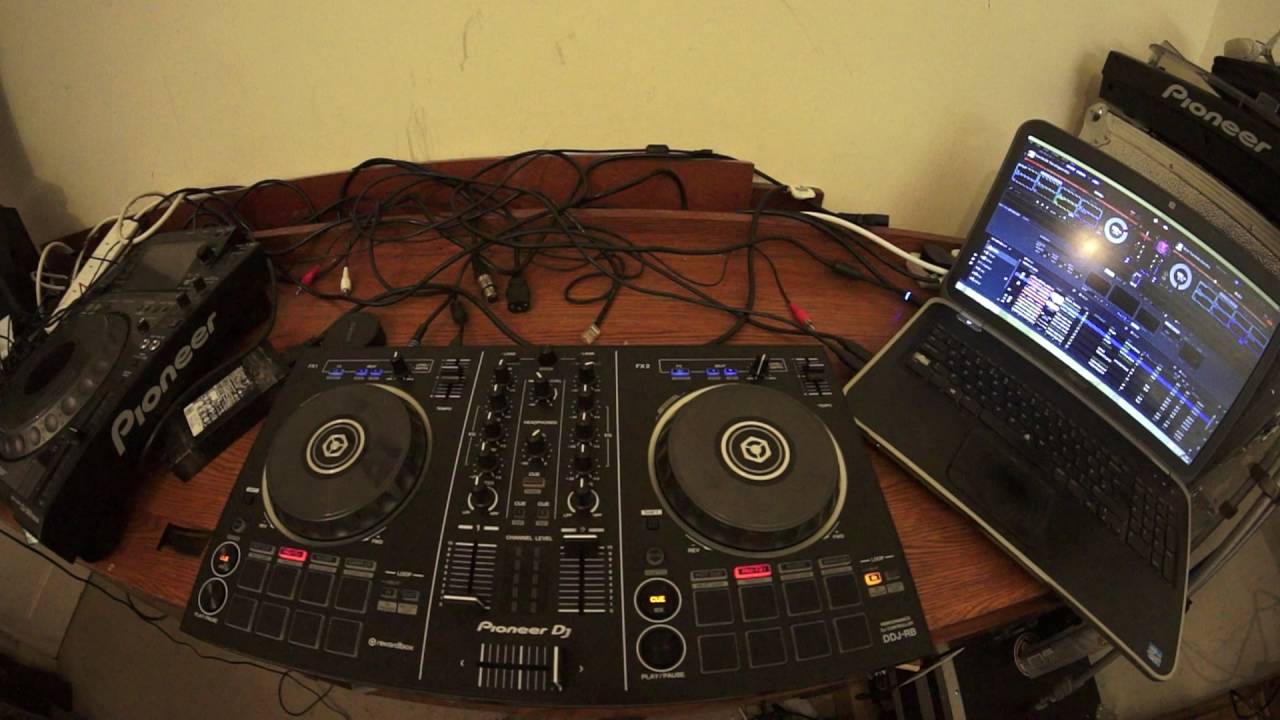
Alright guys, you've got in front of you Pioneer's at the moment entry level controller. It's September 2016. This is the DDJ-RB. Now this video is exclusive for Getting A Mix from Colchester, United Kingdom. If you want any more information on the RB and any other products related to DJs then check out Getting A Mix. The link will be in the description. Now then, the RB. Okay, so what is it? It's a controller, it's entry level, it's suitable for pretty much any application. I wouldn't really expect to see something like this in a super club in Ibiza but you know you could take it on the road, you could quite happily get away with doing a mobile function. Great for bedroom DJs especially someone who wants to take the plunge into becoming a DJ but does not want to have the expense. This like I said is their entry level controller.
So at the moment what we're going to do is, in this video, we're going to look at loading a track and more importantly, maybe the track hasn't loaded to the exact start. Now I'm using a track from Karmic Power Records here. I'm going to press the cue. Now did you notice there, when I pressed cue, the track didn't start straight away. I'm going to press play as well.
1:23 Press cue so it cues up to the beginning of the file again
Now listen, from the point or the time I press play to the time the track starts there is a bit of a delay of a second or so. Have a listen. Press cue so it cues up to the beginning of the file again. Press play. Now we want to get rid of that gap. What you want ideally is as soon as you press play or cue the track starts. Straight away. So what I'm going to do, I'm now gonna put my finger on the platter, the top of the platter, move it forward. Now I've found the beginning of that track. What I'm going to do now is press play and now press cue. Now we have cued up the beginning of that track. It may not be perfect. If it's not perfect then we can change that. There. I'm gonna just... Get it at that point there. I'm going to press play, pause again and cue. What that's done is that has let the software know where I want to start the track. I've cued it up at the beginning of the track. Now let's press cue or play, pause and the track starts. The difference between pressing cue and play, pause is if I press cue
The track of course will play, but it will only play for as long as I've got my finger on the cue button. Have a listen. Fingers still on there, it's still on there, take my finger off, stopped. Press cue again. Fingers still on there, still on there, take my finger off at any time during the track. I can even leave my finger on there all the way to the end of the track which would be pretty boring and the track would play till the end. But, take my finger off, it stops. But of course we don't want that to happen. We don't want to keep our fingers on the cue all the time. We want to twist and play with other knobbly bits. So, all you do is you press the play pause once, take your finger off, bang, away it goes, and the track will carry on playing. Okay, so a brief insight here into how to get a track ready and make sure that you have the track starting at the first kick.
I hope that's been a help. Check out the link in the description to get in the mix and I'll finish off with practice and enjoy. Thank you very much.
This transcript was produced automatically from the audio of the video and may contain mistakes.
Related videos
-
Complete Beginner DJ Lessons Tags Key BPM Etc
A more advanced lesson folded in early, and worth doing once rather than putting off, because everything it sets up gets used for years…
-
Complete Beginner DJ Mixing Lessons Video 19 Getting Your Kit Ready for an Easy Mix
A whole lesson on getting ready, which is the right call - the exercise in the next video only teaches anything if the two decks are…











