 4:10
Pioneer DDJ-RB Firmware Update Procedure
Contents of the video
0:00 It's their entry level controller
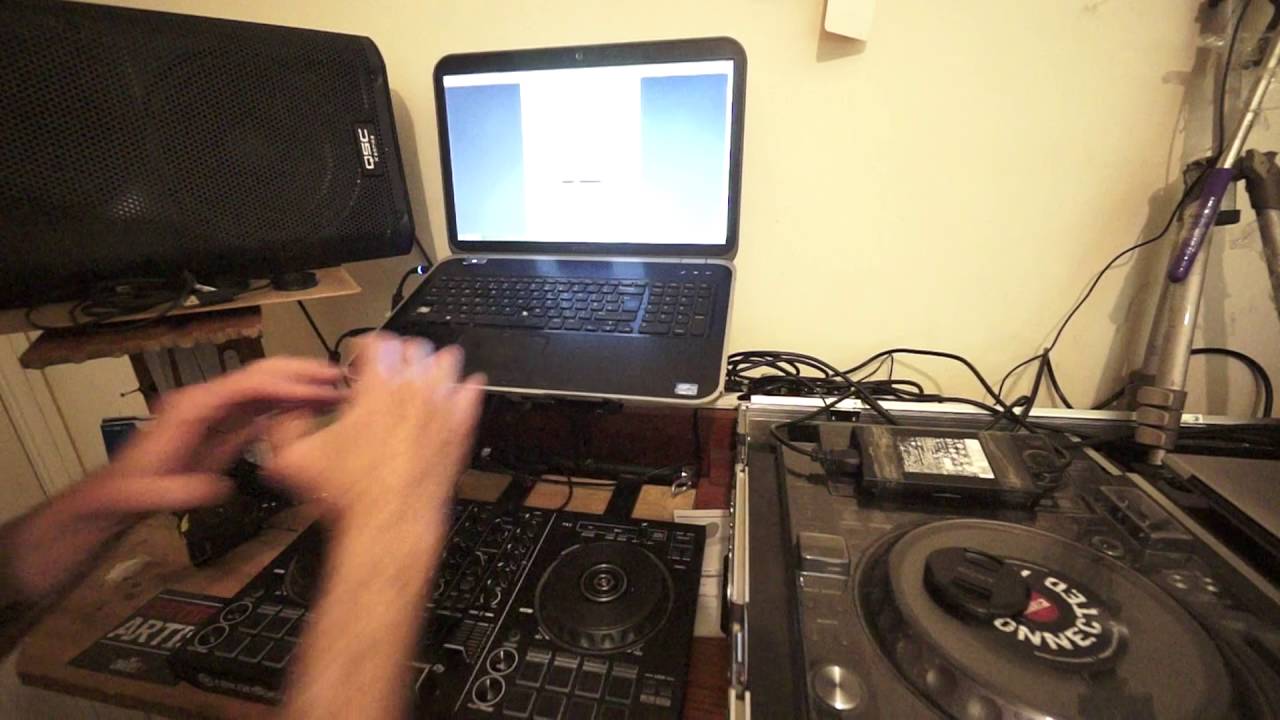
Alright guys, hopefully a very simple and quick video showing you how to update the firmware on the Pioneer DDJ-RB. It's their entry level controller. Okay so first of all I'll put a link in the description that will take you to the firmware update page on the pioneerdj.com website. What you need to do is download the latest The page will have the firmware for Windows and Mac. Once you've got that, then I've already updated the firmware on my RB. Alright, so what you need to do is you need to press shift and sync at the same time. Now while you have those pressed, what you do is you plug in your USB cable to the back of the RB.
2:52 File that you've downloaded, open
Now what should happen then is the master button here and this, the master is in between the cue and the panel icons. That should start to flash. Okay so the RB then is ready to get the information, the new information of course the new firmware update. So what should happen of course is that the firmware you've updated or the firmware you've downloaded should be in the download section of your Click on the folder or the file and I have here DDJ-RBV102 which is the latest firmware. Of course this could change, I'm sure it will over time. Now what will happen then? You just have to follow certain procedure so I will go to the manual here.
Now again you can get the manual On the Pioneer website, exactly the same page as where you can get the firmware from. Okay, so you connect the USB cable, as I said while you're doing that, press the shift and the sync buttons simultaneously. The master cue will flash and then of course you follow through the instructions here. For example, language settings will, I've got English here.
You start the update and once you start that, you should see a small icon here with an update procedure. It's just going through a percentage until it gets to 100% and then the update of your version of the RB firmware is now complete. So all you need to do then is click OK. And that is pretty much it. Very, very simple and straightforward. So in a nutshell, download the firmware from the Pioneer DJ website. What you need to do then is you need to press shift and sync on your RB. While your fingers are pressed on those two buttons, you plug in the USB cable. The master button will flash. The RB is ready to have the latest firmware update. Go to the file that you've downloaded, open it up, make sure it's running.
Then you will have all the information, the update program icons come on the laptop. Follow the instructions on those and you will then have the amount of percentage it'll run through from zero up to 100%. Once it gets to 100% you will have OK. Click on the OK. And that is pretty much it. Try to make sure as well that you've got nothing else going on in the background, Skype or anything like that because it could slow the procedure down. I hope that's been a help. There will be a link in the description to the Pioneer DJ website. Practice and enjoy. Thank you.
This transcript was produced automatically from the audio of the video and may contain mistakes.











