 1:25
Pioneer DJ Opus Quad How to Safely Eject a USB Stick Thumb Drive
Contents of the video
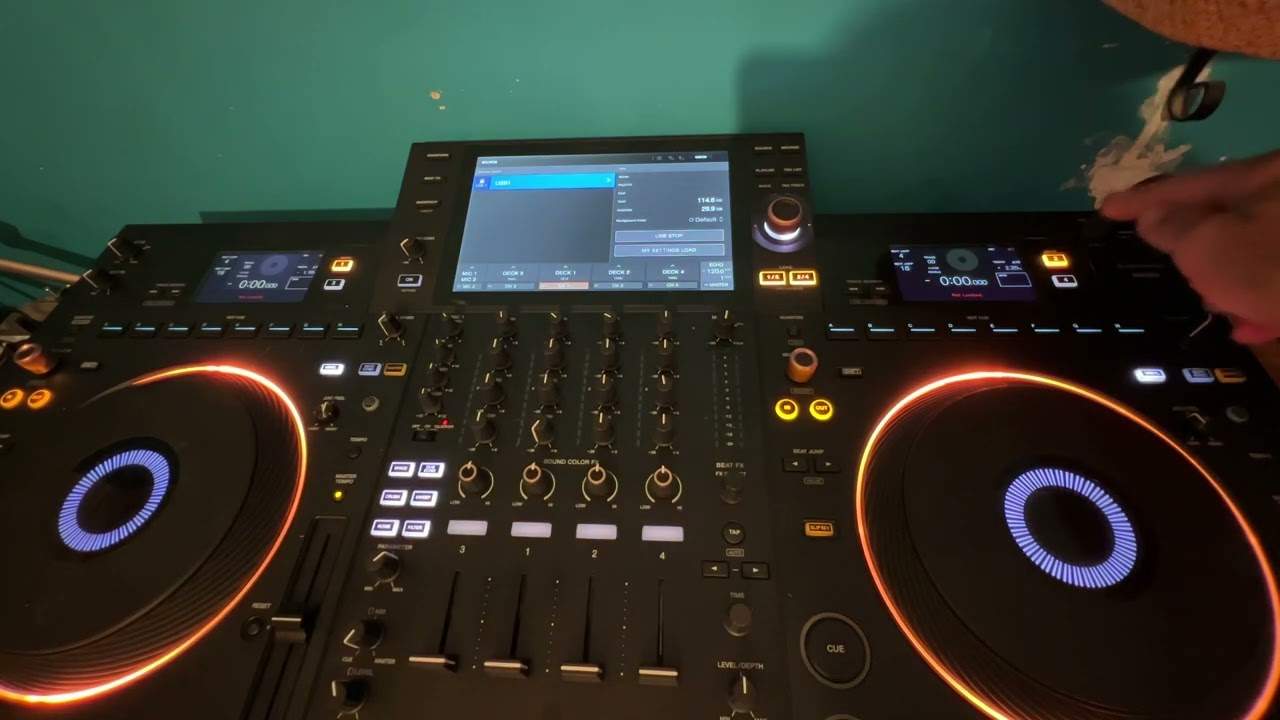
Right, ladies and gentlemen, one of many videos on the Pioneer DJ Opus Quad. In this video, I'm going to show you how to eject a USB, also known as a thumb drive. Now, you'll notice this thing here. I have talked about these in the past many times before. If you use one of these extensions, it will indeed, let me get the right way in, prolong the life of the actual input there very quickly. I don't really want to talk much. I want to go straight to the point. But, of course, when you're using a thumb drive and you're putting it in and out of the socket many times over the course of the life of the piece of kit that you've got, it's going to wear away that socket. On the other hand, if you have one of these, you leave that in and then you use this.
Of course, over time, this will wear out the extension, but not the socket. OK. So, we've plugged the USB in. We can see now that the USB is highlighted. Very simply, to eject, we can press here, USB stop, and press OK. That's it. It's as simple as that. Short video, straight to the point. This is the Pioneer DJ Opus Quad. Thank you for watching. Practice and enjoy.
This transcript was produced automatically from the audio of the video and may contain mistakes.











