 2:32
Pioneer DJ Opus Quad How to Set the Touch Release Feature
Contents of the video
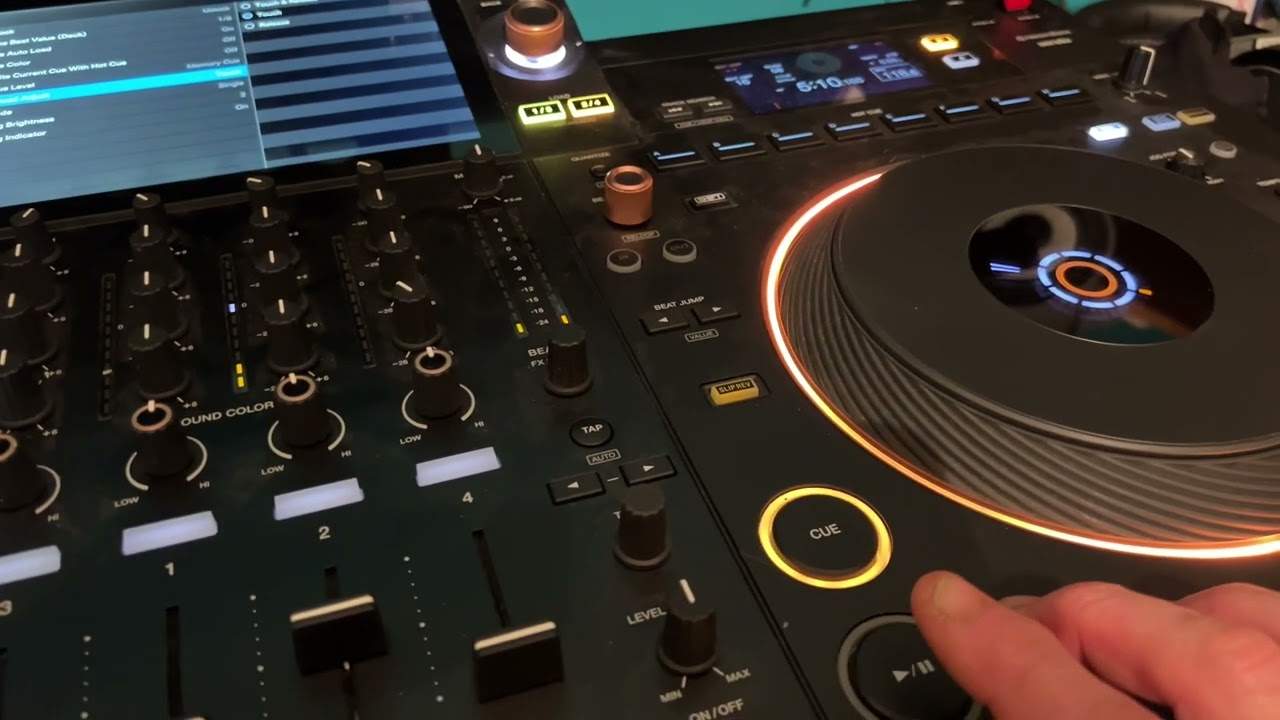
Alright guys, another short video on the Pioneer DJ Opus Quad. In this one we're looking at the Vinyl Speed Adjust. In other words, we can set the turntable itself to start straight away and stop slowly, or start slowly, stop straight away, or start slowly and finish slowly. Now of course that's depending on where you have your dial. So if I move that dial all the way to as far as it can go, which is the 5 o'clock position, what I'll do now is press shortcut, the small cog top right hand corner, go to Vinyl Speed Adjust and you can see there we're on touch. So this is what happens when you're on touch. Press play. There. And again start it. Start straight away. Takes a bit of time to slow down. Okay, let's go to release.
Now let's have a listen. Stop. So basically touch, it will start straight away and stop slowly. Release, it will start slowly and stop straight away. Touch and release does that. Exactly the same, but starts slowly and stops slowly. So once you've set that, you can then determine how much you want almost like the attack and the release by turning the dial. So if we turn that now to the 7 o'clock position, start to turn the dial. Hope that's a help. Thanks for watching. Practice and enjoy.
This transcript was produced automatically from the audio of the video and may contain mistakes.











