 2:14
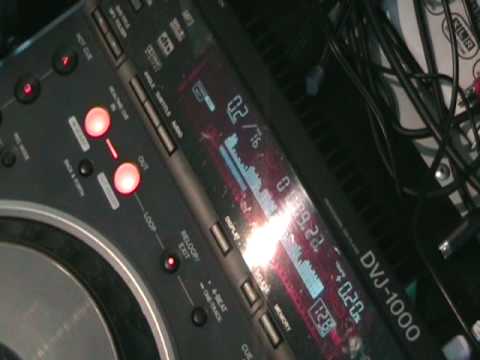
Pioneer DVJ-1000. Back & Forth feature. Loop
Contents of the video
Alright folks, in this video I'm going to show you a feature known as back and forth. This guy here is the DVJ-1000. Look in the description and you'll see the name of the tune. Let's play the music. What I'm going to do is I'm going to press this button here, 4 beat 1 track on the count of 1 in a bar. 1 2 3 4 1 2 3 4 1 2 3 4 1 2 3 4 1 2 3 4 I've now got a one-bar loop. One, two, three, four. One, two, three, four. Now, during that loop, if I press back and forth, I'll have the one bar moving forward. One, two, three, four. And then it can go backwards. Two, three, four. One, two, three, four. Three, four. Three, four. Two, three, four. One, two, three, four. One, two, three, four. To get out of the back and forth, all we need to do is hit the button again. Three, four. One, two, three, four. One, two, three, four. To get out of the loop, press loop exit. Now what we can do, we can have an extra long loop and we can also use the back and forth feature on that as follows. One, two, three,
I press back and forth during the course of that loop. When it reaches the end of the loop I made, it will reverse that loop, go back to the beginning and continue doing that until you press back and forth again. To get out of that entire loop, press re-loop exit. Practice and enjoy.
This transcript was produced automatically from the audio of the video and may contain mistakes.










