 2:46
Pioneer Wedj App Setting the Effect Dial Back to the bass or Low on the DDJ-WeGO4
Contents of the video
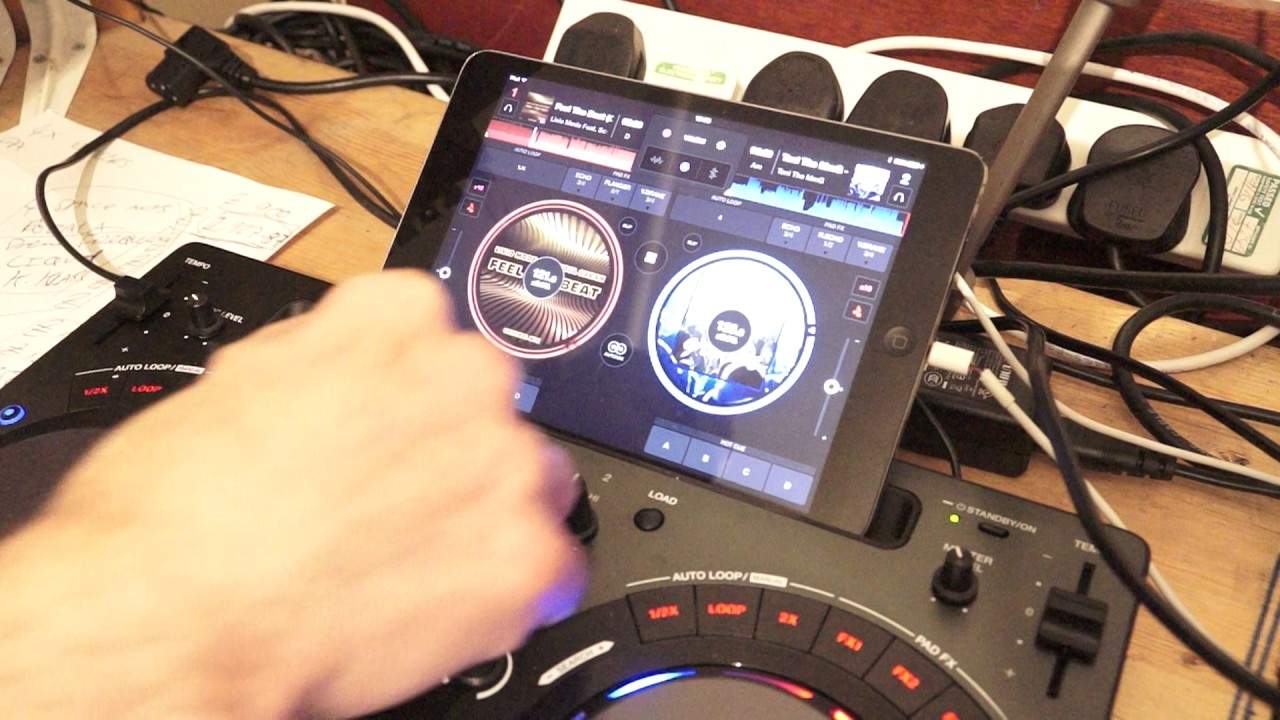
Alright guys, we've got the WeDJ app from Pioneer along with the DDJ WeGo 4 from Pioneer. Now in this video I'm going to show you how to set the default filter effect, which is in exactly the same place on the hardware where the bass should be, to the bass frequency. So, what we do first of all is we go to the small wheel on the app which is just to the right of the WeGo icon. Press on that, then below that we have Audio General, View, Controller and Information. I'm going to click or press on the controller icon and now it says the CFX. When CFX is turned on, the three knobs on the mixer selection are EQ High, EQ Low and CFX. If you press the icon there, now that's not highlighted in green. What has happened now, it is gone back to the older versions of the likes of the WeGo 1, 2 and 3.
Now what used to be the filter effect or the filter or the effects dial is now bass. So I can reduce the bass or increase it. The main thing about this is that when you press on the controller icon, you can see that it's not highlighted in green. So the low is now the mid and the high is the high as it usually is. If you want to revert back to default, press the wheel again, go to controller and press once again on the little icon next to CFX. Press settings, I'm going to press the little wheel and now we're back to our effect. And once again, if I just bring the camera out slightly, we have an effect icon just to the left of the virtual turntable at the 7 o'clock position on the left turntable and at the 5 o'clock position on the right hand.
Sorry, on the right hand turntable, beg your pardon, at the 7 o'clock position and on the left hand turntable at the 5 o'clock position. So at the moment, I am playing the left hand. On deck, I'm going to tap on the icon on the software and I can change the effect from filter to jet, crush, noise or pitch. Go to jet and now the dial was filter is now the jet effect. Hope that's been a help. Tune by the way you're listening to is Feel the Beat from Karmic Power Records. Thank you very much. Practice it. Enjoy. Nice one.
This transcript was produced automatically from the audio of the video and may contain mistakes.










