 1:50
Pioneer WEGO2 Set up Time
Contents of the video
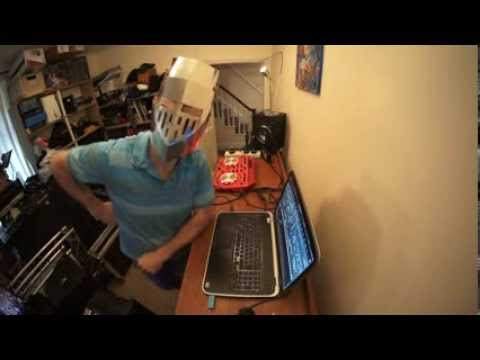
Alright ladies and gentlemen, this video is a bit random but it's all about how quick it can be to plug the WeGo2 into your laptop and you can start to play music. I've already got a powered speaker turned on but I haven't got anything else. The program hasn't started and the WeGo2 is unplugged. So first of all I'm going to plug in the power to the laptop, it's normally advisable. Then I'm going to plug in my USB into the side of the WeGo and then into the laptop like that. I'm going to turn that on, now I'm just going to get my audio cables. I've actually at the moment just got one powered speaker on but I don't think that matters for this demonstration but I'll plug in two anyway. The only other things you probably have to plug in if you're going to be playing music is your computer
If need be, would be the microphone and headphones. Microphone is there and headphones is the other side so that's plugged in. What I'm going to do now is go to the VirtualDJ icon and click on that. I'm now going to go to computer, go to that, that, that track, load it up and that's it. This one here by the way is Lenny Fontana featuring Kevver the Diva, Idle Got You Back. This is the Richard Gray Remix. That's pretty much it. So I don't know how long that took but I don't think it took long at all, alright? If you want any information on the WeGo too I'll put info in the description and also on this track from Mr Lenny Fontana, practice and enjoy thank you.
This transcript was produced automatically from the audio of the video and may contain mistakes.
Related videos
-
Complete Beginner DJ Lessons Tags Key BPM Etc
A more advanced lesson folded in early, and worth doing once rather than putting off, because everything it sets up gets used for years…
-
Complete Beginner DJ Mixing Lessons Video 19 Getting Your Kit Ready for an Easy Mix
A whole lesson on getting ready, which is the right call - the exercise in the next video only teaches anything if the two decks are…











