 3:30
Pioneer WeGO4 and Wedj App How to Change the Pad Effects
Contents of the video
0:00 How we can change the pad
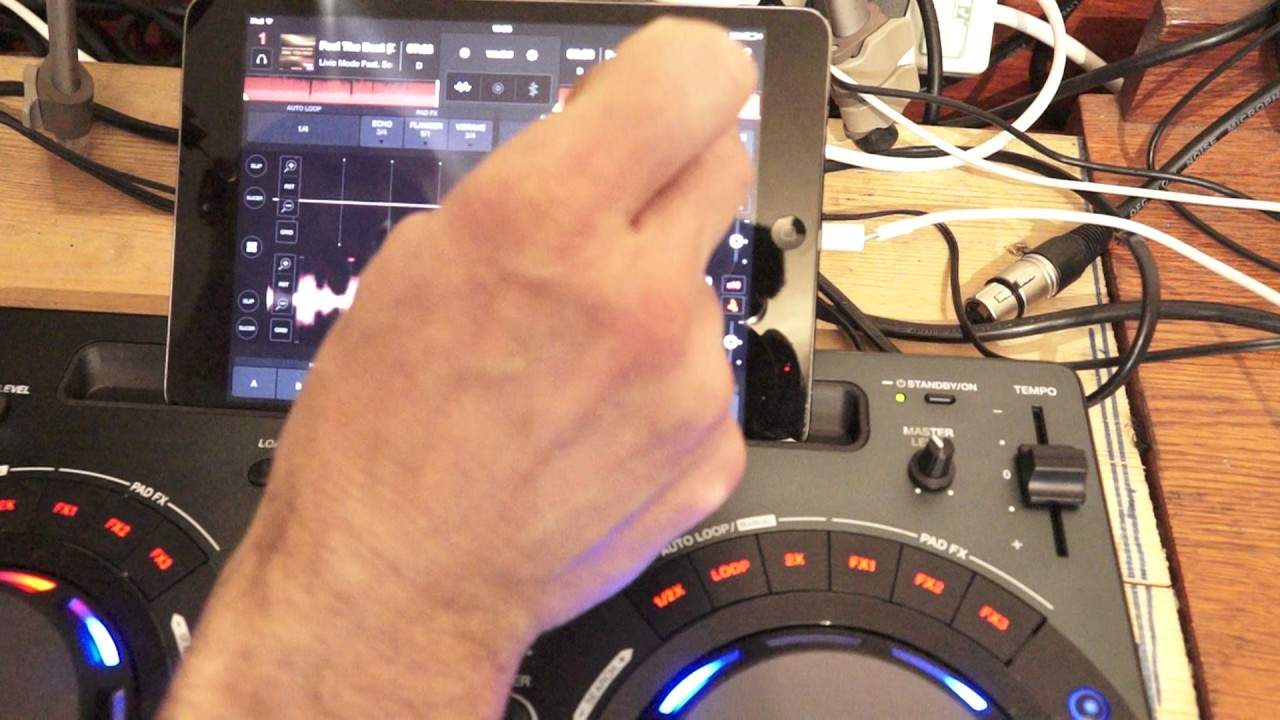
Alright guys, tune is from Comic Power Records entitled Feel the Beat. In this video what we're doing is looking at the WeDJ app along with the Pioneer DDJ WeGo number 4. What we're going to do is look at how we can change the pad effects on the hardware and also change the effects on the software first. Now at the moment I have on effects 1, backspin, effects 2, echo and effects 3 the V-brake. Okay so how can we change those? Well on the software, on the actual WeDJ app, we have three similar icons and they are related to the icons on the hardware effects pad. One, two, three above each of the, let's say the virtual sides of the virtual turntable. Okay so what I'm going to do, I'm going to press on icon 1 which of course was effects 1 and I had backspin. Now that's actually highlighted now in blue and I can change that to vinyl break, release echo, backspin of course it is, effects, slip loop, echo, spiral, reverb or trans.
So I'm going to go to spiral. Now I can change the parameter from an eighth of a beat, quarter, half a beat, one beat or two beats. So we'll go to a quarter and that's it. Right my next one is on echo. I can do exactly the same. Let's change that to backspin and again I can change the amount of backspin I want.
2:00 Release echo and I'm going
So I'm going to go to, let's have a look, one over one. We'll go for, yeah we'll go for one over one. Leave it like that. V-break the next one. So we're on the third pad effects now. I'm going to go to release echo and I'm going to go to half a beat. Okay now let's have a listen on the hardware. Here we are in the background. Let's change that. Let's get an echo. Okay there you go. So we've now added new effects onto the hardware by using the software. At the moment as well I've got the horizontal image and I can change that if I press the centre icon just below WeDJ. We go now to the two virtual turntables. If I then press the icon to the right of that, we have the vertical wave format. Alright I hope that's been a help. Check out the link in the description to come and see it.
Once again we're using the WeDJ app in conjunction with the DDJ WeGo 4 from Pioneer. Practice and enjoy. Thank you very much.
This transcript was produced automatically from the audio of the video and may contain mistakes.










