 1:53
Pioneer WeGo4 & Wedj Apphow to Set the Filter for Other Effects
Contents of the video
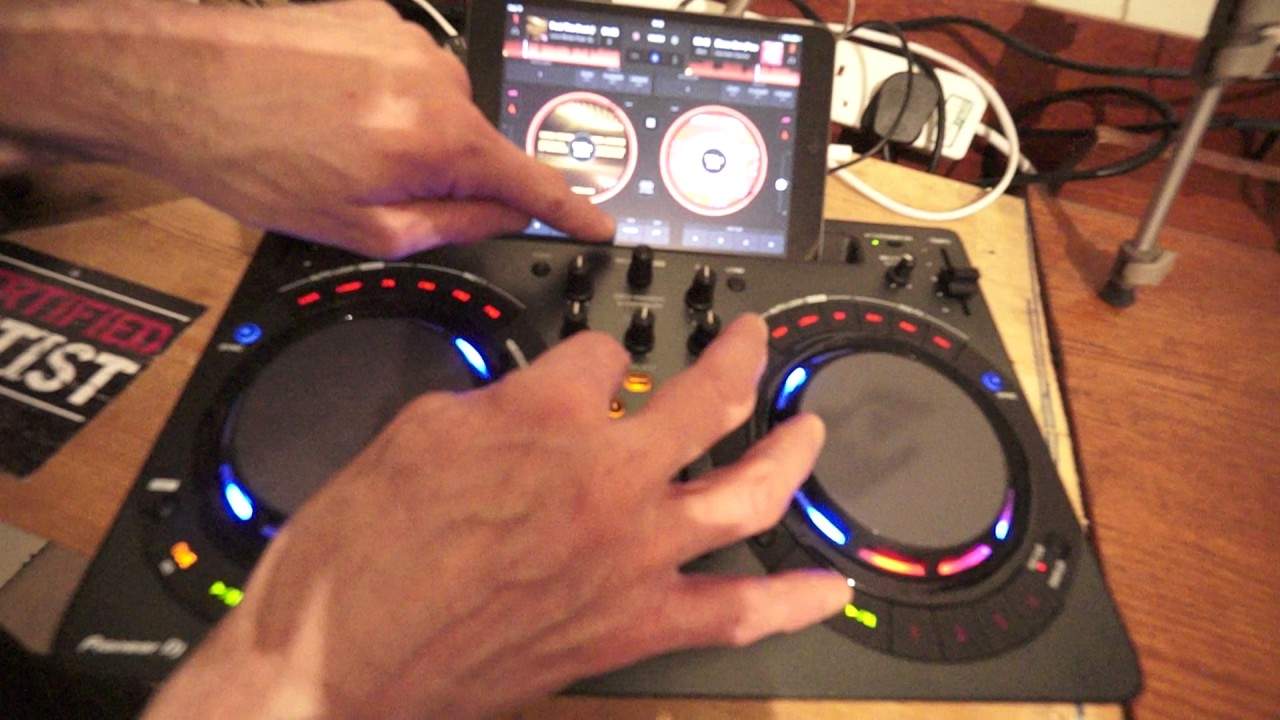
Alright guys, first off we've got a track here from Karmic Power Records entitled Feel the Beat. There will be info on this track in the description. I'm using the Pioneer WeDJ app, I've got that on my iPad Mini. You have in front of you the Pioneer WeGo 4. Now at the moment it's got the filter engaged, sorry I just tapped the jog wheel then, filter engaged on the WeGo 4 and the filter is taking place on the Pioneer WeDJ app. Now it's in the position where the bass used to be on the 3, but now the bass is the now new low, which is where the mid was and the high is at the top. But again without going into great detail you can revert back to or change it back to low, mid and high if you want to, but that's not what this video is about.
Right, the filter, there it is. Now on the WeDJ app, as soon as I start to move the filter dial, you should be able to see the filter icon highlighting there on the app. What I'm going to do, I'm going to press on that now and I've got the choice of changing that to another effect like jet, crush, noise and pitch. So let's go to noise and now have a listen. There you go. So very simply go to the app centre right at the bottom and click on the icon and you can change the effect of the filter dial. This is jet. There you go, quick demonstration there on one of the features from the WeGo 4 incorporated with the WeDJ app from Pioneer. Practice and enjoy. Thank you very much.
This transcript was produced automatically from the audio of the video and may contain mistakes.










