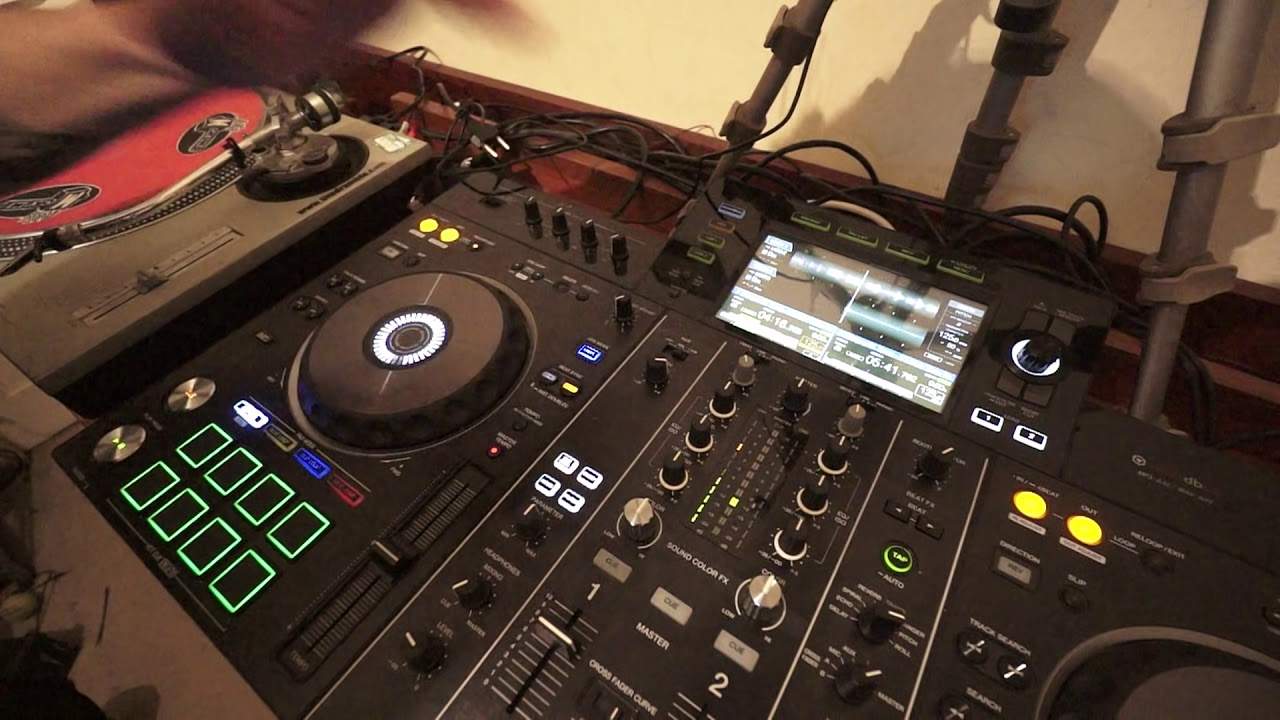
 8:35
Hot cue, beat loop, beat jump and slip loop
On YouTube this video is called Pioneer XDJ-RX2 How to Use the Hot Cue Beat Loop Beat Jump and Slip Loop
What this lesson teaches
A tour of the performance pads on a standalone player, and the four modes do genuinely different jobs.
He notes at the start that the files should be prepared in rekordbox to get the benefit, which is the same requirement as everywhere else on these machines: the features run on the analysis.
Beat loop
Press a pad and you get a loop of a set length, with no in-and-out timing required.
The layout is the useful part: the bottom right pad gives a two-bar loop, and each pad along halves it - two bars, one bar, half a bar, and so on.
So the row is a ladder of loop lengths, and because every length is a division of the bar, none of them can be musically wrong. This is the length-based looping from the Denon lesson, with eight of them under your fingers.
Slip loop
The same thing with one difference, and the difference is what makes it usable live.
With slip engaged, the track carries on playing underneath while the loop repeats. Release it and you land where you would have been if you had never looped at all.
Without slip, you come out of the loop wherever the loop left you - which means you have moved the track backwards relative to everything else, and you are now out of phrase.
Slip is what lets you drop a loop in for four bars as an effect and come out cleanly on the other side.
Beat jump
Moves the playhead forward or backward by a set number of beats, instantly and in time.
Useful for two things: skipping a section you do not want - a long breakdown, an extra sixteen bars of intro - and for repeating one, by jumping back four bars to play something again.
Because it moves in beats rather than seconds, it cannot put you out of phrase.
Hot cue
Covered in the previous lesson, and on a pad grid you get eight rather than three.
How they fit together
Worth seeing as a set. Hot cues choose where you enter a track. Beat jump changes where you are inside it. Beat loop holds you in one place. Slip makes any of it reversible.
Between them they mean a recorded track is no longer a fixed object played from start to finish - it is material you can rearrange while it plays, which is what performance technique in this stage means.
Contents of the video
0:00 We're using the Pioneer XDJ-RX2
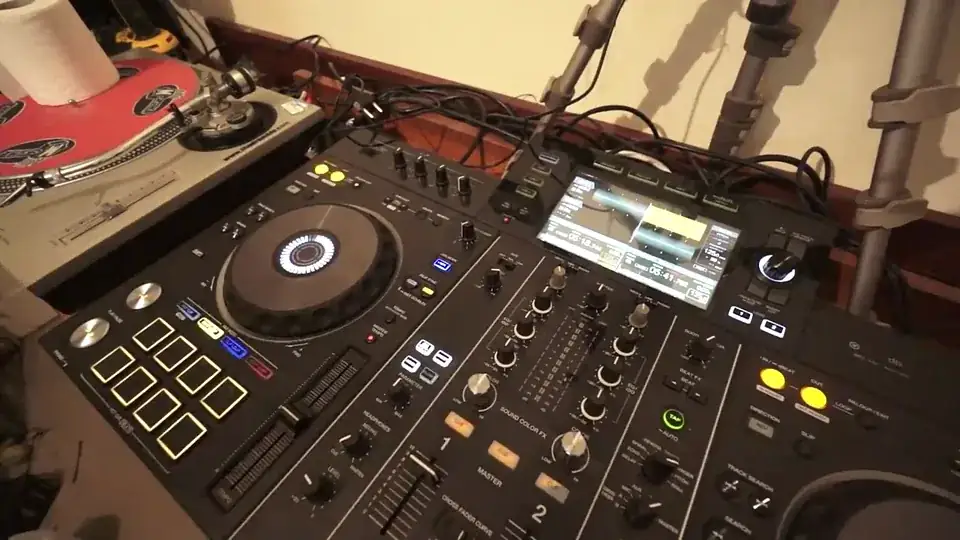
All right, we're using the Pioneer XDJ-RX2. I'm also using Pioneers software known as rekordbox. Rekordbox will come free with the XDJ-RX2. I highly recommend you put your files through the rekordbox software to get the benefits and features of the RX2. In this video, I'm using a track by Dwayne W. Tyree, a track entitled It's Your Time To Party. It's from Karmic Power Records. There will be a link right down there in the description. I'm going to show you how to use or get the benefits of and what they do. The hot cue, the beat loop, also, sorry, slip loop and beat jump. So let's play the track first. Here we go. Skip it forward a bit.
Okay, so we're in beat loop mode. I'm now going to press the bottom right hand pad.
Two, three, four, one, two, three, and press.
Okay, so what I've done is... I pressed bottom right hand pad and what that's given me is a two bar loop. Have a listen. One, two, three, four, one, two, three, four. Now every consecutive pad now I press next to the last one will reduce that loop by half. Next one is one bar. One, two, three, four, one, two, three, four, one, two, one, two, one, two, one, two, one, two. One, two, one, two, one, two, one, two, one, two. One beat. Half. Quarter. Eighteen. Eight. Sixteen. Okay, there you go. Hot Cues. Press a hot cue there. Skip it forward. Another one there. Skip it forward. Another one there. Another one. Another one. Another one. Another one. Another one. Okay, I've recorded eight hot cues. Now if I press any of those pads now, it will go back to the place where I recorded it from.
2:52 Finger, track, press play
Very quickly here, something very important. When you're in Quantize mode, let's imagine that you accidentally hit that hot cue just before or after the time you wanted it to snap in. If you're in Quantize mode, the software will automatically snap it in time for you. On the other hand, let's imagine, you know, you want to set a hot cue but you really want to tap it quickly on the off beat, on the accent of a beat and you're finding it's not working. In other words, when you're pressing that hot cue, it doesn't seem to be doing what you want it to do. That is because you're in Quantize mode. Disengage Quantize and then you can pretty much tap that hot cue as fast as you want and the sound will correspond to your tapping.
So, see there? That's not snapping in in my time signature. Disengage Quantize, now have a listen. Okay, so we've got eight hot cues recorded. How do we get rid of those? I'm going to press shift and while my finger is pressing on shift, I can now press those hot cues and now we're good to go with another eight hot cues. That's pretty much. Okay, so let's press play very quickly as well. Another feature as well is about slip mode. So for example with slip mode engaged, this is what happens. Let's set a hot cue. Okay, I'm just going to use one but this applies to all eight again. Now that track is playing. I can press the hot cue. Now what's happening here is the track is jumping to that hot cue for that fraction of a second
While my finger is on the hot cue. But as soon as I take my finger off, the track will go back to its original position as it was playing naturally. But the track will carry on playing as long as I want it to based on the amount of time I've got my finger on that hot cue. Have a listen. Take my finger off and the track snaps to its original position. Disengage slip mode and now press the hot cue and it will now play from my hot cue.
There you go. Okay, slip loop. What's happening here is while I have my finger on any of the pads again previously like the beat loop I can have a certain amount of loop play while I've got my finger on that pad. Great as well with maybe a bit of filter but again all that's happening is it's now looping that part of the track but as soon as I take my finger off it will start, the track will carry on playing from the point where I take my finger off. On the other hand if I want to keep the track in time go to slip mode. Now have a listen.
6:32 Slip mode, forward, transition
There. Now using slip mode and using an effect like that is a very good idea let's say if you're in a transition and you don't want that transition to change its place change its position so for example you have got say a transition of I don't know 16 bars if you don't use slip mode and you use an effect like that all that will happen is the track that you're mixing into the other one will lose its time signature with the track that's going out of the mix. On the other hand with slip mode engaged you can have some wicked effects and you will still have your 16 bar transition in perfect time from beginning to end. Okay, beat jump. This is a great feature because we now can jump one beat forward or one beat back. Two top left hand pads.
The next two two beats forward two beats back bottom left four so again we have from top right to top left the first two is one beat forward one beat back second two two beats forward two beats back bottom left four forward four back and then bottom right eight forward and eight back now again in slip mode the track will carry on playing as it would normally disengage slip mode and then you're in the lap of the gods that's where the skill comes in. Okay, I hope that's been of help. Excuse me. Check out the link in the description to Karmic Power Records practice and enjoy. Thank you.
This transcript was produced automatically from the audio of the video and may contain mistakes.










