 5:20
Searching for a track on a touch screen
On YouTube this video is called Pioneer XDJ-RX2 Touch Screen Feature How to Search for a Track
What this lesson teaches
A standalone system - no laptop at all, just a USB stick - and three things that are easy to get wrong on one.
Prepare the stick in rekordbox
He says this twice and it is the single most important instruction in the video. Put your music on the USB using the rekordbox software, not by dragging files onto it.
The reason is that all the analysis happens on the computer and gets written to the stick alongside the music: the waveform, the beat grid, the key, your cue points, your playlists. A player reading a plain folder of files has none of that and has to work out what it can on the fly. A good many of its features - the waveform, the grid, the key display - simply will not light up.
The two ports are not the same
A genuinely useful piece of trivia: on this unit the right-hand USB port plays and records, and the left-hand port only plays.
So if you want to record your set onto the same stick your music is on - which is the obvious thing to want - it has to be in the right-hand port. Discovering this after the set is a familiar kind of annoyance.
Finding a track in a big library
Scrolling with the dial is fine for twenty tracks and useless for four hundred.
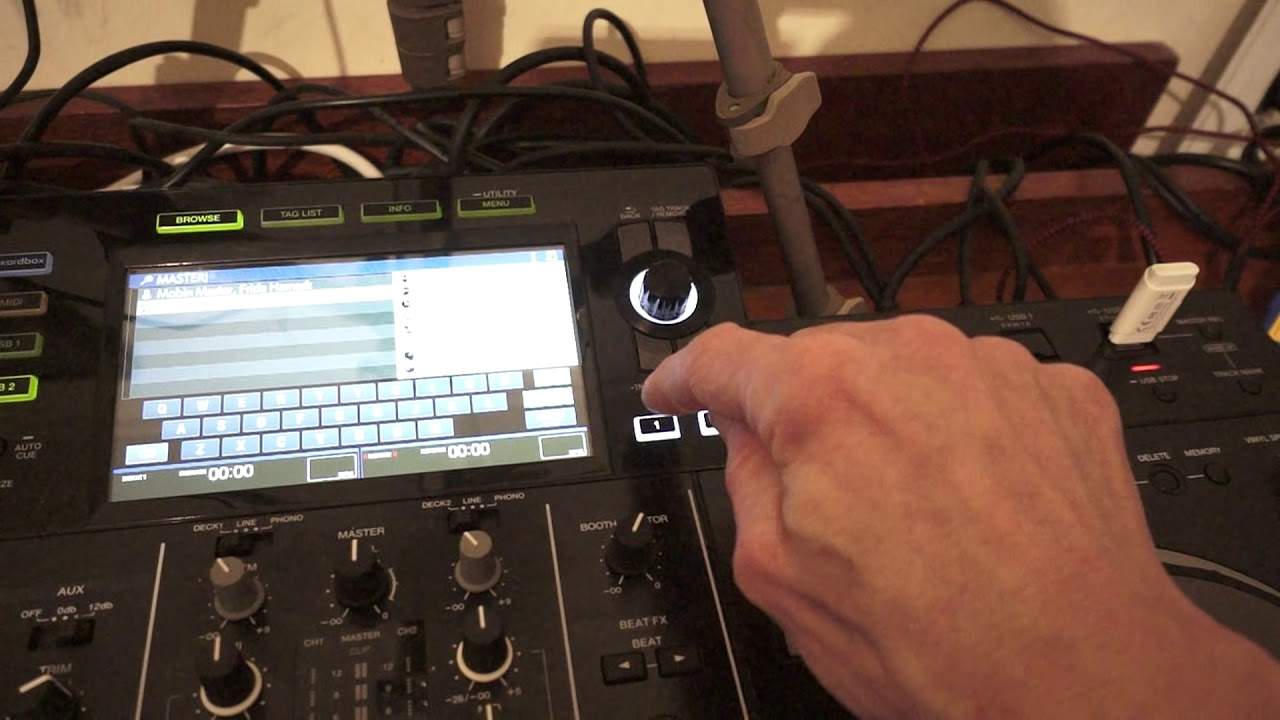
Press the shortcut button below the dial, then search on the touch screen, and you get a QWERTY keyboard. Type and the list narrows.
His point about how much to type is a good one. Fewer letters means more results: "lo" catches everything containing those two letters, "love" catches far fewer. Type enough to narrow it and not so much that a spelling mistake leaves you with nothing - and remember you are searching what is written in the file, not what you remember the track being called.
Quantize
The other setting behind the shortcut button, and the one worth understanding.
Setting a hot cue by hand means hitting a pad at an exact instant, and human timing is approximate. Set one a fraction late and every time you fire it, you are starting the track a fraction late.
Quantize snaps it to the grid. With it on, the player takes the cue you set and moves it to the nearest beat, so your cue points land musically even when your finger does not. The same applies to loops and to triggering.
One caveat he does not mention and you should know: quantize can only snap to the beat grid it has been given. If the grid is wrong - a track analysed badly, or one that drifts because it was played live - then quantize will confidently snap your cue to the wrong place. Which is one more reason to prepare properly in rekordbox, where you can see the grid and correct it.
Contents of the video
0:00 Follow these instructions, you can't go wrong
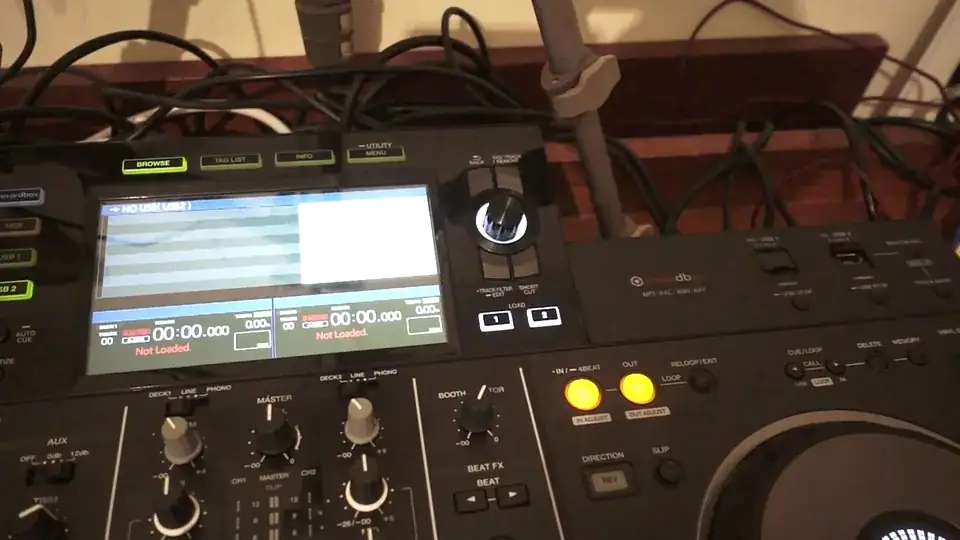
Okay, so you've just bought yourself your Pioneer XDJ-RX2 and you want to know a little bit how to use some of the features on the touch screen. Follow these instructions, you can't go wrong. Now, firstly, I put a bunch of tracks on this thumb drive using the Pioneer rekordbox software. Now, that's quite important. A to get all of the wicked features from the RX2 and B also so you can use the touch screen. Now I'm now going to put the thumb drive, also known as USB, into the far right port. Now very quickly as well, if you do only use the far right port, let's imagine you've got a whole bunch of tunes on your USB but you've also got some free space on there as well. Guess what? You can actually not only...
Runny nose and God knows what. You can not only play the tracks from that USB, but you can actually record to the same USB as well. So that's one wicked feature. If you put the USB in the left hand port, you can only play. So right is play and record, left is just play. Alright, so again, please try and use the rekordbox software. If you do, the whole of the RX comes to life. Okay, so... Press USB 1, of course nothing on there. I'm now pressing the buttons on the left hand side of the screen. Third one down, USB 1. Fourth one down is USB 2. Now if I want to, using the dial... Excuse me, I can scroll artist, track, key, album, playlist and so on. Let's just get a track. Using the dial, I can scroll through the tracks.
2:20 I've now got a QWERTY keyboard
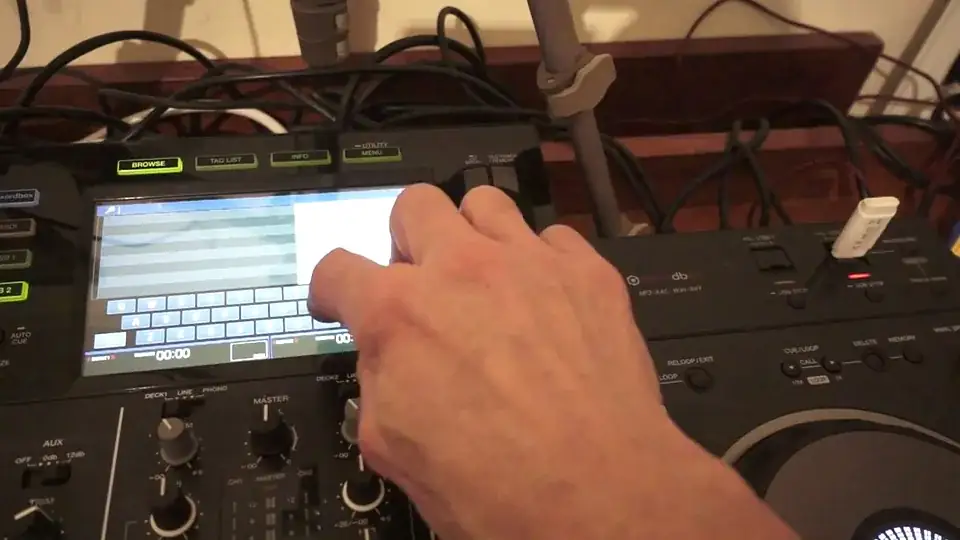
But let's imagine at the moment I've only got, I don't know, 20 odd tracks on there. Let's just imagine I've got 300 or 400 tracks. So there is an easy way how to find the track that you want. I'm going to press the button which is below the dial here on the right hand side with shortcut below it. Press that, and now we have this screen appear. So what I can do now is I can press the icon on the touch screen, search. I've now got a QWERTY keyboard. So Masters, M... Right, hold on. M-A-S-T-E-R-S Oh, I did a Z. So just press the cancel which is far right. It's the little icon with an X on it. And everything with Master will come in. Now of course, the more you type, the more chance you've got of getting to the exact track you're looking for.
But of course it's very important. To make sure that you spell the track correctly. The less you type, the more tracks you'll get. So for example if you just type in L-O, you're going to get every single track with L-O in. L-O-V, far less L-O-V-E and so on and so on. Okay, so there you go. So I've found two tracks with Master in. And all I need to do now is use the dial to choose which track I want. And then I can load that appropriate track. On the deck. There you go. Right, I hope that's been a help. Let's just have a quick other look. Another look at Shortcut. Okay so what we can do here. We can quantize beat value for each deck. Hot cue auto load. Load lock and unlock. Deck select as well okay. So this is depending on which deck.
3:52 Snapping it right in time
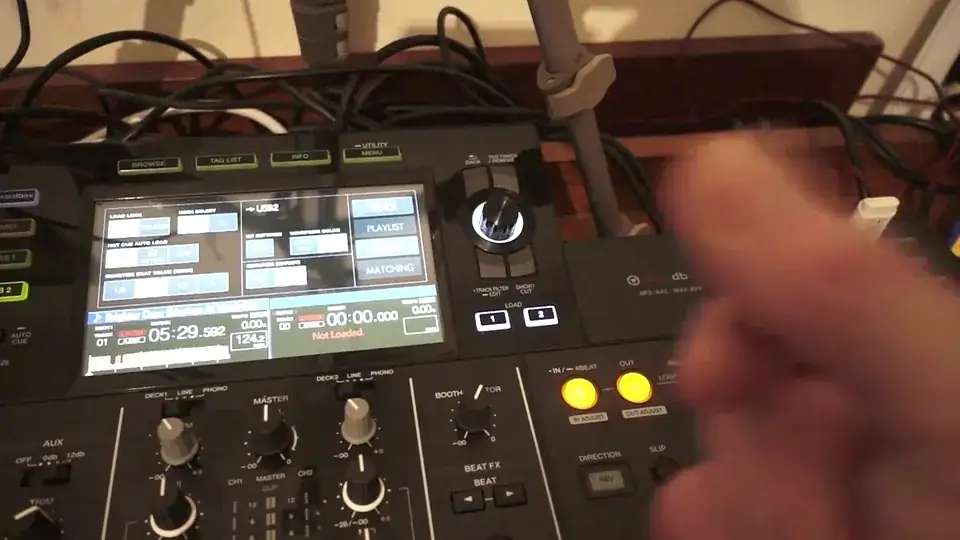
Now the quantized beat value is quite important. Because let's imagine. That you're not very good at setting a hot cue. Snapping it right in time. Now with quantize engaged. What that will mean is that if let's say for example. Let me just bring the camera out very slightly. Okay now again I've now got the camera pointing around the right hand side of the deck. For the partially sighted and I'm looking really now at the hot cue area. So let's imagine. You hit a hot cue without quantize engaged. But you hit the hot cue maybe slightly before or after where you intended to hit it. In other words on the one, two or three. That precise point of one, two or three in a bar. Now with without quantize engaged. That's where your hot cue will be set.
On the other hand if you engage quantize what will happen is. It will automatically snap it in time for you. All right so that's very important. Let's imagine if you want to make sure that hot cue is bang on the money. Make sure you have quantize engaged. All right so I hope that's been a help. Try and keep this video as short as possible. But if you're looking to get a complete system. That does absolutely everything. I'll be honest with you. You cannot go wrong. All right practice and enjoy thank you.
This transcript was produced automatically from the audio of the video and may contain mistakes.
This video is part of
Related videos
-
Complete Beginner DJ Lessons Tags Key BPM Etc
A more advanced lesson folded in early, and worth doing once rather than putting off, because everything it sets up gets used for years…
-
Complete Beginner DJ Mixing Lessons Video 19 Getting Your Kit Ready for an Easy Mix
A whole lesson on getting ready, which is the right call - the exercise in the next video only teaches anything if the two decks are…











