 5:45
Quantize in rekordbox with the DDJ-1000
Contents of the video
0:00 Pros and cons and also how
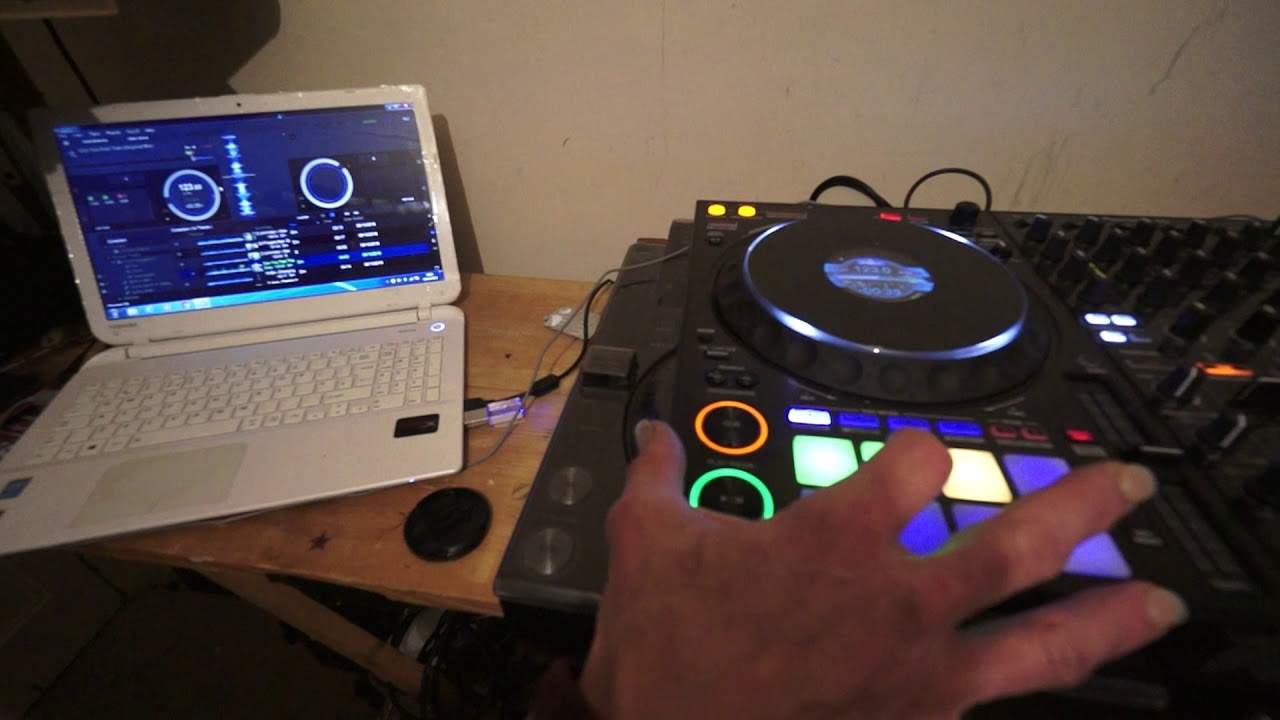
In front of you, you have the DDJ-1000 from Pioneer and also their software known as Rekordbox. In this video, I'm going to show you the pros and cons and also how to use the quantize feature on the software. First of all, let me just set a couple of hot cues and a loop without having the quantize set. The track I'm using is Can You Feel That? It's the original mix from Karmic Power Records. Hot cue, another hot cue and a loop.
Okay, so I don't know if you can hear but those two hot cues and the loop are definitely off. So listen
Okay, they're definitely off. All right, so let me just delete those So I'm now going to put my finger on shift and press those three pads again there. They've now been deleted now Let's engage quantize if we have a look at the software itself Where we have the virtual turntable around about 2.30, two o'clock We have a small little icon with Q or should I say it's It's a letter Q. I'm just going to click on that and now that is highlighted in red now quantize is engaged We can also press the quantize button On the DDJ-1000 as well. I'm going to repeat the process I'm also going to just randomly at any point hit the hot cue I'm going to intentionally make sure that when I press one of the pads It's not in time with the track
It's in between the 1 and 2 or 2 and 3, 3 and 4 and so on
2:07 Which is the loop so 3
Also same with a loop 3, 4, 1, 2, 3, 4, 1, 2, 3, 4 There you go put that in to one of the pads to record as well now Let's have a listen to those cue points, but I'm going to what I'm going to do That I'm gonna play the track and then I'm going to in time with the track Press the two hot cues and also press the third one which is the loop so 3, 4, 1, 2, 3, 4, 1, 2, 3, 4, 1, 1, 2, 3, 4 1, 2, 3, 4, 1, 2, 3, 4 1, 2, 3, 4, 1, 2, 3, 4, 1, 2, 3 Now even though some of the timing may have been out There is a definite difference between using quantize and not because what happens with quantize It will snap the track or snap it in time with the track So let's say for example, you're a little bit too late or too early hitting the hot cue or
Starting and stopping your loop Quantize will automatically snap it in time for you Which is great because it means if you want to very quickly form a 2, 4 or 8 bar loop on the fly Using the in-out function on the player itself on the hardware the quantize Quantize sorry will make sure that that loop is indeed in time now. What are the disadvantages? Let me show you
3:44 Tapping, listen
Okay, listen to my tapping on that on the cue The the timing I'm tapping on the hot cue is not the same as what you're hearing So that's what it won't do so in other words if you've got quantize set and You use a hot cue and you want to really snap that hot cue in very fast It's not going to it's almost I've done exactly know what's going on but I think the software's trying to compete with your tapping and Because you've got quantizing gauged you're not going to Get the amount of sort of hot cues that you want the tapping that you want So it's not right way of saying it probably not but have a listen again
Okay, that's quantize now. So let's go ahead and quantize Let's see what it's like now okay, yeah one point proved there and that is that by using hot By using By using quantize it will definitely snap it in time but then if you want to randomly start hitting that hot cue to form some kind of effect take it out of quantize and then you can start doing a few more tricks so for example there instead if we engage quantize now listen I'll try and do exactly the same sort of drum pattern yep definite difference there alright don't forget there will be a link to karmic power records in at the description of this video practice and enjoy thank you very much
This transcript was produced automatically from the audio of the video and may contain mistakes.











