 2:26
RELOOP RMP3, Cross Media Player Loop feature Video 2
Contents of the video
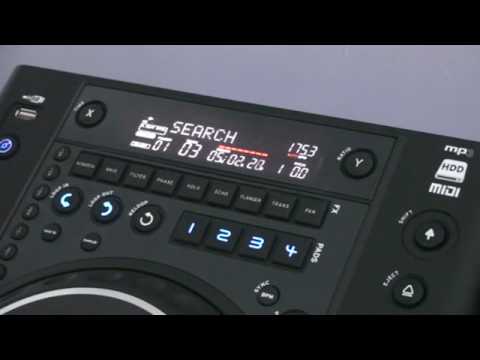
Alright folks, second review and in a sense looking at some of the functions on this guy from ReLoop. It's the RMP3. Don't forget, link in the description and also to the track I'm playing which is by Jeremy Sylvester, a track entitled So Addicted. Now in this video we're going to look at loop in, loop out, the ReLoop and also these pads where you can store the loops that you've made. Already I've stored four and I'll show you how to store two of them very quickly so let's have a look. Okay, so how do we do that? Now first of all when you hit loop in, that will start your loop. Then you hit loop out and that will finish your loop. Okay, so let's do that. In, out. Now at any time I can hit re-loop, what that will do, that will start the loop off from
The loop that I've made. What I need to do now is hit save 2 and then I'm going to hit 1. What I've done now, I've saved that loop to pad number 1. Hit loop out and we go back into the original track. I'm now going to search the track. Again, this is a demonstration. I'm going to do exactly the same thing now and we're going to score that in pad number 2. In, out.
It's a two, number two. Okay, here we go. Keep in mind as well, I can do that twice again on three and four. Small video on this guy here, the RMP3, and in this video we're looking at loop-in, loop-out, re-loop, and these pads where you can store your loops. Practice and enjoy.
This transcript was produced automatically from the audio of the video and may contain mistakes.










