 1:50
Simple CDJ2000NEXUS Firmware Update Tutorial
Contents of the video
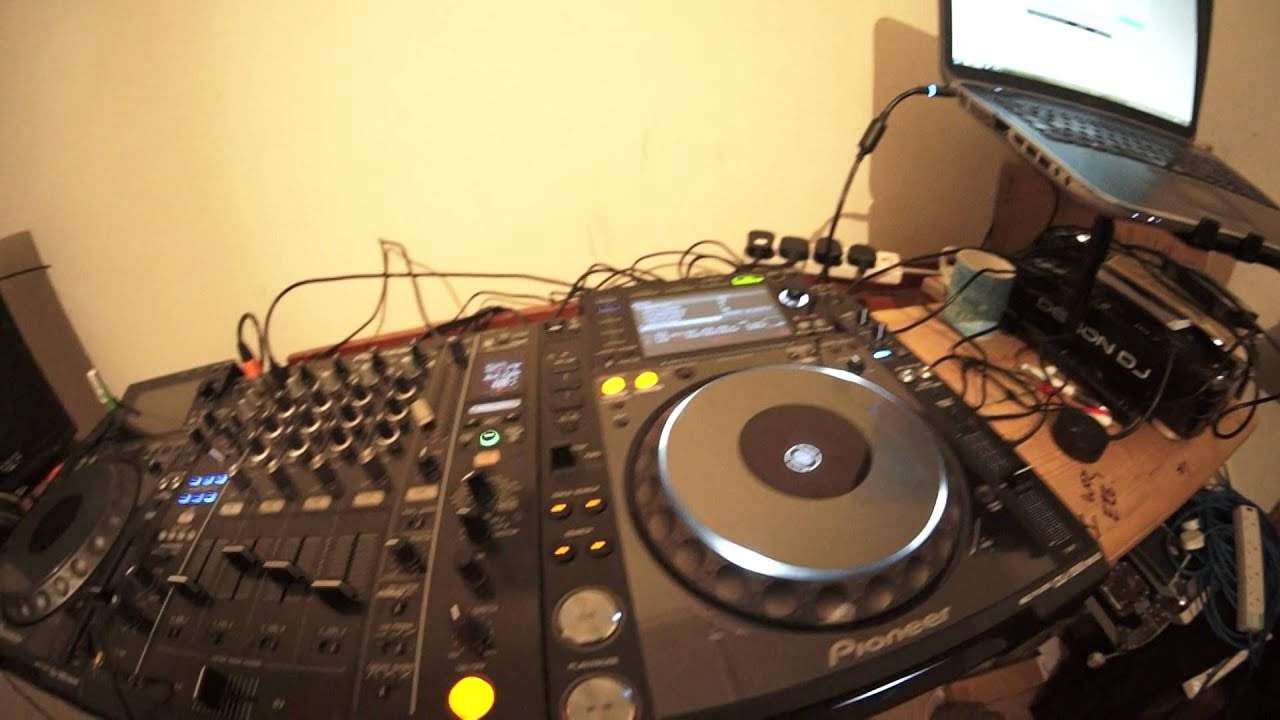
All right guys, hopefully this will be short and sweet. I'm going to update the firmware on the CDJ-2000 Nexus. I have already done it on this one here. I'm going to do it on the other side. So step by step. First of all, to find out the firmware version you've got, hold down the utility and scroll down to the bottom and you can see I'm now on the latest one here. This is February 2016 version 1.25. Go to pioneer.com, to the support page. You should be able to find it. I'll put a link in the description anyway. Firmware update. Download the link, of course. Make sure you download the correct one if you're on Windows or if you're on Mac. Make sure that the file is put onto a USB drive with nothing else on it at all. So what I'm going to have to put the camera down.
Press USB and reloop exit. Press those two together while you turn on the player. So I'm going to do just that. So I'm just going to put the camera there. So I've got my finger on USB, on reloop exit. I'm going to press on. I've got the USB in. Keep my fingers on there while it powers up until we see the screen do something like this. Version 1.22. There we go. So I'm just going to leave it like that. And as soon as it has completed, it's going through the motions now. It's on 18%. Then it will say power off before using. So all you need to do then is power it off, power it back on and you're good to go. I hope that's been a help. Practice and enjoy. Don't forget there will be a link in the description to the Pioneer website. Thank you very much.
This transcript was produced automatically from the audio of the video and may contain mistakes.











