 3:56
Simple DJ Lesson on VJ DJ Mixing Cutting Without Needing to Mix
Contents of the video
0:00 Very basic demonstration stroke tutorial here
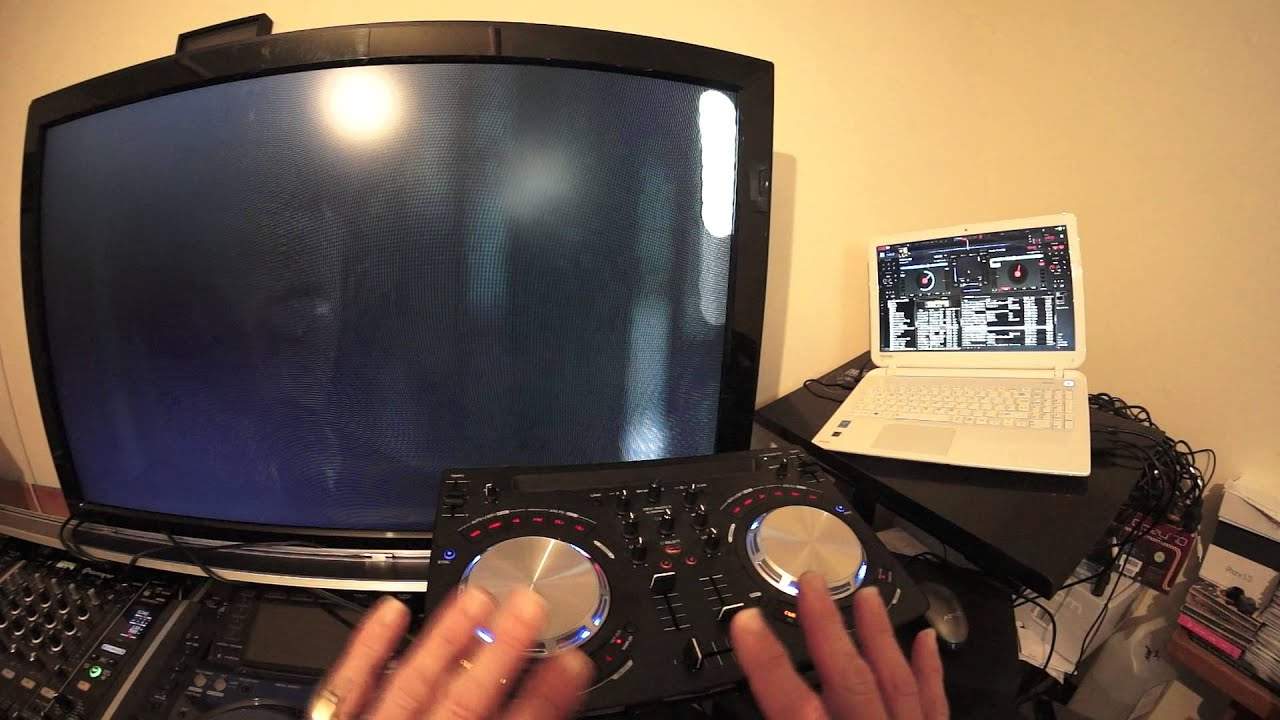
Alright guys, very basic demonstration stroke tutorial here. We're using VirtualDJ. I've got videos by Extendermix in Europe, extendermix.eu. The link will be in the description. Also we have the Pioneer WeGo 3, very small controller but it can be a video mixer as well as just audio. So you can't mix. What do you do? Well just try cutting. Just go from one track directly to the other. I've got disclosure here. And we're just going to bring in the ones, flawless.
1:25 1 on the next one
First of all, what I do recommend as well, if you can't mix, is to make sure that you have your program set to sync. What that means is that both of the tracks will be synced in time. Now I personally don't like using sync but if you can't mix at all then just use it, whatever, it doesn't matter. Now very quickly as well, with the likes of 7 inch singles, very little intro and outro to mix in. The last video I did was about forming a loop. That's relatively easy. This is even easier. What you do have to make sure though is that where you bring the next track in it is at the count of 1 or it's the same timing as where you take the other track out. I'll explain. So for example, say this track on the left.
It's a disclosure. We're counting 1, 2, 3, 4 and then we go to 1 on the next one. Alternatively you could do 1, 2 and then on the next track 3, 4, 1. If you don't do that what will happen is the people dancing will start to do double steps. It's a little bit as though they're pissed and they'll look at you as though like, what on earth are you doing? All right. Now again, you don't even, all right, I am going to contradict myself because you don't even have to do that. You could just chuck this in. The other one in a lot of mobile DJs will just chop from 1 to the other and so on and so on, especially if you're doing a lot of weddings because they want to hear 60s, 70s, 80s, 90s. They don't want to hear the latest dance tracks.
2:40 What do I mean by phrase?
So okay, I've got the one set on at number 1, 1, 2, 3, 4, 1, 2, 3, 4. So go to disclosure 2, 3, 4, 2, 3, 4, 2, 3, 4. So on my count of 1, all I'm going to do is move the crossfade over. It's as simple as that 2, 3, 4, 1, 2, 3, 4, 1, 2, 3, 4, that's it. Also try and keep in phrase as well. So what do I mean by phrase? Well, what you'll find is that the tracks you're playing will have phrases. So for example, uh, the vocals, they could be a phrase, so the chorus could be a phrase which could be say 8 bars or 16 bars. A small break, an instrumental break could be 4 bars or 8 bars. So try and chop either before or after the phrase on the end of a phrase in the beginning of a phrase is exactly the same point. Here's the end of one.
Here's the beginning of the other. As soon as one phrase finishes, the other will start. You haven't got a gap there. Well, all right, sometimes you do have a gap. Uh, there's a dodgy, the occasional dodgy producer out there that will just annoy you by adding an extra bar which is really annoying. But if you know your tunes, you'll know where that extra bar is. So remember, try mixing key, try and keep it in time. Keep it phrased. And if you're doing chopping, just go from one straight to the other. No mixing and you'll be fine. I hope that's a help. Links will be in the description. Practice and enjoy. I do
This transcript was produced automatically from the audio of the video and may contain mistakes.











