 1:09
Stanton SCS.3M How to Set Up.
Contents of the video
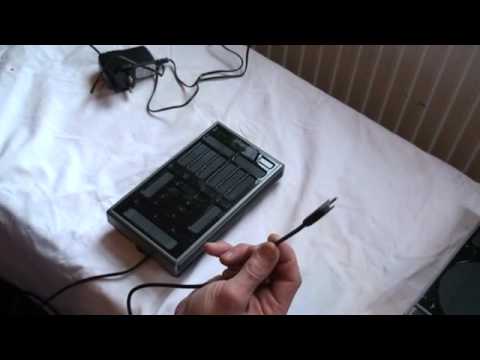
Alright guys, quick video on setting up the Stanton SCS.3M. Now very quickly as well, no drivers are required because your computer should automatically install it anyway. So, if we turn it over, we've got these guys here. If we twist, twist, we can open up the base of the unit. In there we've got a whole bunch of USB ports. All we need to do is take the USB cable supplied and you need that end there. We'll go into there. What you can do if you want to then is just put some of the cable, depends on how much inside there, you can either have the cable coming from the bottom or from the top because you've got some holes underneath here. What I'm going to do is fit that back on like that, just put it like that. Turn it over and then it's just a question of plugging that in.
If you're using this by itself, there's no need to use the power cable. If you're using more than one unit, then you do need to use the power cable. Practice and enjoy.
This transcript was produced automatically from the audio of the video and may contain mistakes.
Related videos
-
Complete Beginner DJ Lessons Tags Key BPM Etc
A more advanced lesson folded in early, and worth doing once rather than putting off, because everything it sets up gets used for years…
-
Complete Beginner DJ Mixing Lessons Video 19 Getting Your Kit Ready for an Easy Mix
A whole lesson on getting ready, which is the right call - the exercise in the next video only teaches anything if the two decks are…











