 1:23
Traktor Kontrol Z2 How to Use the Loop Function
Contents of the video
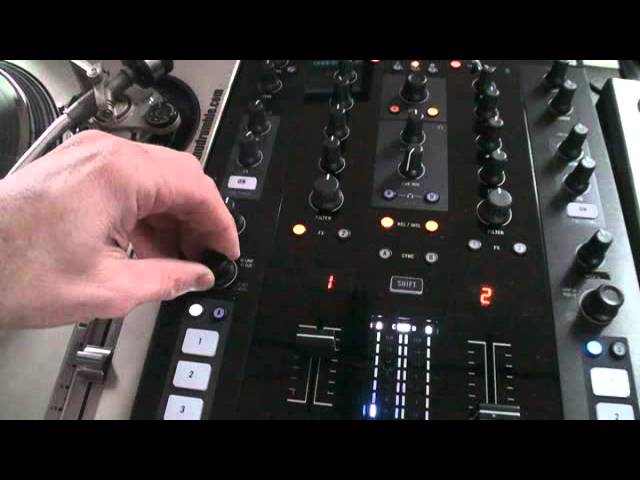
Right, ladies and gentlemen, another short video on the Traktor Kontrol Z2. In this video I'm going to show you how you can find out how long or short the loop is that you've made using the program. The program is Traktor Scratch Pro and the hardware is the Traktor Kontrol Z2. So I'm going to press play on virtual vinyl. Above the channel we can see a number one highlighted. That's telling me now that I've formed a loop of one beat. By turning this dial to the left hand side of that screen on the mixer, we can see I've gone from zero to half. And I'm actually turning the dial to the right hand side of that screen. And I'm actually turning the dial anti-clockwise. So you turn the dial anti-clockwise to reduce your loop and clockwise to increase.
So I've gone from one beat to two, to four, eight, sixteen and thirty-two. Anti-clockwise we reduce it. Practice and enjoy.
This transcript was produced automatically from the audio of the video and may contain mistakes.










