 0:47
Traktor quick start guide le
Contents of the video
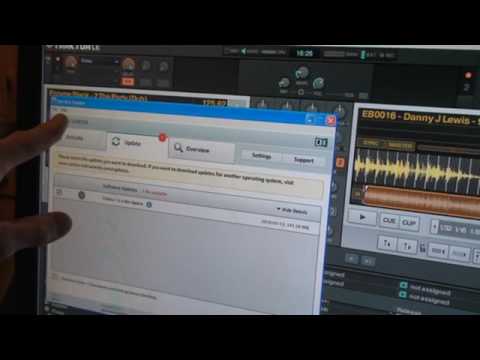
Right guys, quick video on Traktor here. Now let's say all of a sudden you've put the program in and maybe you want a little bit of help. Top left hand corner we have file, view and help. Click on help and then we've got launch service centre. Now I've already clicked on that and you should have something that looks a little bit like that. File and help. Go to help and open quick start guide. I'm going to click on that and we've got the quick start guide. You can scroll through the pages that will give you information helping you to sort out your program. Quick, simple, to the point. Practice and enjoy.
This transcript was produced automatically from the audio of the video and may contain mistakes.











