 1:30
Traktor Scratch Pro. video 13. Playlist managemant 1
Contents of the video
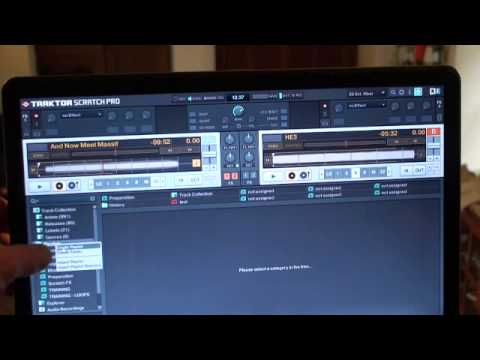
Alright folks, another video on Traktor Scratch Pro. In this one I'm going to show you how to start up a new playlist and then assign it to a favourites slot up here. Okay, if you can see the mouse on the left hand side of the screen, you can see highlighted is playlist. What I'm going to do on the PC now, I'm going to right click here. So if we go back there, if I just scroll a little bit closer to the screen. So I'm going to right click and you can see there now I've got a small box with create playlist, create folder. I'm going to now click on create playlist. Now in the centre now I've got please enter the name of your new playlist. So I could put house, hip hop, soul, R&B or even washing machine. You can put anything you want to. So I'm going to put let's say S-O-D. We're going to call this sod. So what I'm going to do now is I'm going to click OK.
So if we have a look here, we can see Sod and the next one I'll do is Off. So what I'm going to do now is I'm going to highlight that, I'm going to left click and I'm going to drag that up to an icon here that says Not Assigned. Click it in and there you go. So now I've got a playlist called Sod. You've got to have a bit of fun, haven't you? Alright, another video on Traktor Scratch Pro. Practice and enjoy.
This transcript was produced automatically from the audio of the video and may contain mistakes.











