 1:50
Traktor Scratch Pro Video 5 , Setting Preferences hardware
Contents of the video
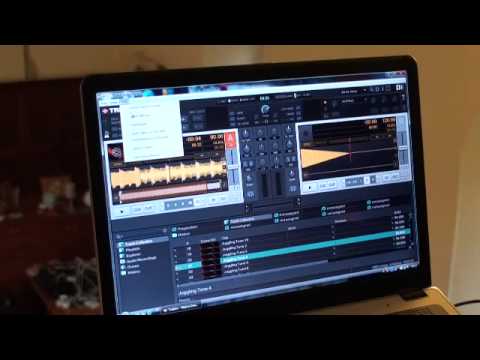
Alright guys, another video on Traktor Scratch Pro. Now that there is a controller. It's a bit of hardware and you can integrate that in with software. And this guy here is from Vestax. It's known as the VCM100. Now first of all and foremost what you do need to do is make sure this guy is plugged in. So of course on the back you've got your power and USB so logically you've got to make sure that's plugged into the PC. Right, a load of people apparently are continually asking, you know, how can you set the likes of hardware in with the software? Well if we look at Traktor Scratch Pro, at the top left hand side we've got help. So what I'm going to do is click on there. Now bearing in mind as well, make sure your piece of hardware is plugged in, that's very important. I'm going to scroll down to setup wizard. Now we've got small box here.
And we've got no or other controllers, at the moment of course logically isn't plugged in. I've got Traktor built in here. What I need to do is go to the first icon at the top and we have a look through. We've got different makes, Vestax, Reloop, Pioneer, Numark etc. So I need to click on the Vestax because it's a Vestax controller. And then underneath that please choose your device. I've got a choice between the Vestax VCI-100 or the VCM-100. Now mine is the VCI-100, so of course all I need to do is highlight that. And then down here, bottom left hand side, I've got apply. That is it. Now my controller, theoretically, if it was plugged in, I would be able to utilise that in conjunction with the program here. So another quick video, more to come. Practice and enjoy.
This transcript was produced automatically from the audio of the video and may contain mistakes.











