 2:44
Try Audacity to record your set
Contents of the video
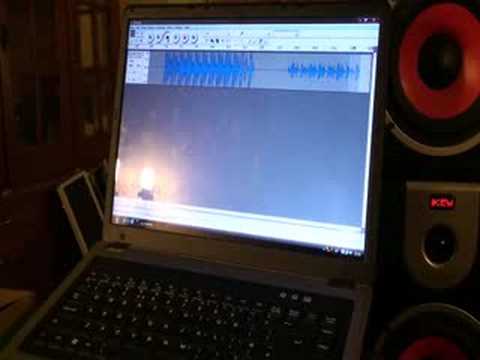
Alright folks, still get loads of people asking me how can they record their mix. So this is a very, I quote, basic video showing you how to use a program called Audacity. Now what I've done, I've got CD player there, I've got a washing machine there and a tumble dryer there. What was that? The washing machine? Just joking. That's the DJ mixer, that's the vinyl turntable. We're not going to play that track, we're just going to play that track. I've gone from the mixer, from the booth output into the laptop there and I got out of that into the speakers. Bearing in mind this is giving you hopefully a general idea on how you can record your mix. Now first of all if we play the track, look to the side of the video for the track name, we can't see anything here at all. Now what I've done, like I said, out of the booth into this laptop.
Read and work out exactly what you've got to do. Now we've got here record, again please this is a very basic video. Press record there, now if I press play, we've got a wave format here. Now bearing in mind as well, make sure that the wave format isn't too high and also you've got to watch your recording levels. If it's too high then it's going to be distorted. So let's say for example now we've done our mix, we've recorded our mix. What I can do now, I can scroll over and press stop. I'm going to stop the music now as well. Then I'm going to go up to here, top left hand corner, click file. I'm going to scroll down to export as WAV. Click on that. Now it's going to go into this folder here. What I'm going to do now is give it a file name. I'm going to call it Bog Off.
Okay, so I'm going to save that, bog off. Right, there you go, so I've saved it. So what I'll do now, I will close that, save changes. We don't really want to save any of that, believe me. Now I'm going to go to my documents up here and I'm going to go to music, that's where I've stored it. And there it is, bog off. That's what I've recorded there. So if I double click on that now, hopefully you can see that. There you go, that's what I've recorded. So again, a basic video showing you how you can record your mix. Now look into it a little bit more, work it out for yourself, but you can record your own mix by just downloading Audacity off the web. Practice and enjoy!
This transcript was produced automatically from the audio of the video and may contain mistakes.











