 5:33
WHY Use the Beat Loop and Slip Mode at the Same Time DJ?
Contents of the video
0:00 Tune Here, Lenny Fontana and True House, a track entitled Feel the Fan
Alright guys, Tune Here, Lenny Fontana and True House, a track entitled Feel the Fantasy. This is the original mix. A really nice, beautiful piano-style house. Yes, maybe a few of you are saying, how come you're always using Lenny Fontana music? Well, if you've been living under a rock for the past 15 or so years, you should of course know that very often if you play music on YouTube, you do get copyright issues. Well, Mr. Lenny Fontana has let me and Karmic Power Records have let me use their music. So in a future video I'm going to talk about how you can potentially play music without any copyright issues. There will be a link in the description to Karmic Power Records but let's just press play, get a general idea of this track, really nice vibe to this tune.
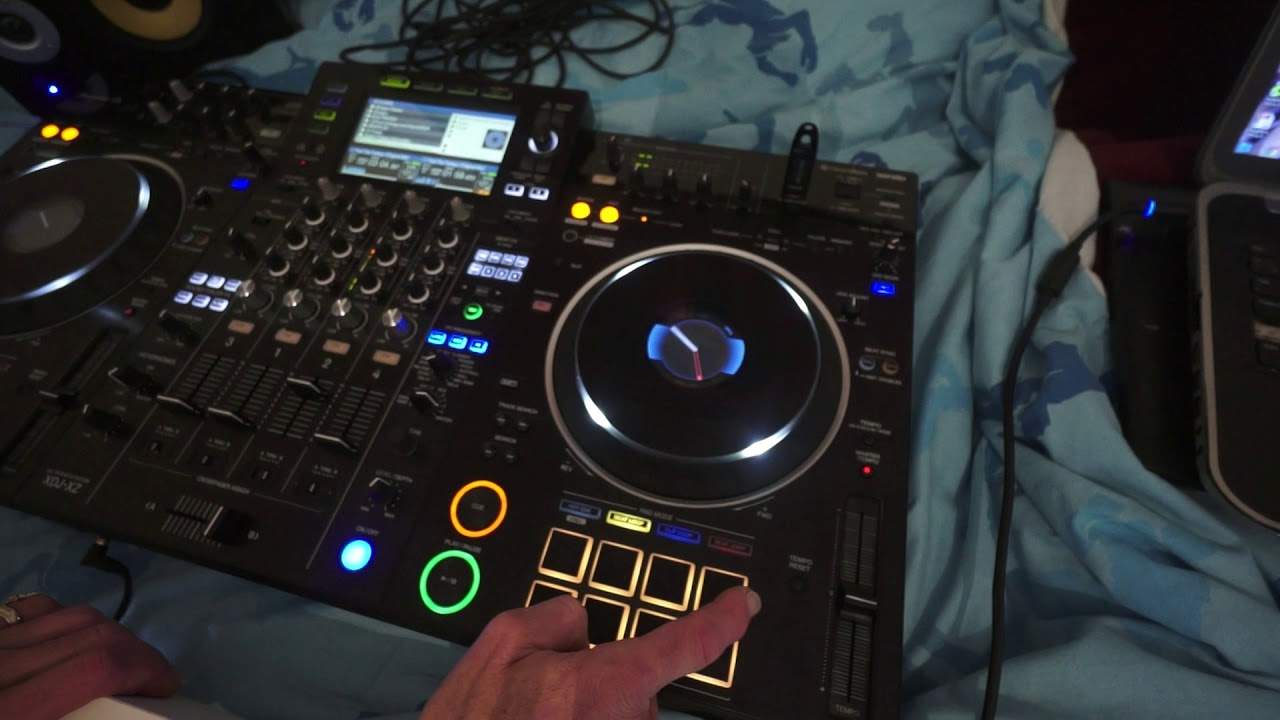
This is the radio version as well. Now in this video what I want to look at that not many people use is what's known as the beat loop. Just have a listen. 3, 4, 1, 2, 3, 4, 1 See it's offbeat. 3, 4, 1, 2, 3, 4 2, 3 Ok now Alright I do apologise if the camera is jumping around a little bit. Let me just move the angle a little bit like that. Okay So what you may have noticed there is that it was slightly offbeat when I stopped the beat loop. So you start the beat loop of course by pressing one of the pads, stop it by pressing the pad again. And if we listen... Ok so we've got different amounts of beat loop. I'm pretty sure it's quarter of a beat
Half a beat 1 beat 2, 4 and so on. The trouble is though when you start the beat loop and stop it. So you start it in time but it's very difficult to stop it in time to keep the track going as it normally would go. Now there is a simple way of getting around this. Now not all players have got this feature but if you have then use it and you can't go wrong. It's Slip Mode, alright? Duh exactly! Alright now first of all what does Slip Mode do? So for the people who haven't got it or aren't familiar with Slip Mode I will explain. Now let's imagine this side of the controller the left hand side is the beginning of the track and the right hand of the controller is the end of the track. So let's imagine now we've got a virtual
3:49 Mode engaged
Line that's starting from the left and going across to the right. And that's happening now as we speak. So that potentially is the timeline of the track while it's playing. Now let's say you form a beat loop without Slip Mode. What happens is that loop will play at this position here. So let's say the timeline is getting towards channel 3 on the mixer you start the beat loop of say 1, 2 beats, half beat doesn't really matter and all will happen it will loop that part as soon as you stop it comes out and then it continues to play. Now with Slip Mode engaged what happens is this the timeline will start you will start your beat loop say here the beat loop will play at this position but the timeline is carrying on going. It's still
Moving so when you come out of the beat loop it jumps to the position where the track is. So it's almost foolproof to not get it out of beat when you come out of the beat loop. So I'll demonstrate again first of all without the Slip Mode engaged OK I've just paused it, let's engage Slip Mode. Now let's have a listen There you go, alright again what I was doing there, elaborating on that effect by adding some filter OK Simple demonstration explanation. I hope that's been helpful. Practice and enjoy Thank you
This transcript was produced automatically from the audio of the video and may contain mistakes.










