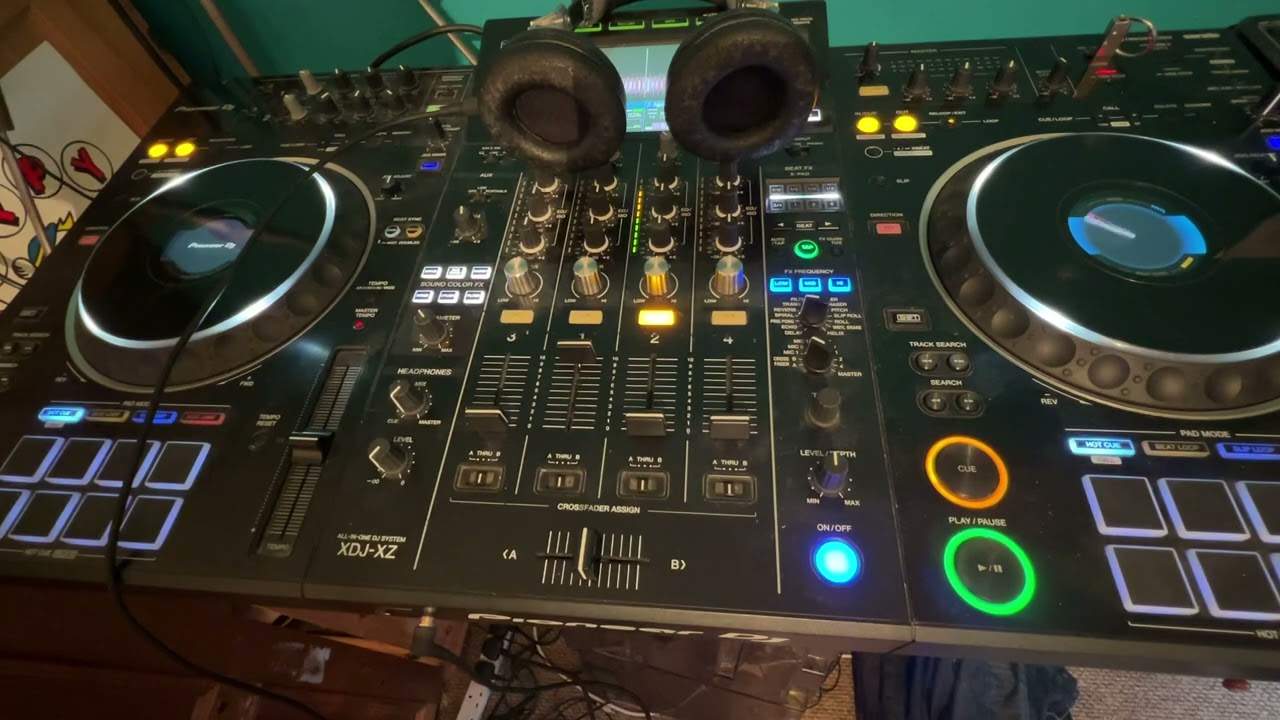
 3:38
Headphones, and the best way to use them
On YouTube this video is called Complete Beginner DJ Lessons Video 17 a Look at Headphones and the Best Way to Use Them
What this lesson teaches
The headphone section, covered methodically, with one control that is new and one habit worth adopting permanently.
The checklist
He works through the failures in order, which is the useful format:
Track playing, LEDs flashing, no sound - because the channel faders are down and the cue button has not been pressed.
Press cue on a channel with nothing playing - still nothing, correctly.
Press cue on the channel that is playing - and now you hear it.
And then the sneaky one he does deliberately: everything set correctly and still silence, because the headphone level is down. Worth including precisely because it is so easy to overlook when you are checking the clever things.
The headphone mix dial
The control that is new here, usually just above the level.
At one extreme - cue, around seven o'clock - your headphones carry only what you have cued.
Turned towards master, they increasingly carry the overall mix as well.
This explains a specific confusion: you cue one channel, and hear a muddle of everything. The dial is towards master, so you are listening to the whole output with your cued channel somewhere inside it.
For straightforward cueing, keep it at cue. For beatmatching, a blend is often what you want - the incoming track and the room's output together. Both are correct and the dial is how you choose.
The tip worth taking permanently
He demonstrates the mistake on purpose: headphone level high, press cue, and a wall of sound arrives in his ear.
So the habit: turn the headphone level all the way down, press cue, and then bring the level up until it is comfortable. Every time.
It costs a second and it protects the only pair of ears you are going to get. A sudden full-level transient straight into a sealed cup is exactly the kind of exposure that does permanent damage, and it happens in an instant rather than over a career.
Contents of the video
0:01 Video number 15 on headphones and cue
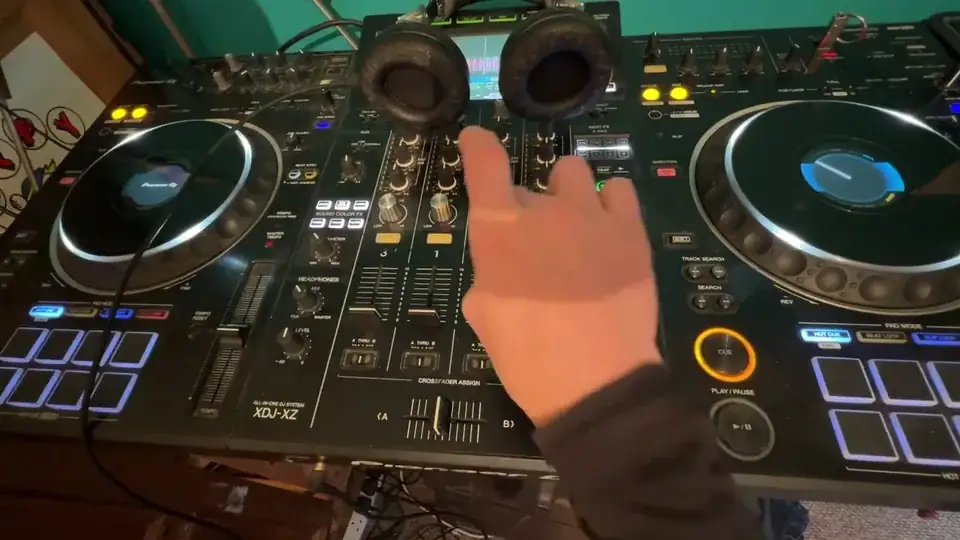
Right guys, video number 15 on headphones and cue. OK, so I'm going to press play on the track. You can see the LEDs flashing, but you can't hear anything because the up-faders aren't up. Also, I haven't pressed the cue button. Now, if I press the cue button on the left where the LEDs aren't shining, won't hear anything. Next one, I won't hear anything. And the next one, now I can hear something, simply because that channel now is playing the track. But if I press the cue again, I can't hear anything. Well, if you rewind there, you'll see I did a sneaky move on the left-hand side there. And what I did was I turned the volume of the headphones down. So even if you've got your cue set, you've got the LEDs shining,
1:10 Above the headphone level, you could possibly have another dial with h
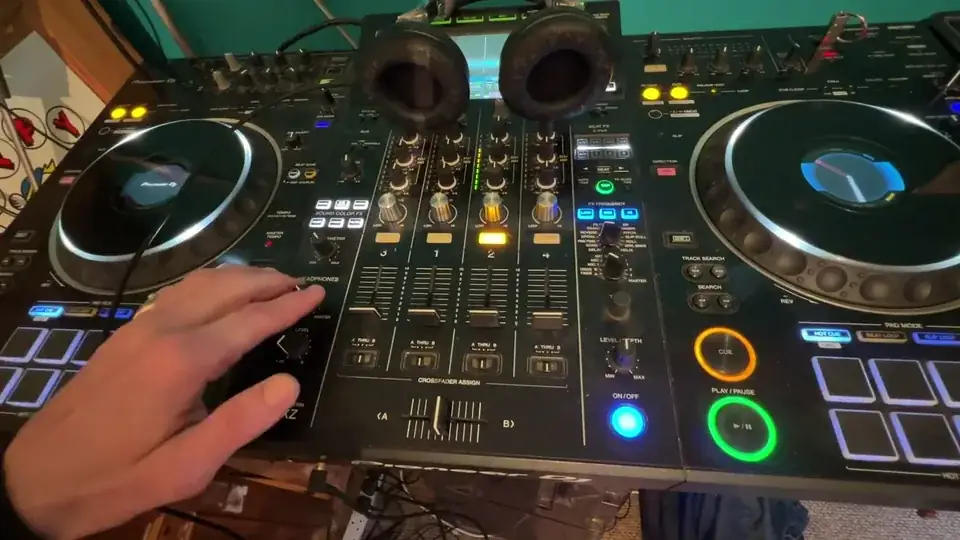
And you can't hear anything, just go over here and check the headphone volume. Turn it up, and now we can hear something. The audio that you're listening to, by the way, is indeed through the headphones. Now, above the headphone level, you could possibly have another dial with headphones mix. Now, this is quite important because if, let's say, it's set all the way to master and you're trying to cue one channel, you may be hearing a muffly sound of everything. That's because as you turn this dial clockwise, you're not only then listening to the channel you're cueing, you're also actually listening to the overall mix. So let's say you have another channel playing with something else, but you just want to listen to that channel.
2:24 One important factor as well, your ears are really important
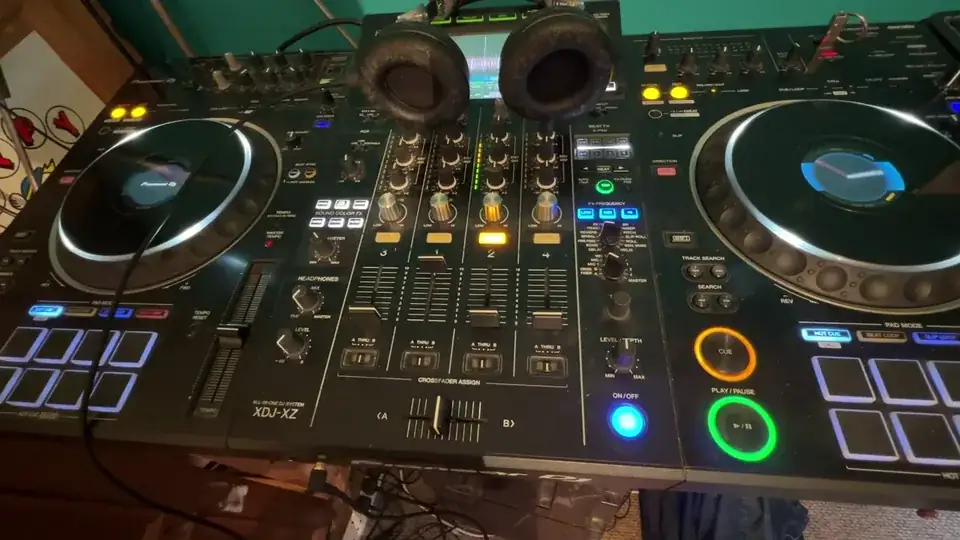
You need to make sure your headphone mix dial is set exactly to cue, which is, of course, seven o'clock. On the other hand, if you want to have sort of a small mix of everything through your headphones, then what you can do, you can slowly move this dial, the mix dial clockwise until you get a nice audio sound that you're happy with, where you can hear the cue and anything else that's playing. But like most DJs, if you want to just, listen to what you're cueing, make sure your cue dial is set to seven o'clock and that's it. One important factor as well, your ears are really important. So for goodness sake, don't have the headphone volume all the way up, then press cue while your headphones are on, because it's very possible all of a sudden your ears will be blasted with audio.
So this is a great tip. Turn the headphone, uh, volume all the way down or level, should I say press cue, make sure something's playing and then slowly increase the volume of your headphone level until it's satisfactory. And it's audibly fine for you do not do something like this there. Okay. Because I've got the level quite high press cue and all of a sudden I've got this. Massive bang of sound. That's not going to do my hearing any good. Hope that's a help video number three, sorry, not 13, number 15 practice and enjoy. Thank you.
This transcript was produced automatically from the audio of the video and may contain mistakes.
This video is part of
Related videos
-
Complete Beginner DJ Lessons Tags Key BPM Etc
A more advanced lesson folded in early, and worth doing once rather than putting off, because everything it sets up gets used for years…
-
Complete Beginner DJ Mixing Lessons Video 19 Getting Your Kit Ready for an Easy Mix
A whole lesson on getting ready, which is the right call - the exercise in the next video only teaches anything if the two decks are…











