Stage 1 Your First Setup Course 1 of 5
Complete Beginner DJ Lessons
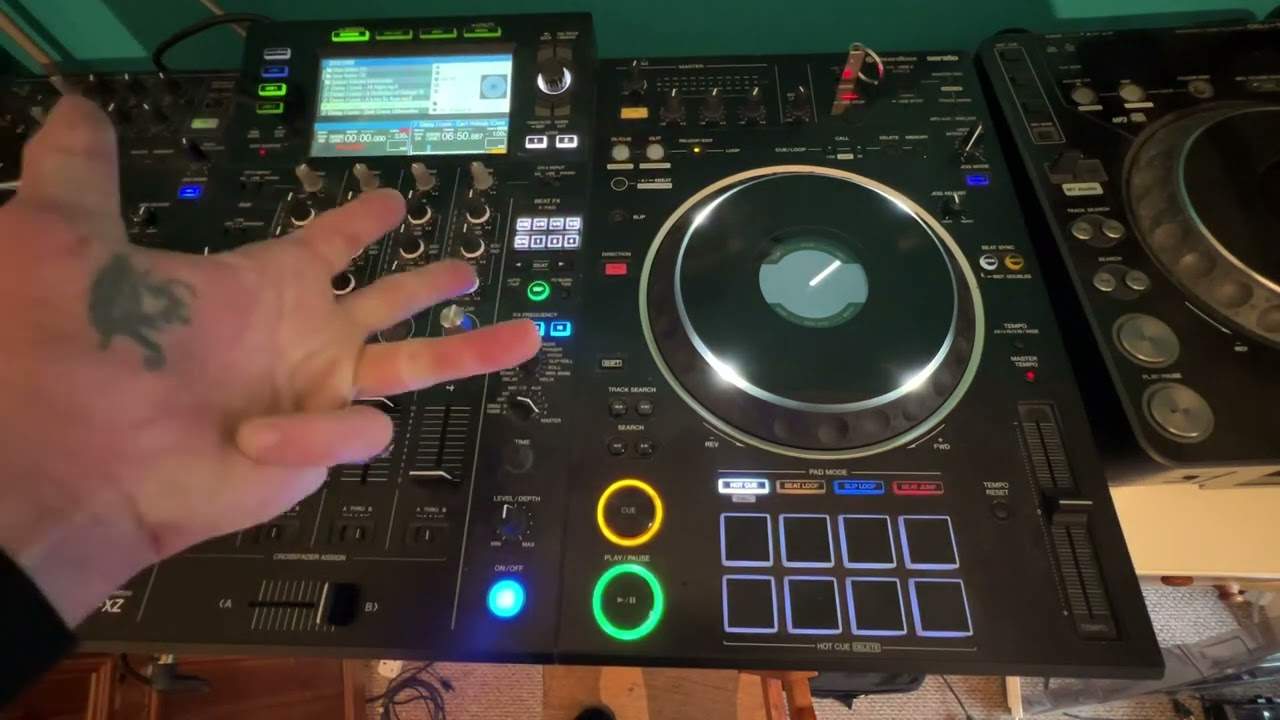
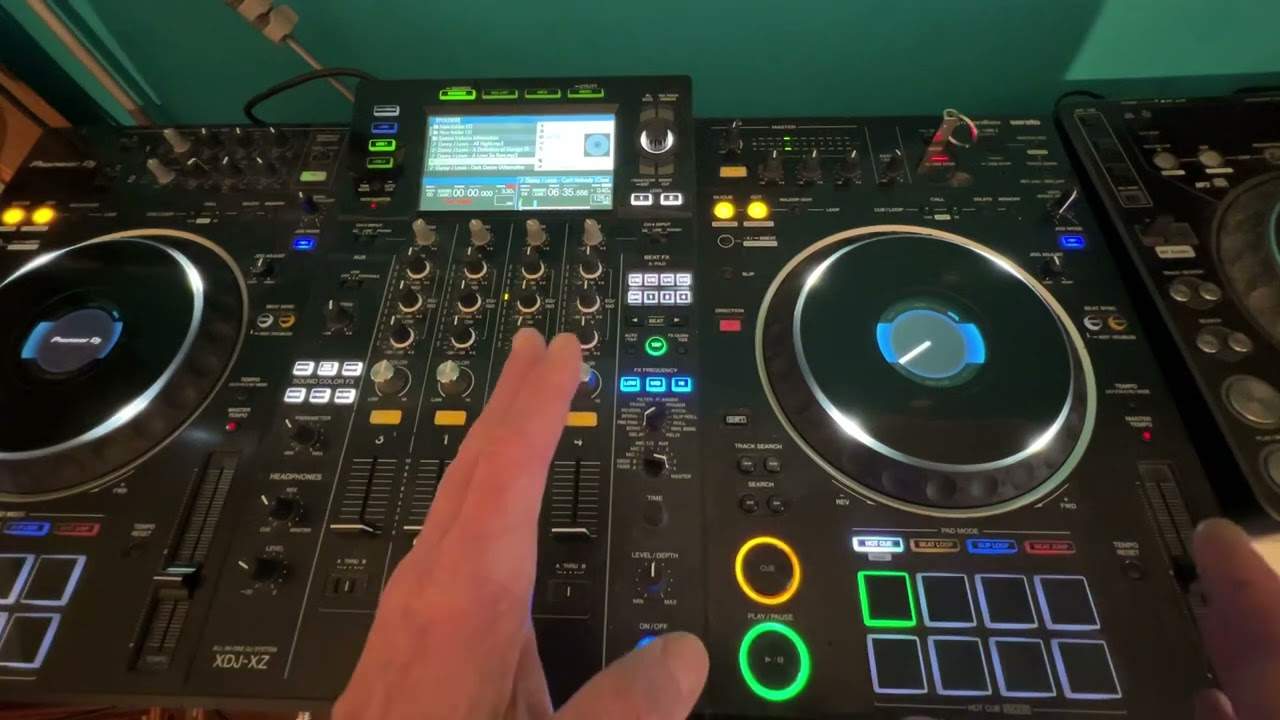
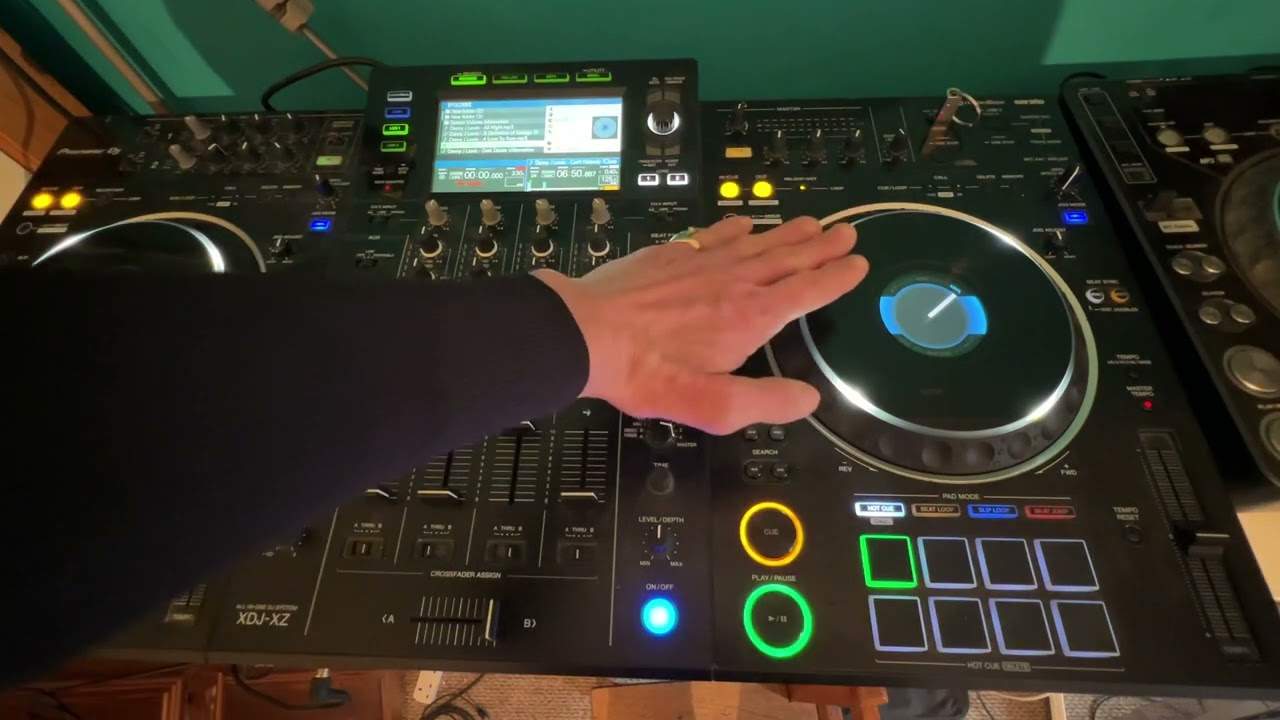
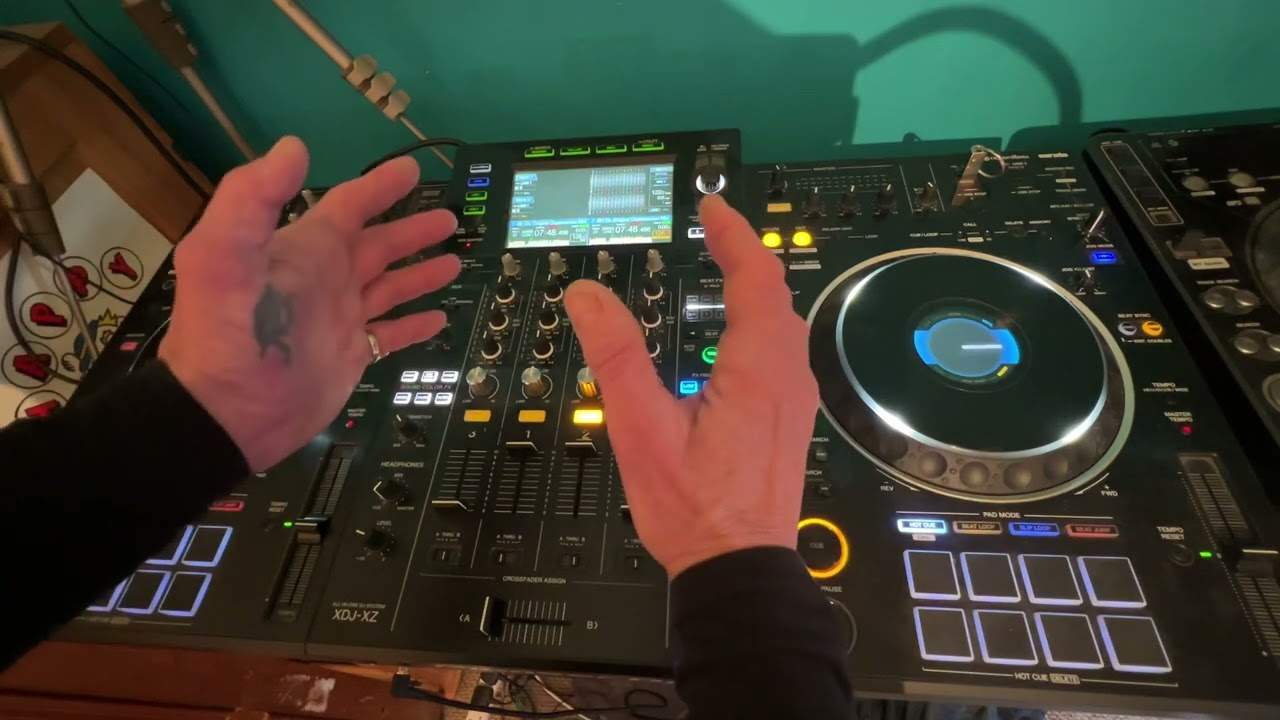
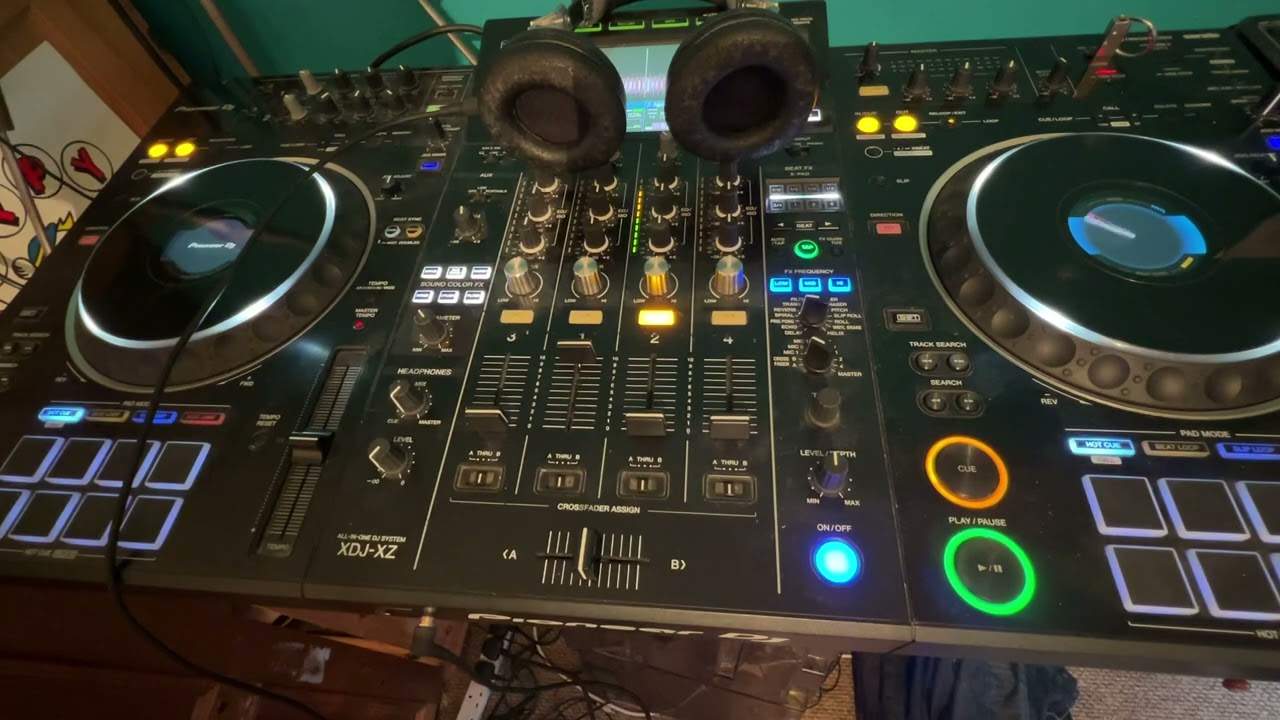
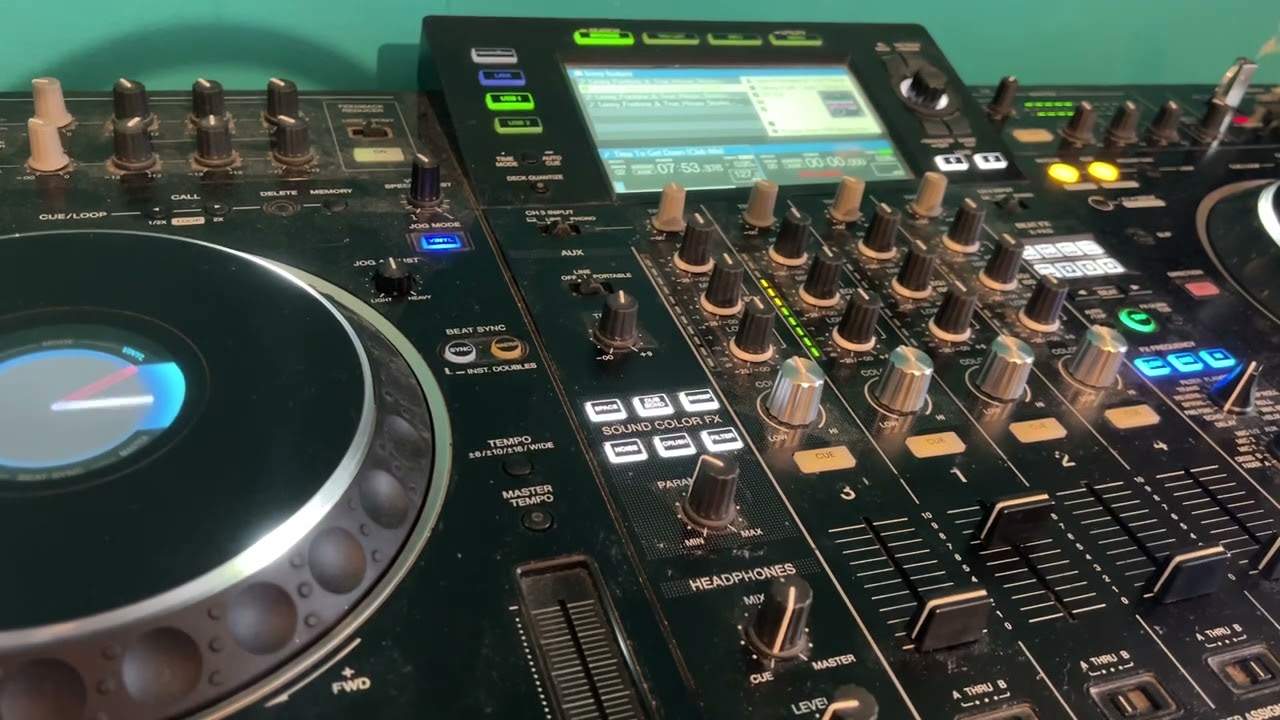
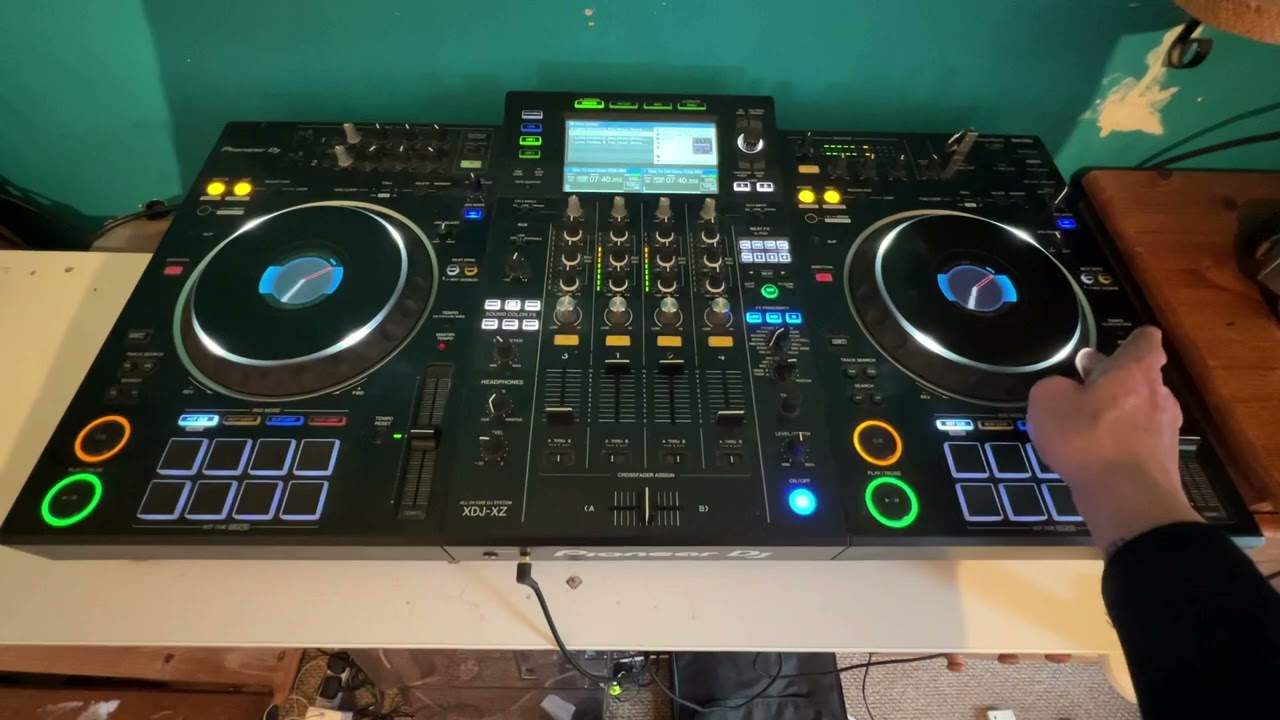
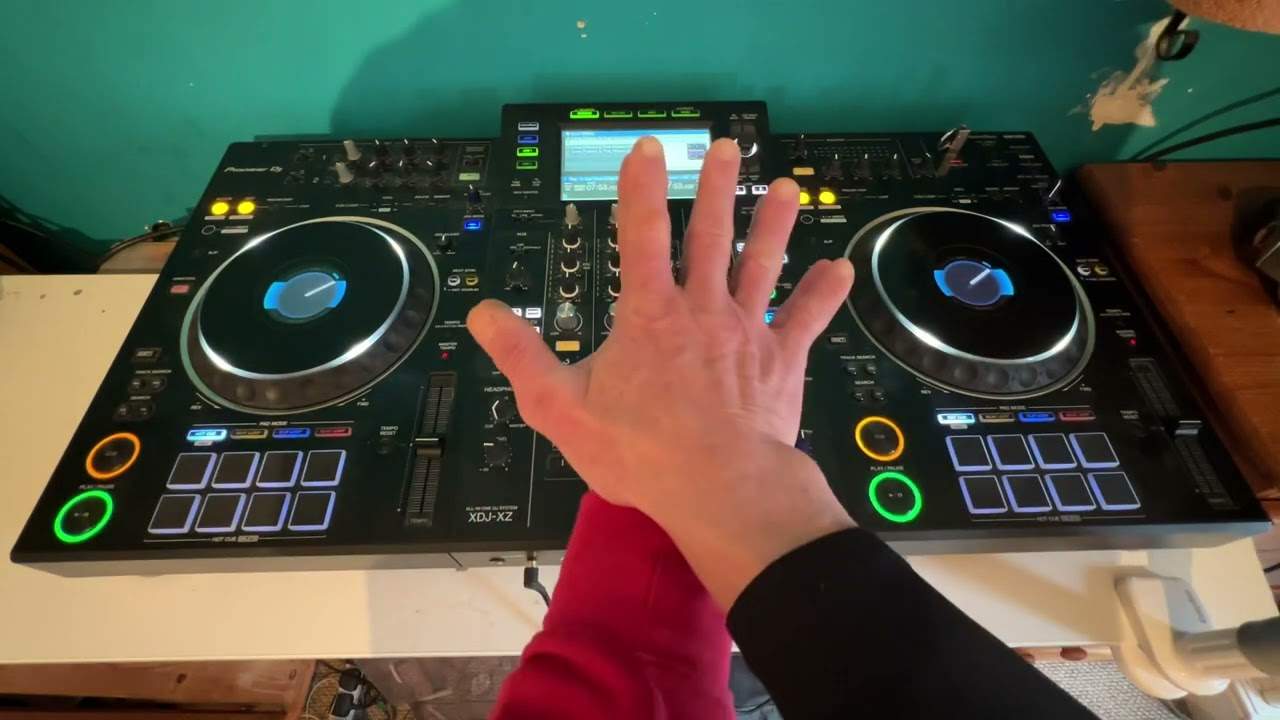
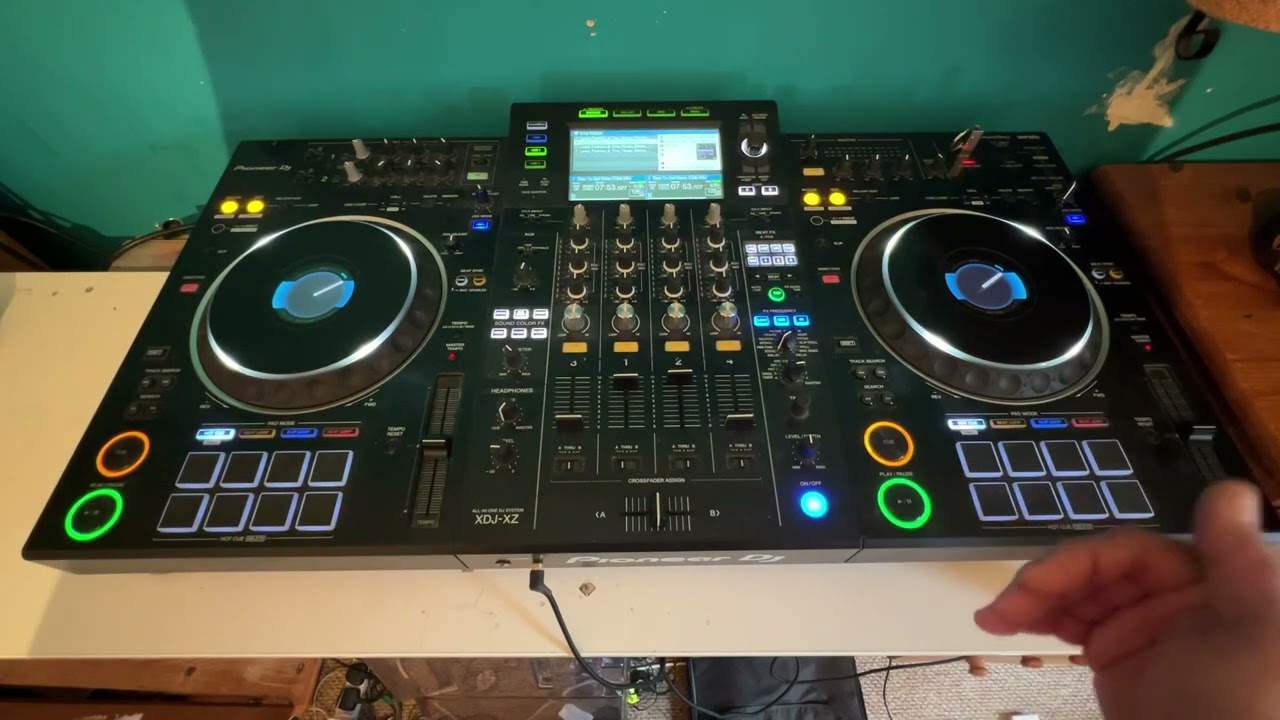
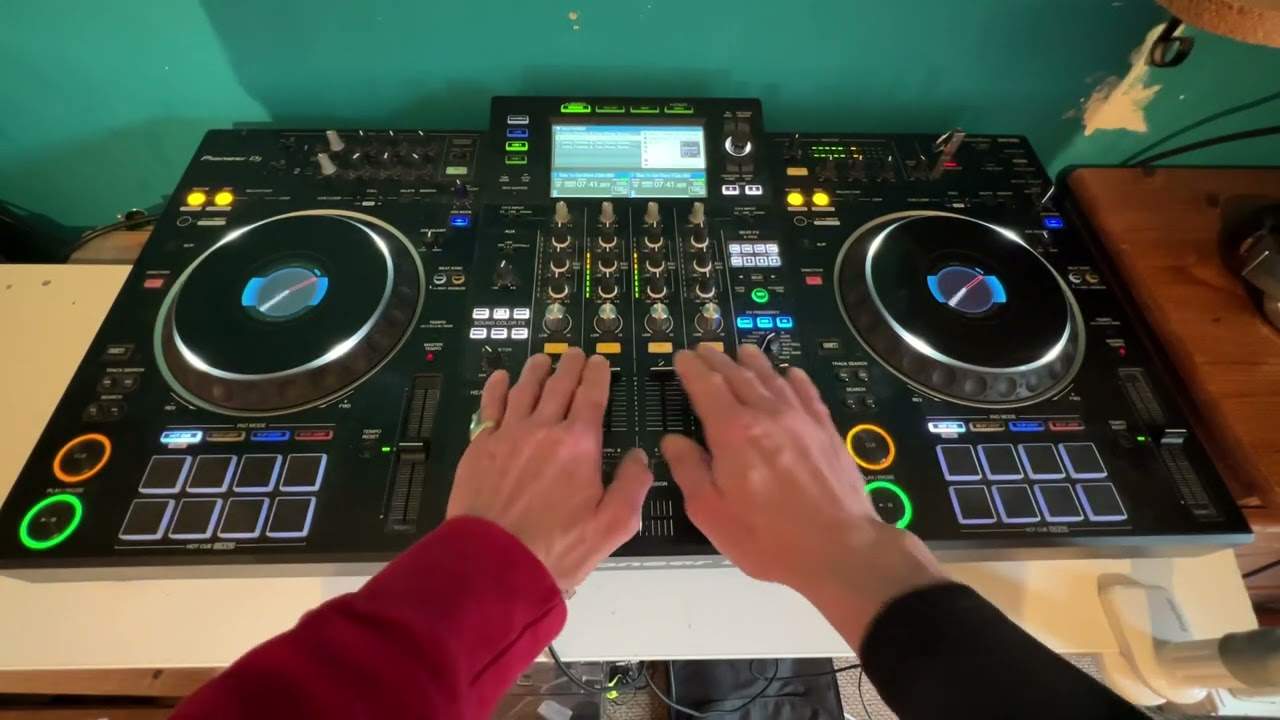
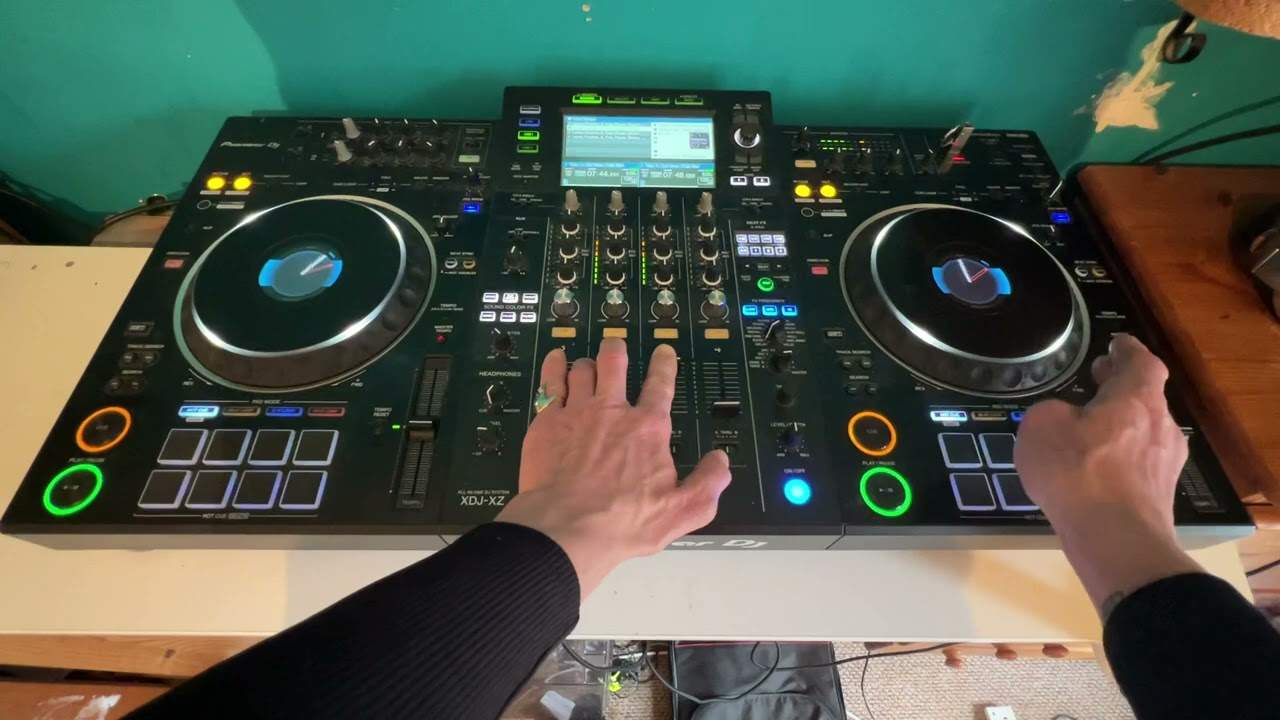
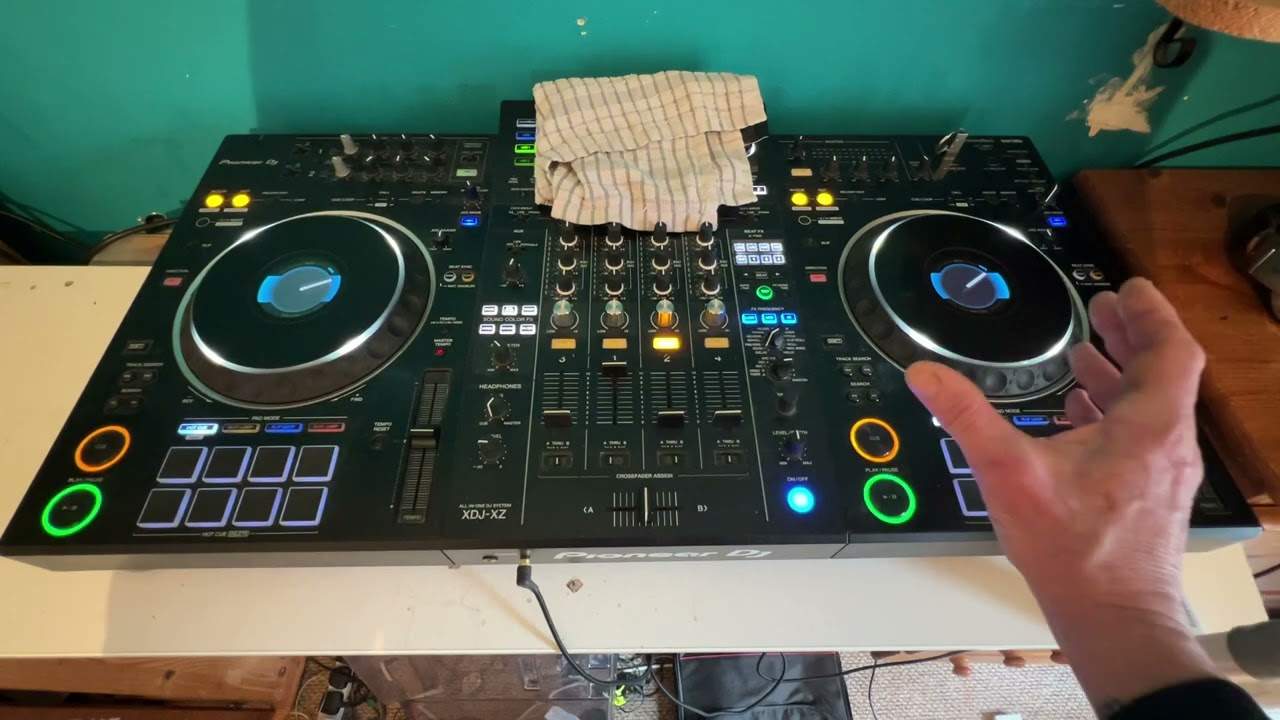
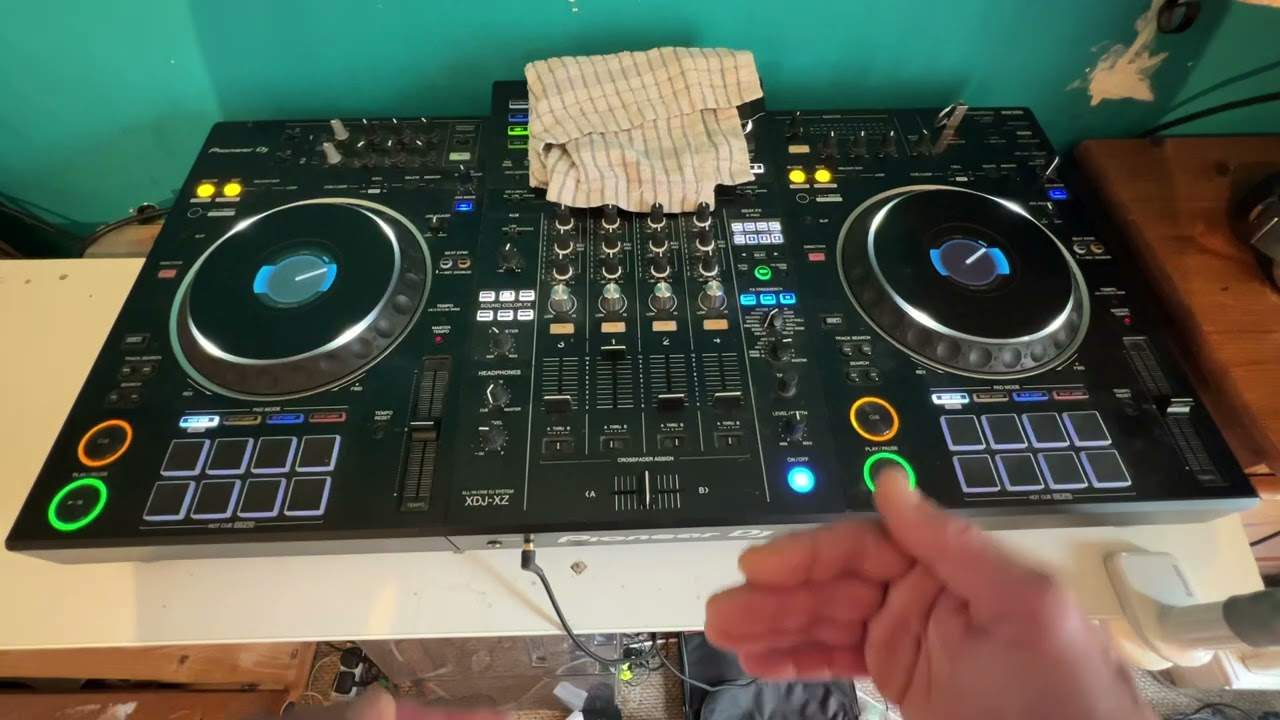
Ellaskins' own ordered beginner series, start to finish. It begins with nothing more than a controller in front of you and ends with you looping, cueing and holding two tracks together. Seven companion videos are folded in where they help.
By the end of this course you will be able to
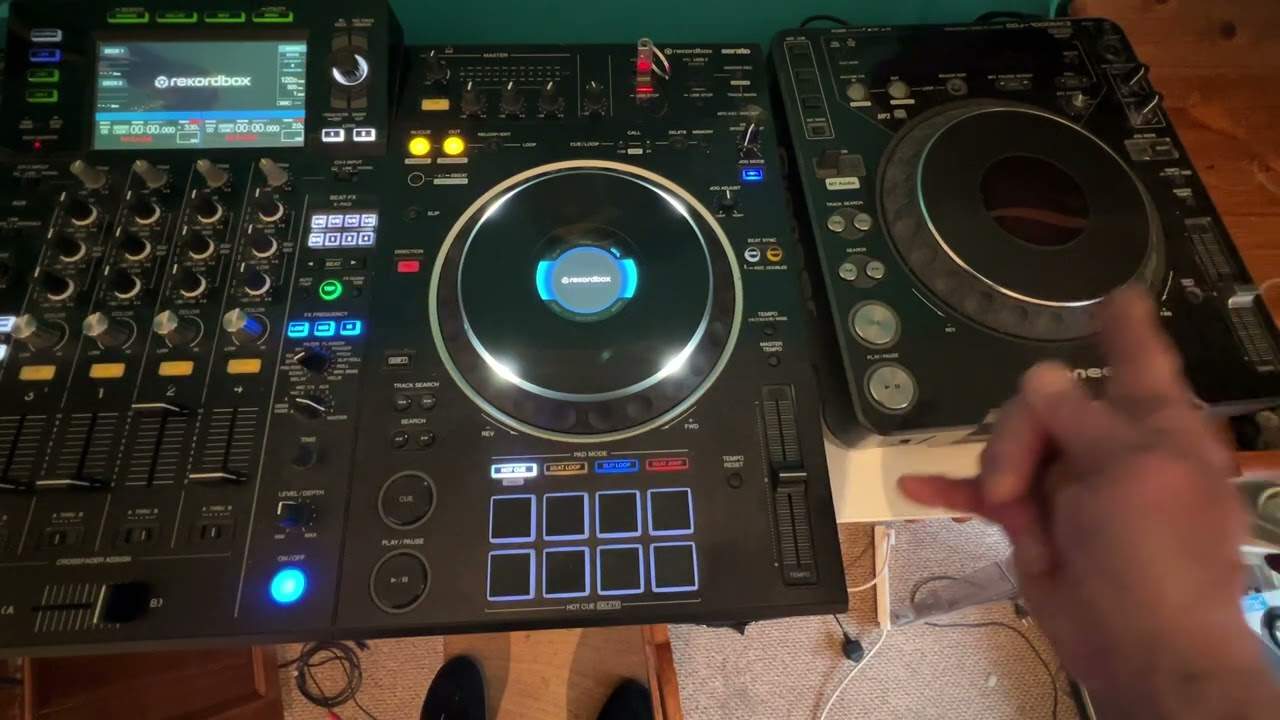
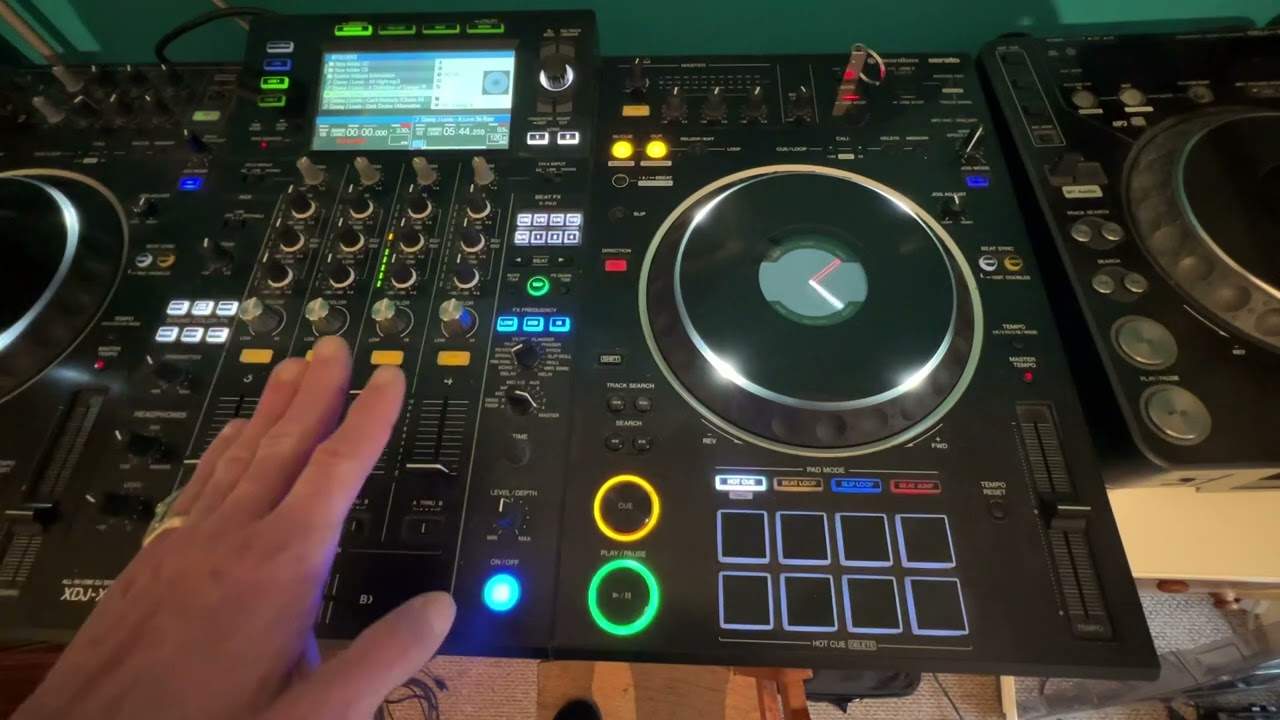
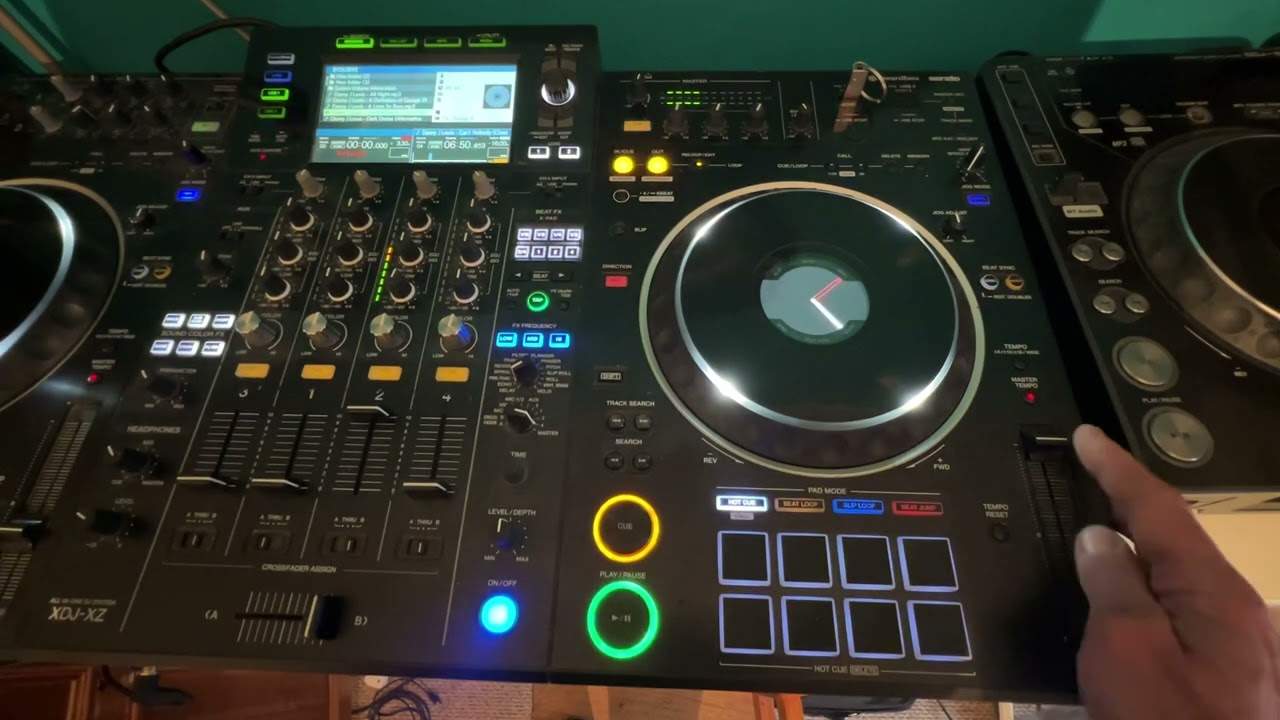
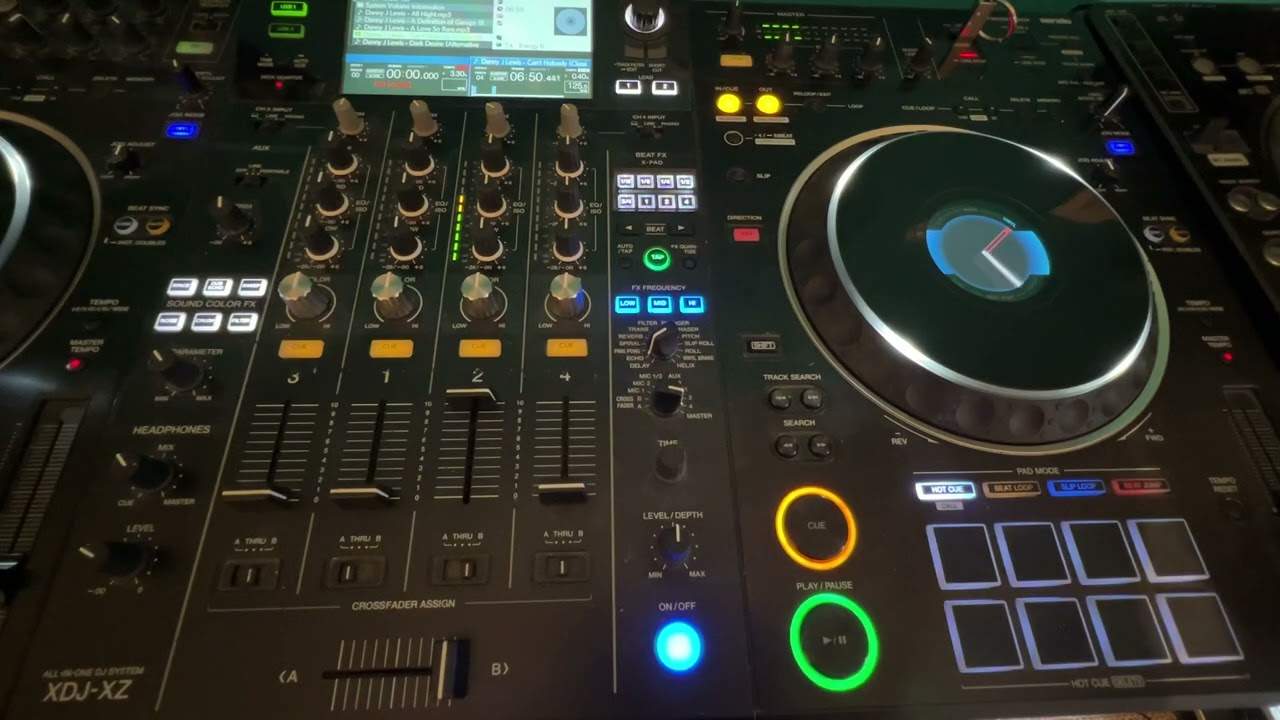
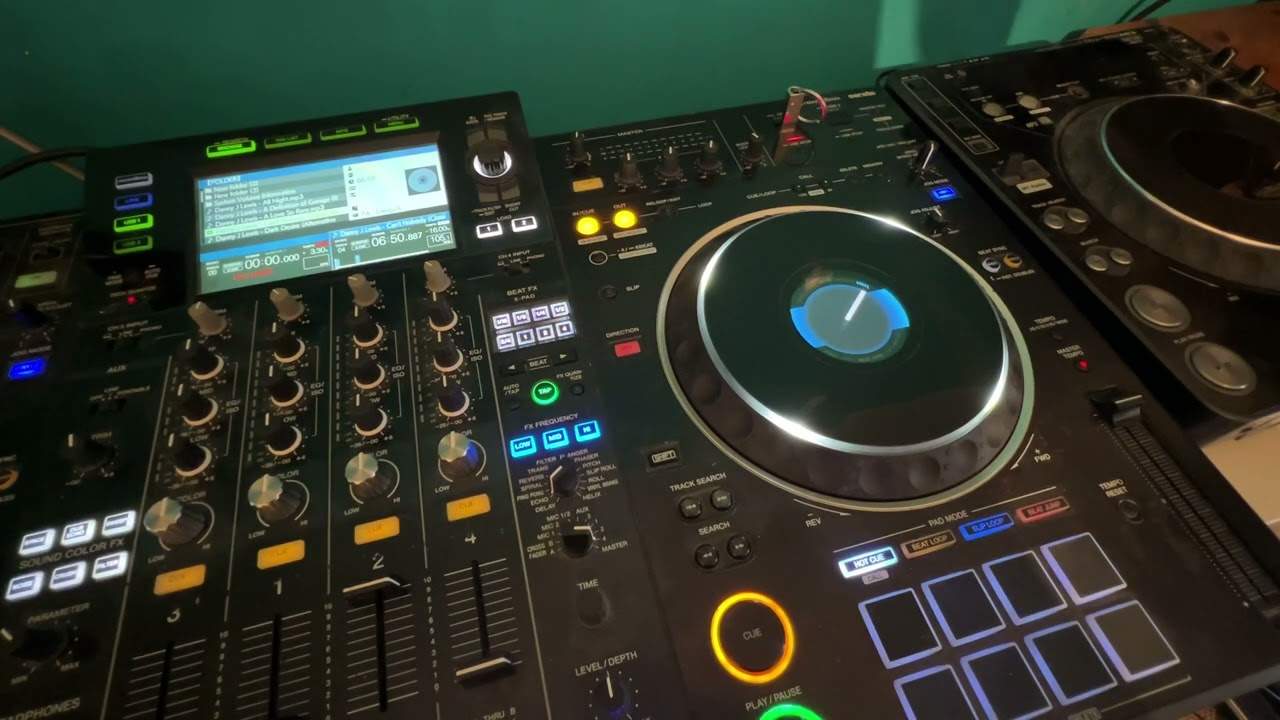
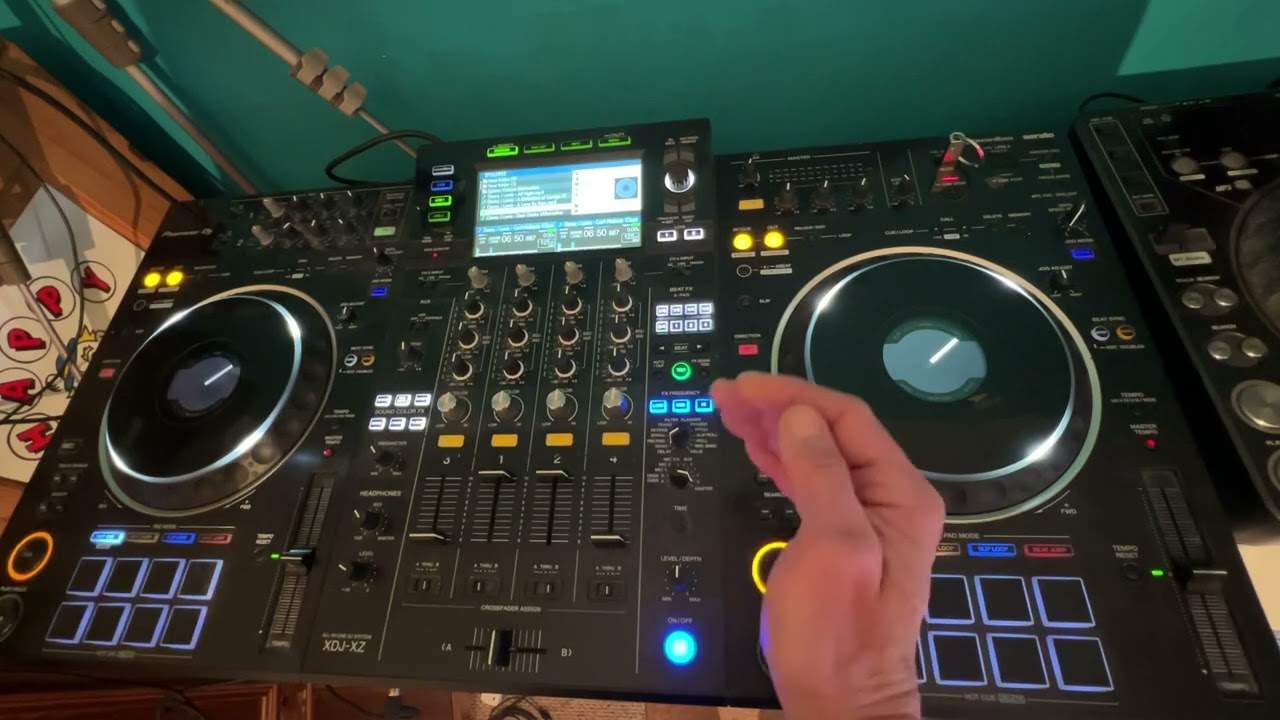
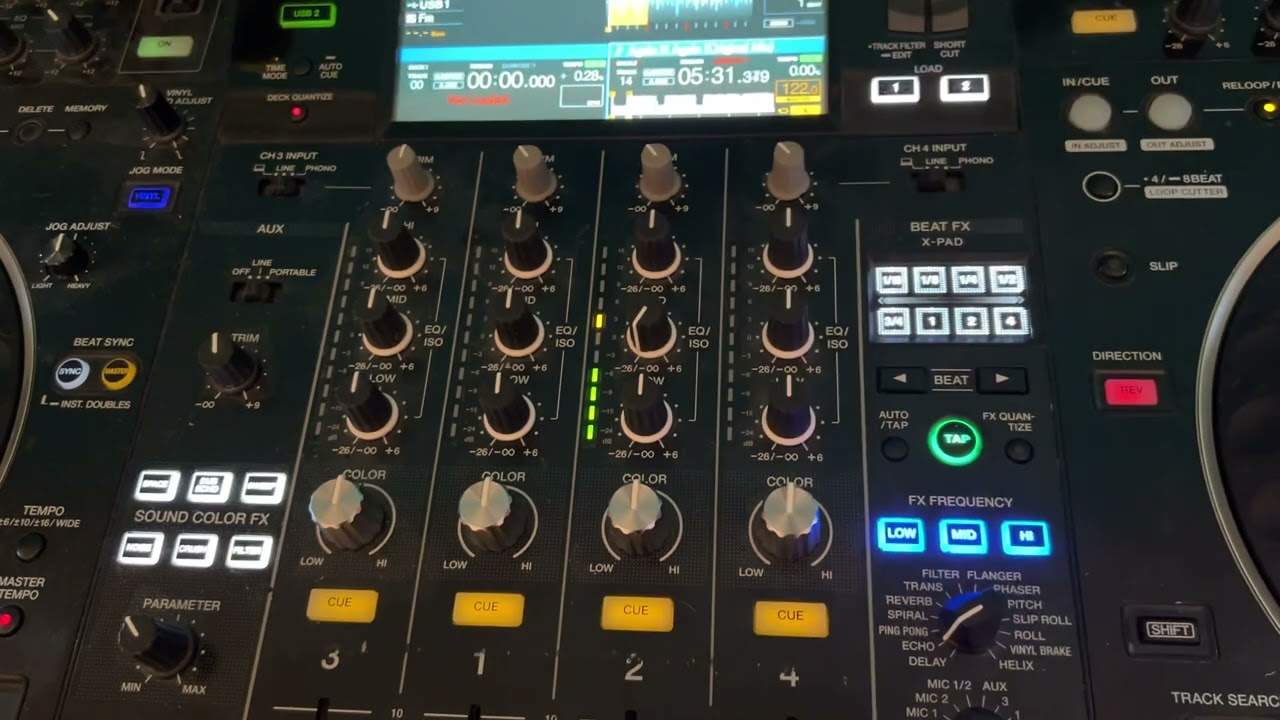
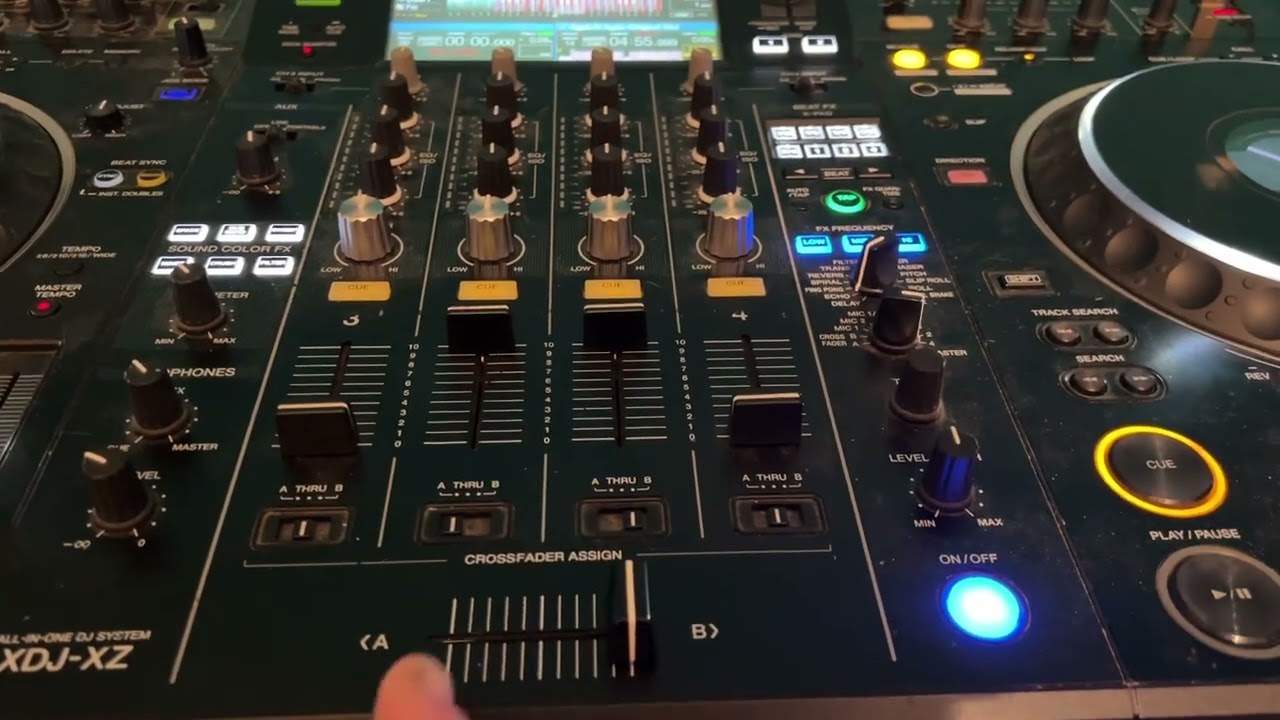
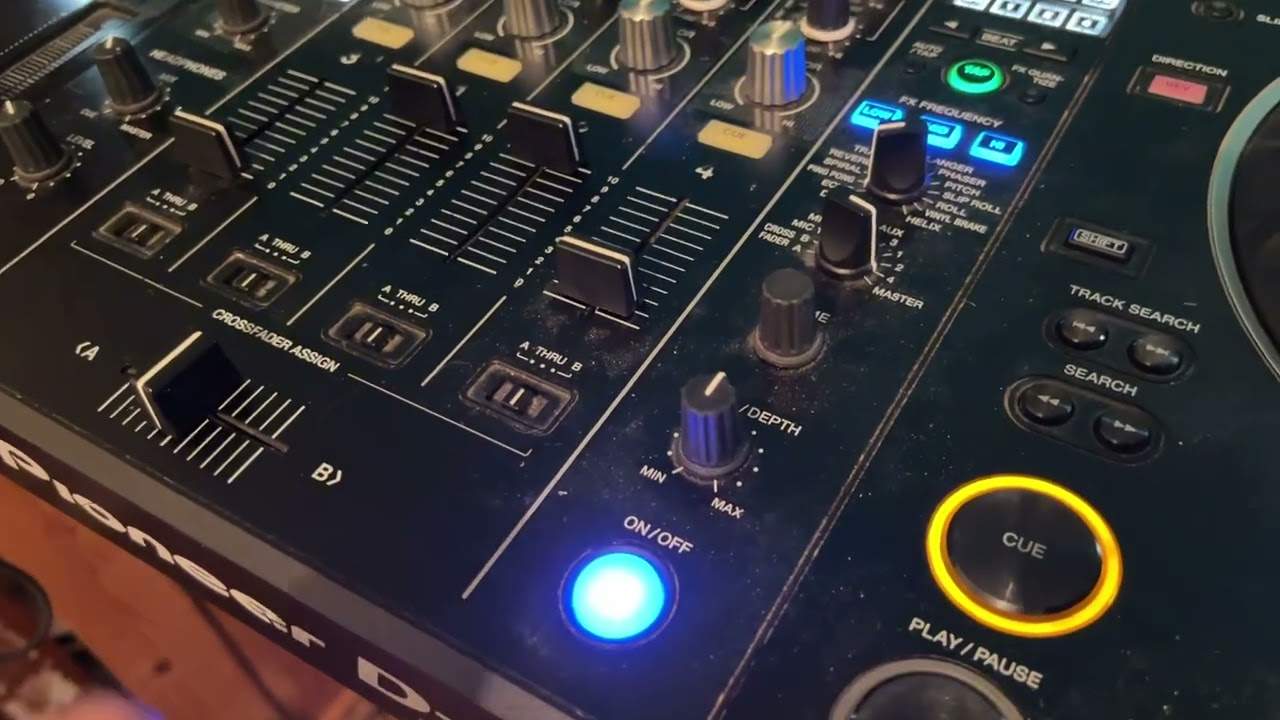
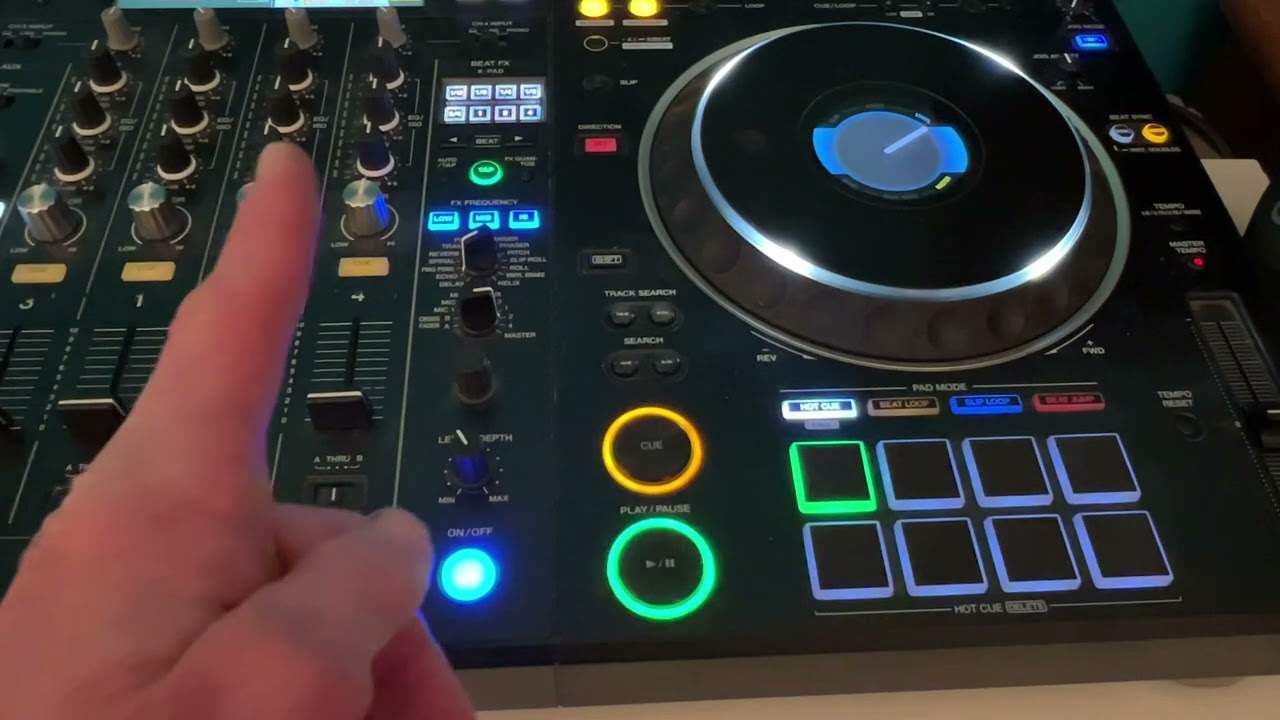
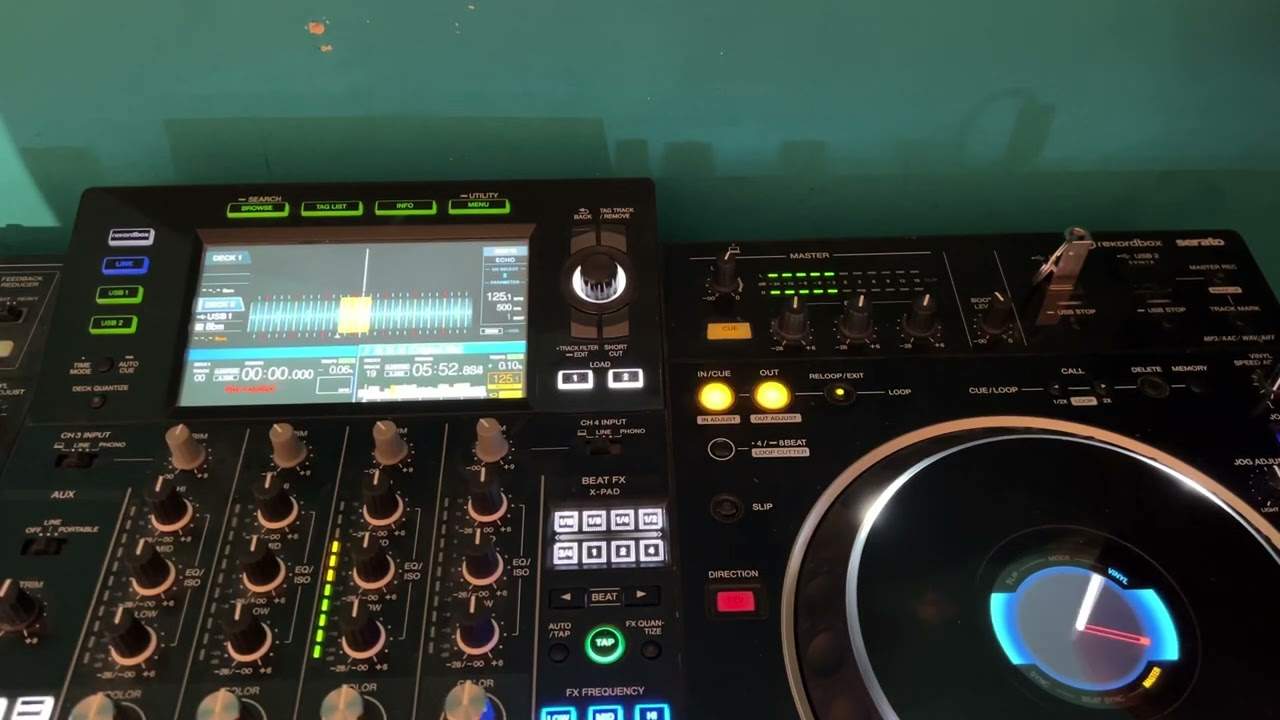
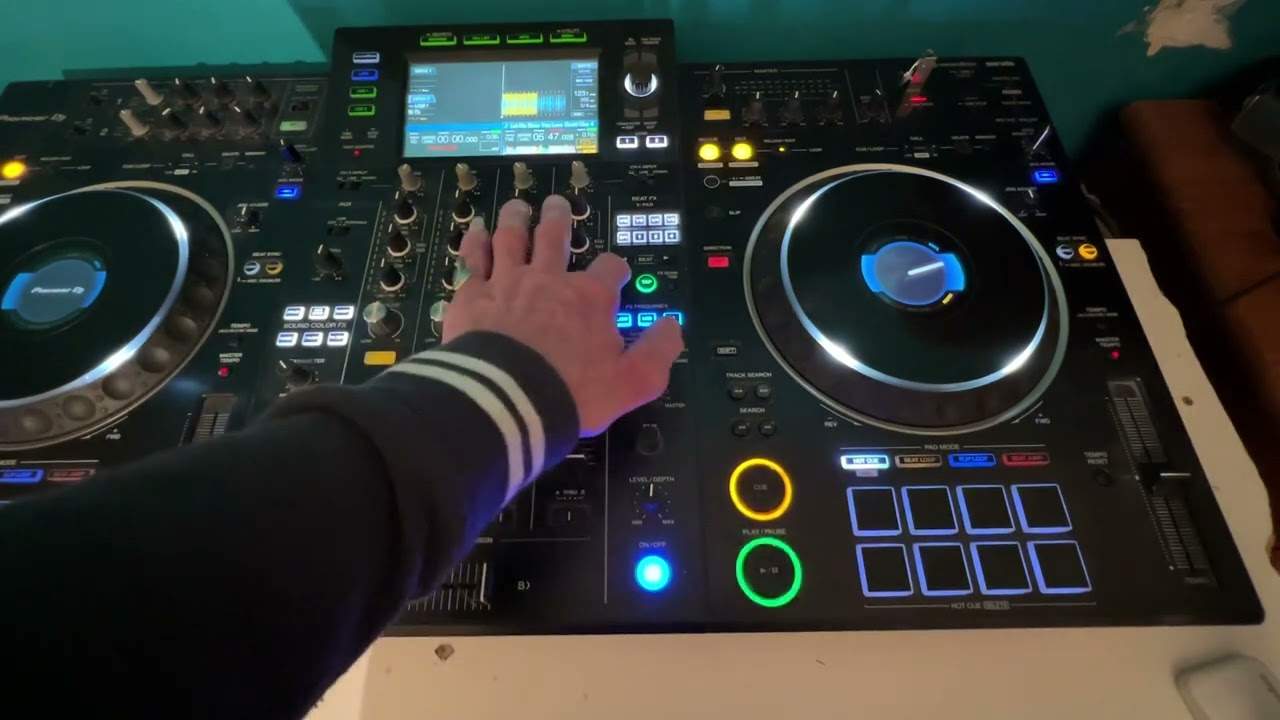
- Name every control on a DJ controller, CDJ and mixer, and say what it does
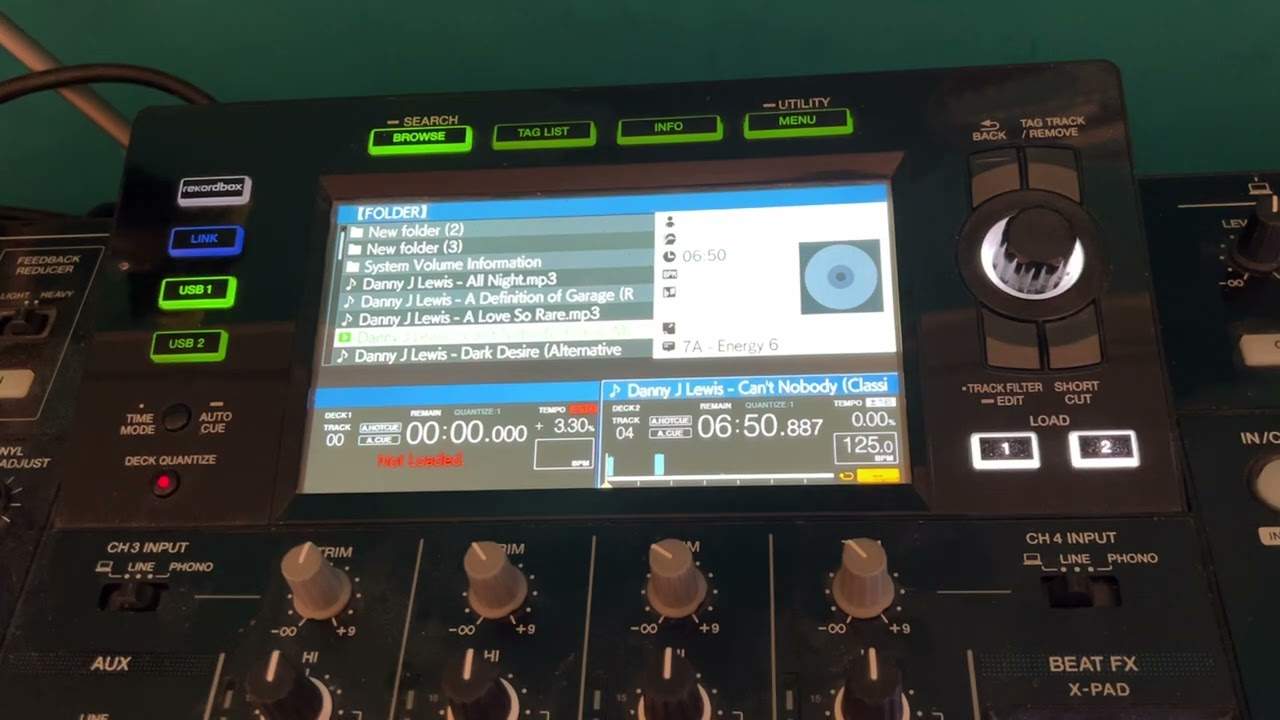
- Load tracks, set a cue point and use headphones to cue properly
- Count bars and phrases, and find the phrase in a track by ear
- Change a track's BPM and hold two tracks in time using the pitch and jog wheel
- Use EQ, the crossfader, hot cues, loops and effects in a simple mix
Lessons
-
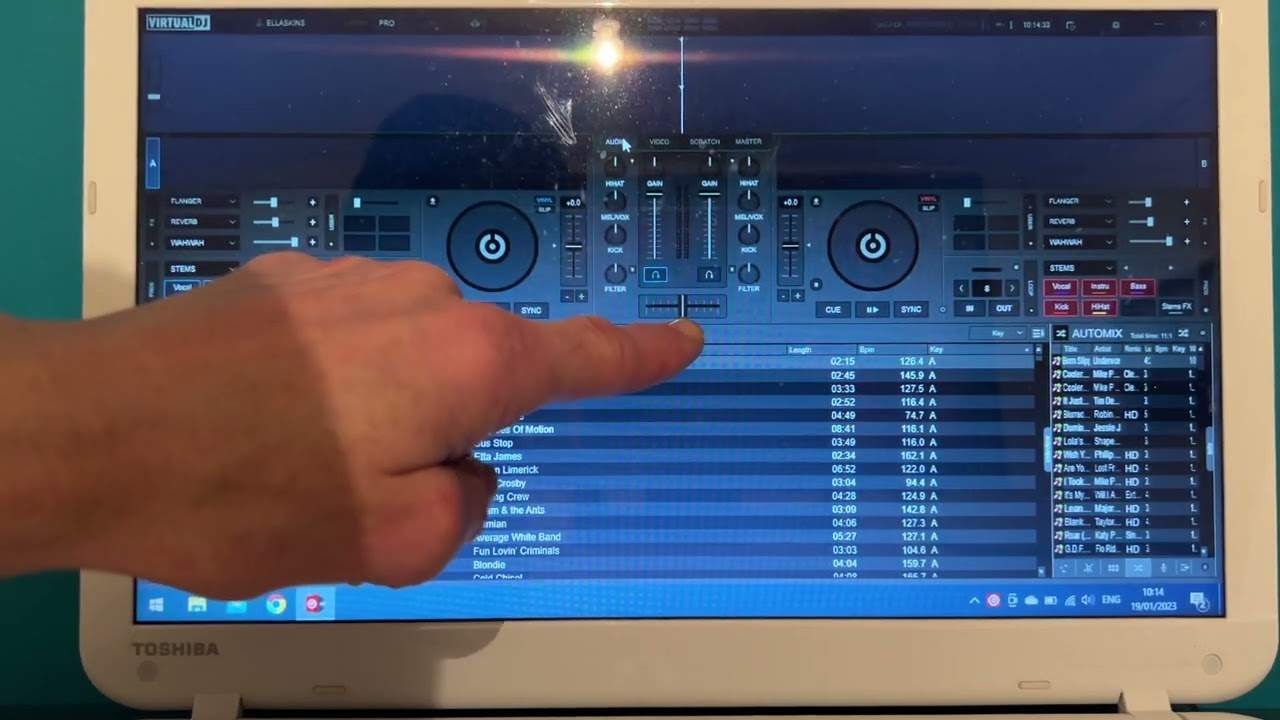
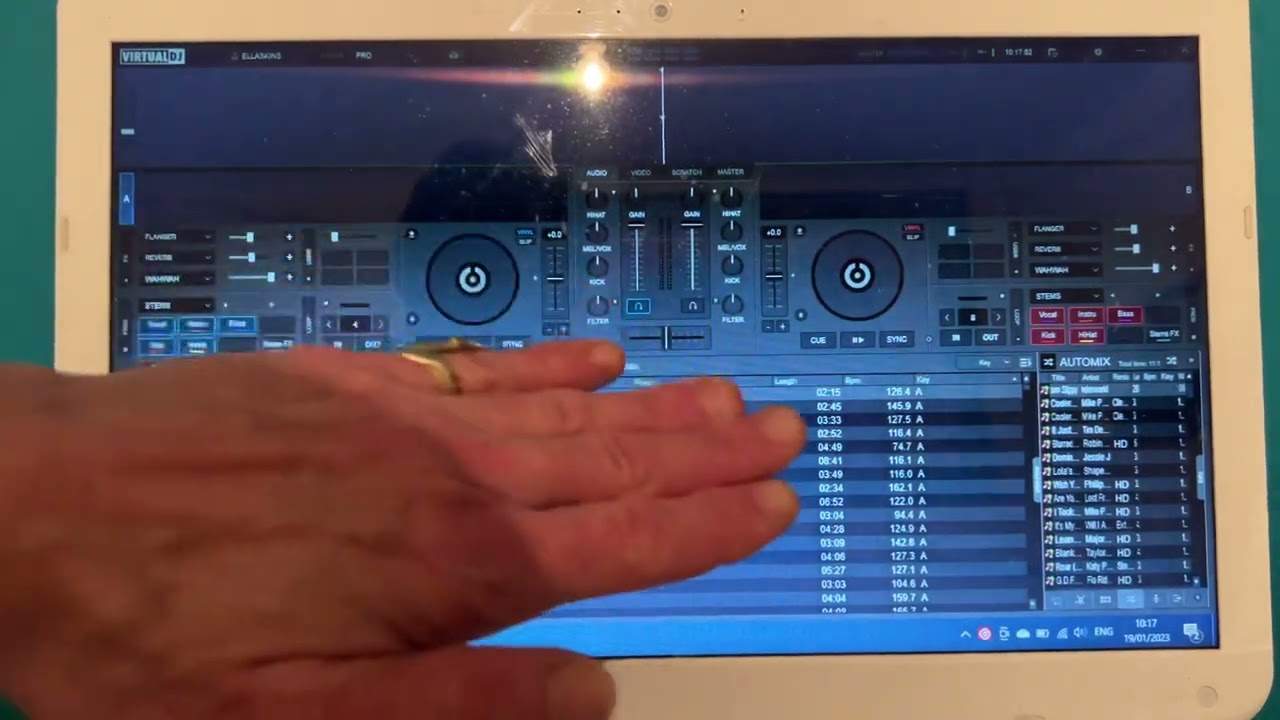
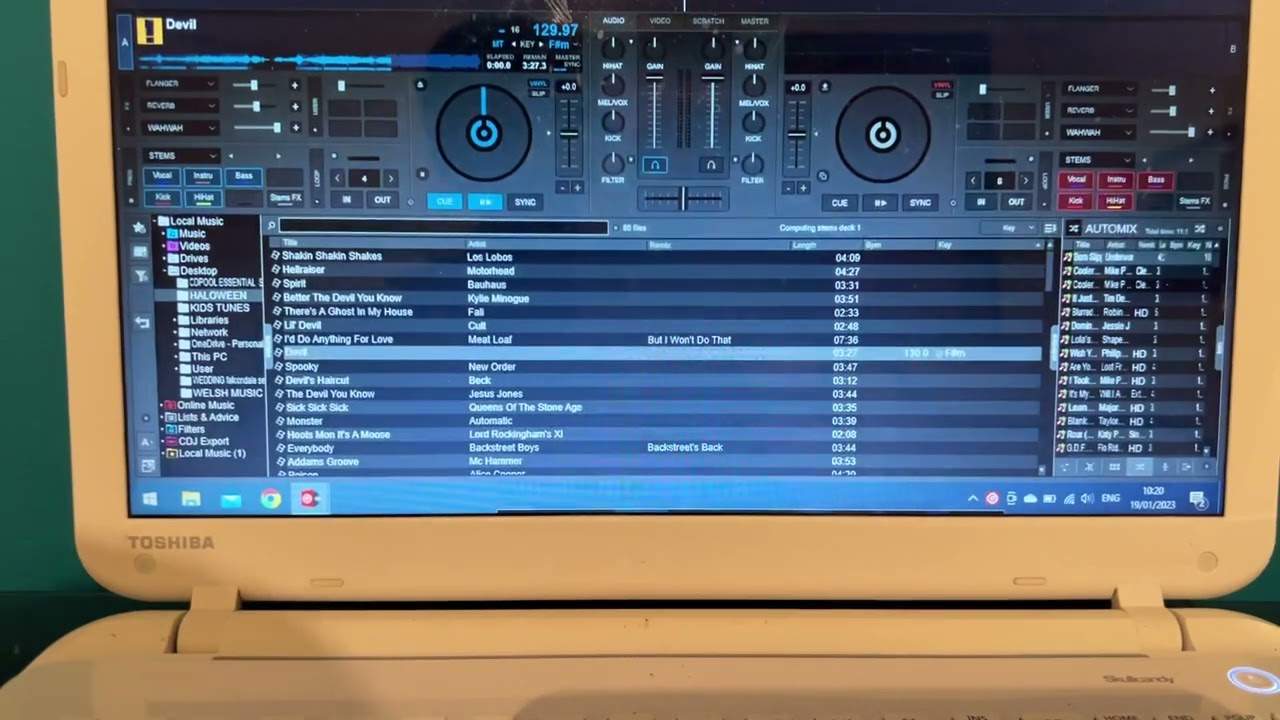
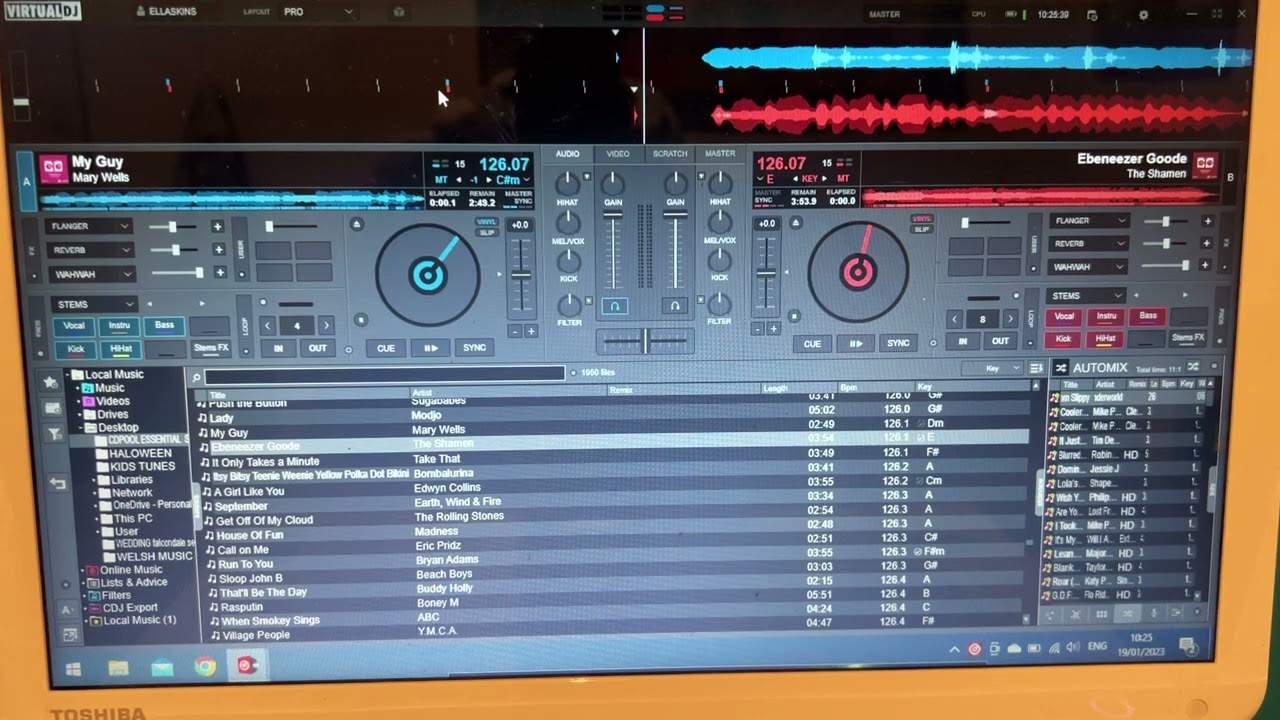
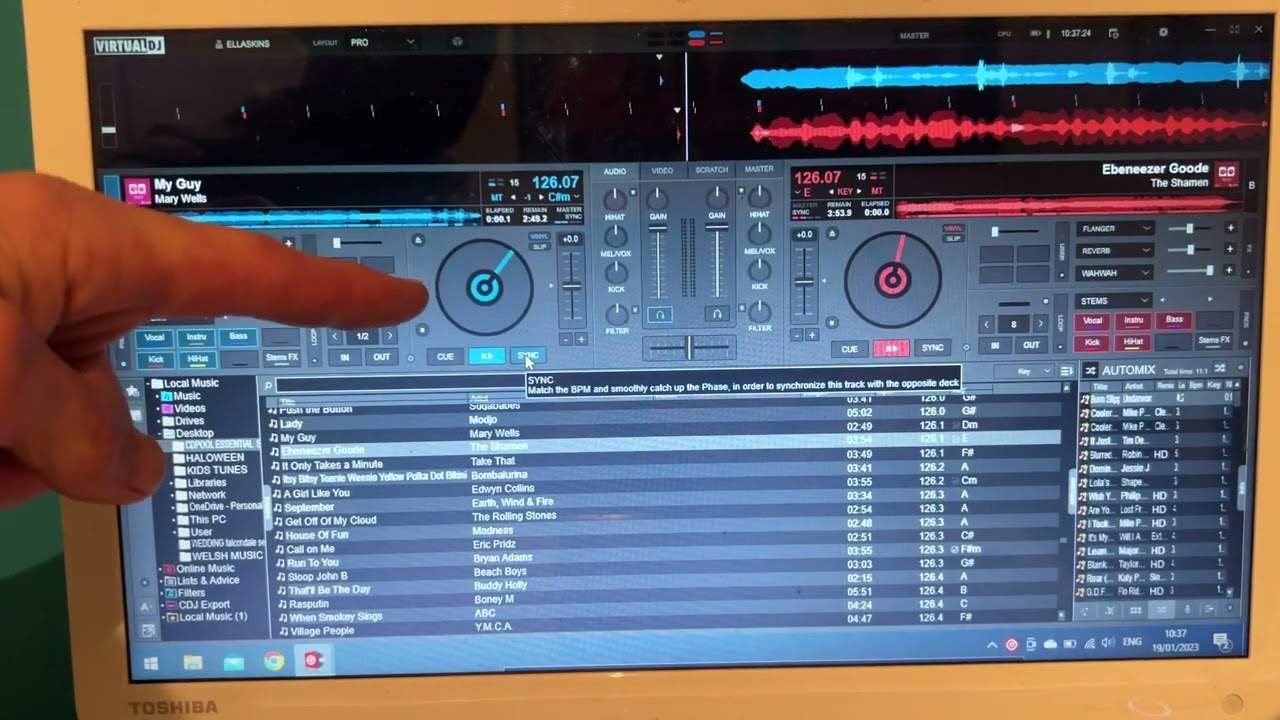
A look at a DJ program layout
Companion video, folded in where it helps.
-
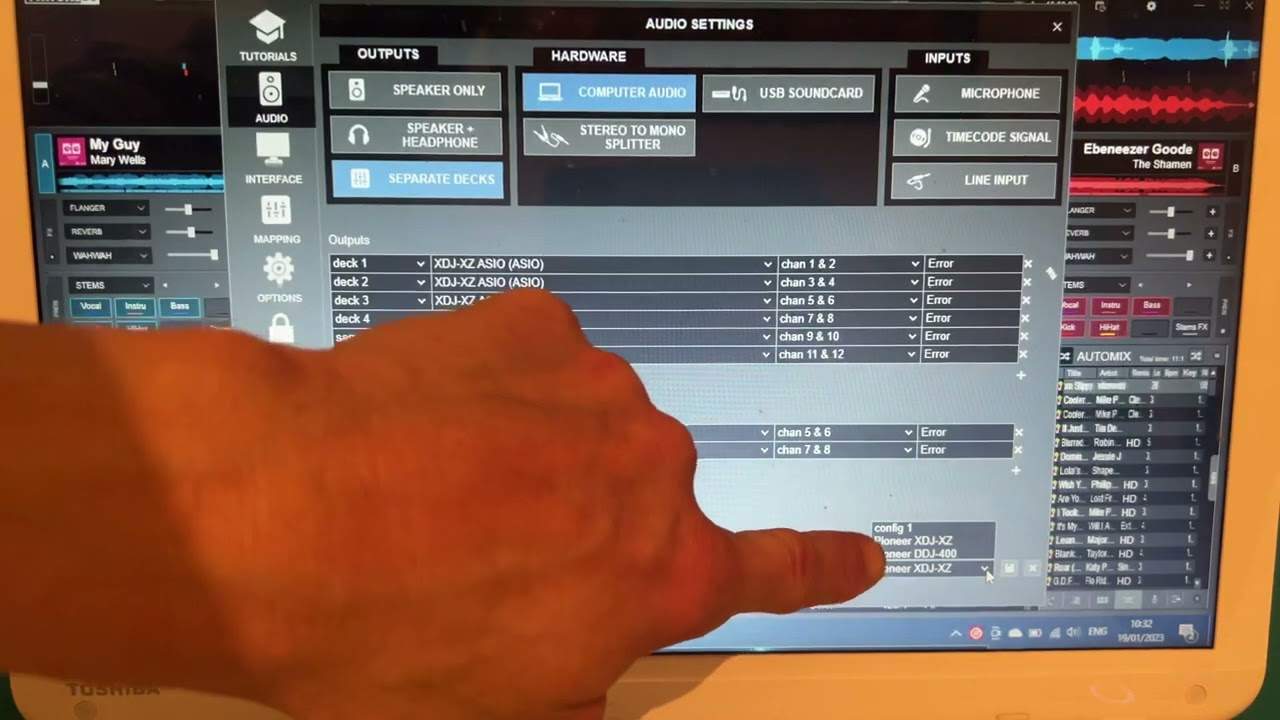
Downloading the driver, and why you need it
Companion video, folded in where it helps.
-
Where to find the music folders
Companion video, folded in where it helps.
-
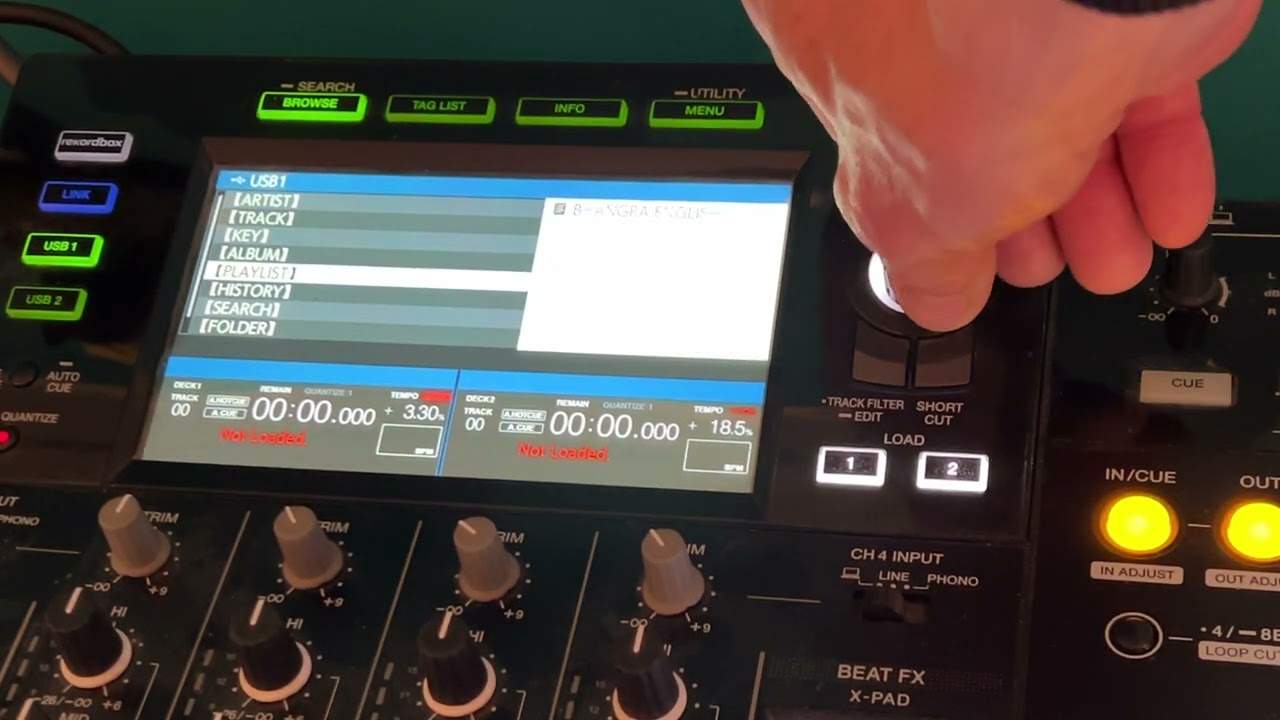
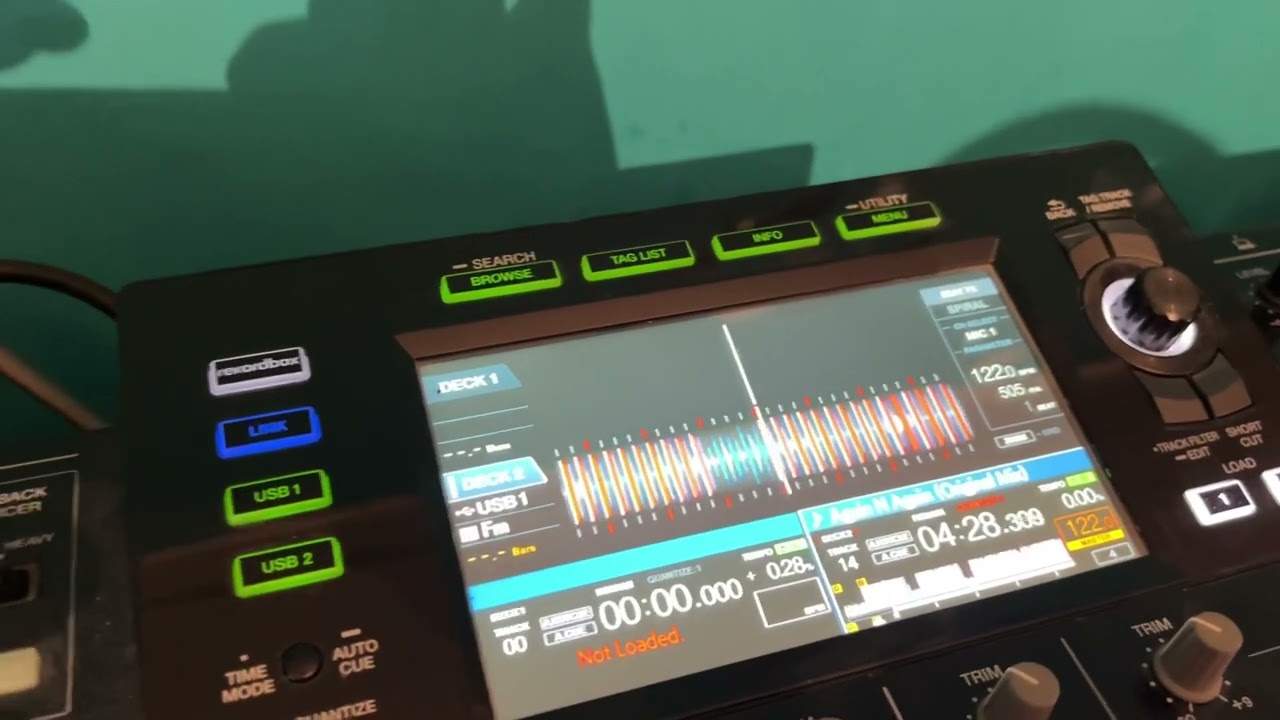
Loading a track to play on your controller
Companion video, folded in where it helps.
-
Tags: key, BPM and the rest
Companion video, folded in where it helps.
-
How to set the beat grid
Companion video, folded in where it helps.
-
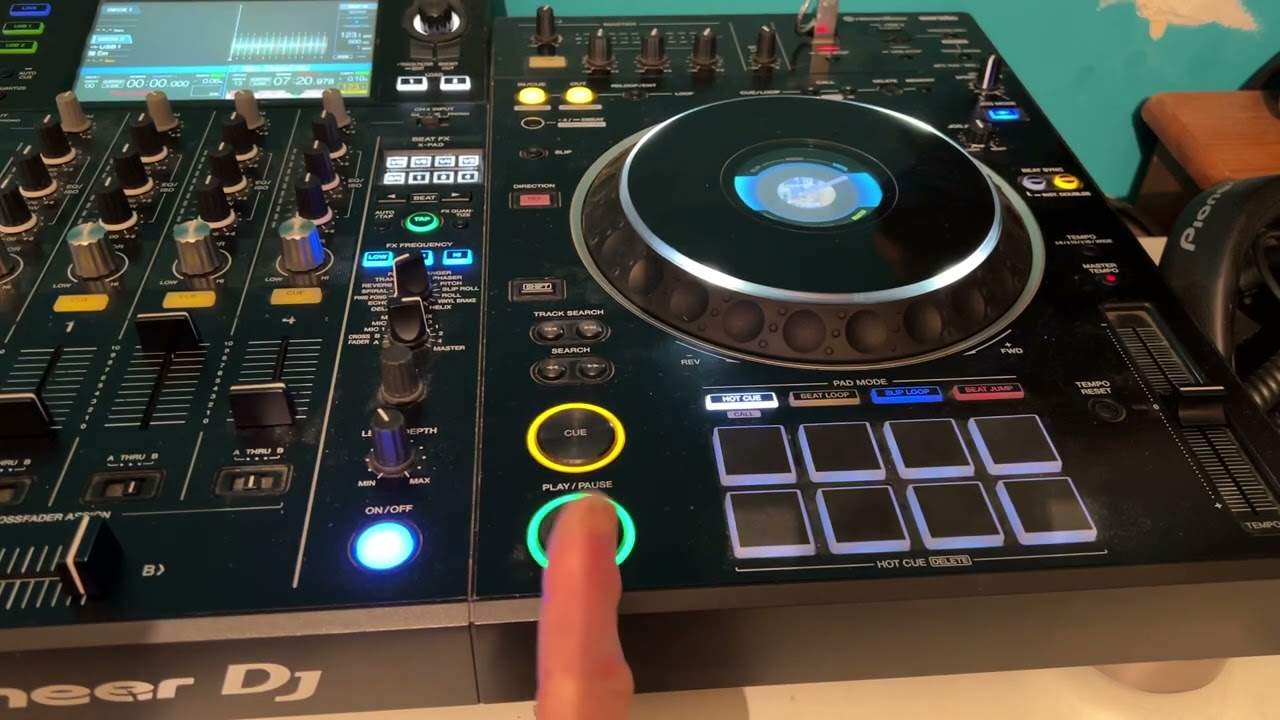
Loops, cue, play/pause and pitch - what they do
Companion video, folded in where it helps.