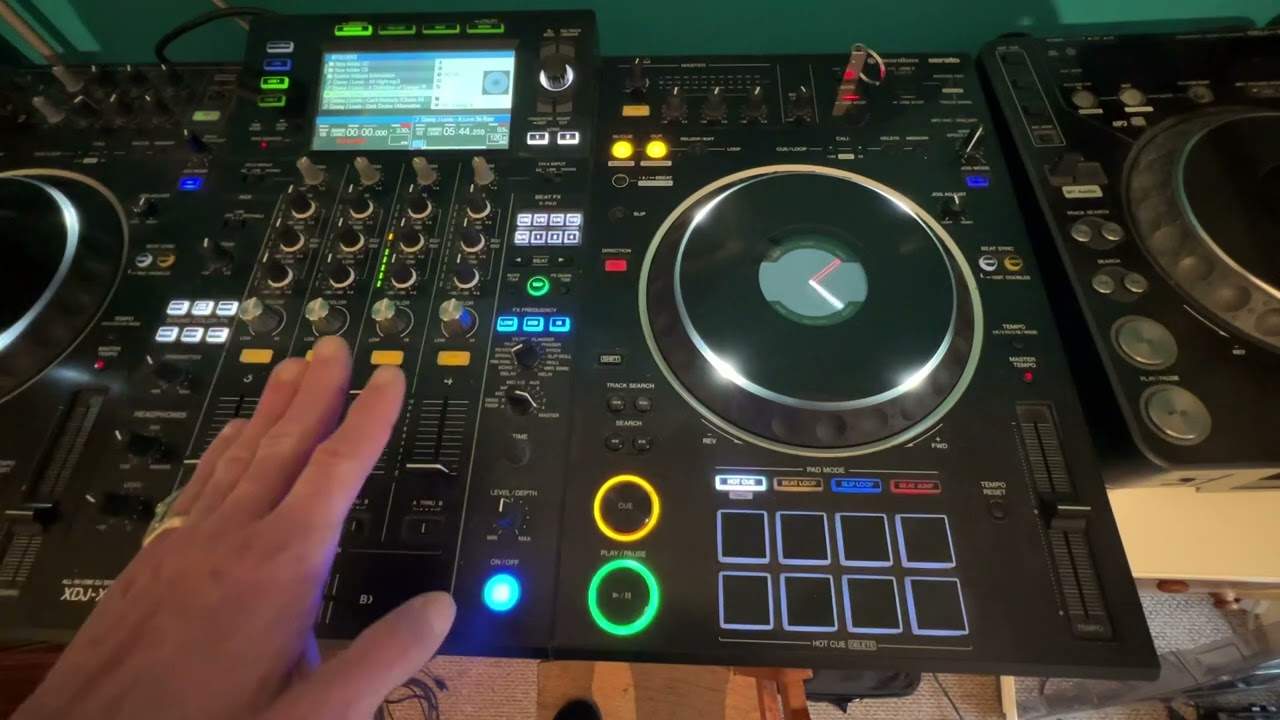
 3:08
Loading a track
On YouTube this video is called Complete Beginner DJ Lessons Video 3 Loading a Track
What this lesson teaches
Nominally a lesson about loading a track. What it actually teaches is the sequence to check when a loaded track makes no sound, which is the single most common moment of panic for a new owner.
Work along the signal path, in order.
1. The trim
Load the track and press play. If no LEDs are lit at all on that channel's meter, the trim is at zero - seven o'clock.
The trim is the first control the signal meets, so with it closed there is nothing for anything downstream to do. No LEDs means no signal, and no signal means stop looking anywhere else.
Turn it up until the meter is showing green and amber. Not red - that is covered properly in the mixer course, and the short version is that red is distortion you cannot undo later.
2. The channel fader
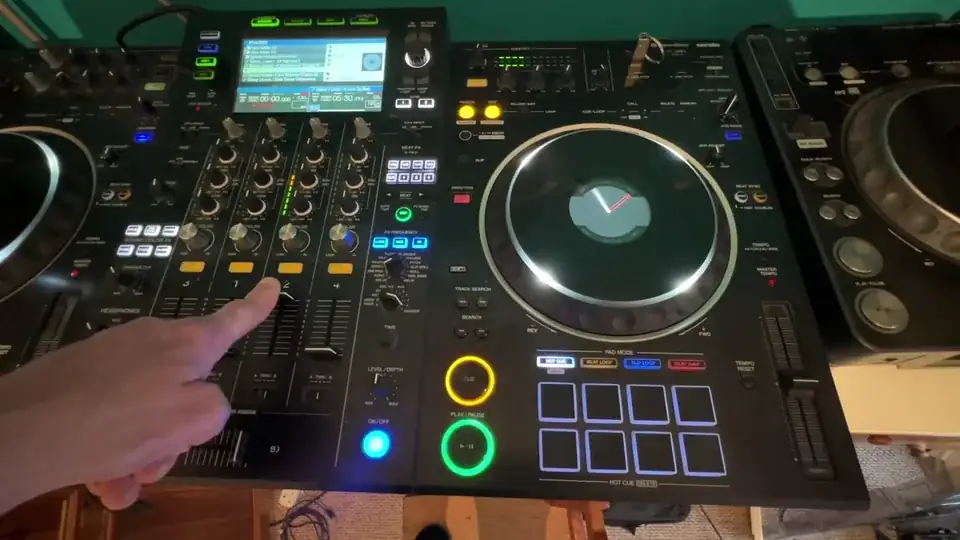
Meter moving and still silent? The channel fader is down. Push it up.
3. The crossfader
Still nothing? The crossfader is over on the other side, so the channel you are playing is being muted by it. Move it across.
That is the lot. Trim, fader, crossfader - three things, always in that order, and between them they account for nearly every "it does not work" on a new controller.
Then go and play with the EQ
His closing suggestion is a good one: with sound coming through, spend a while turning the bass, mid and high up and down while a track runs, and listen to what each one takes away.
He has his set to kill, meaning a band turned fully down removes that frequency range completely rather than just reducing it. That makes the exercise far more instructive - you hear the bass vanish entirely, then the melody, then the top - and it is a setting worth finding on your own machine.
Contents of the video
0:00 Video number three for the complete and utter novice
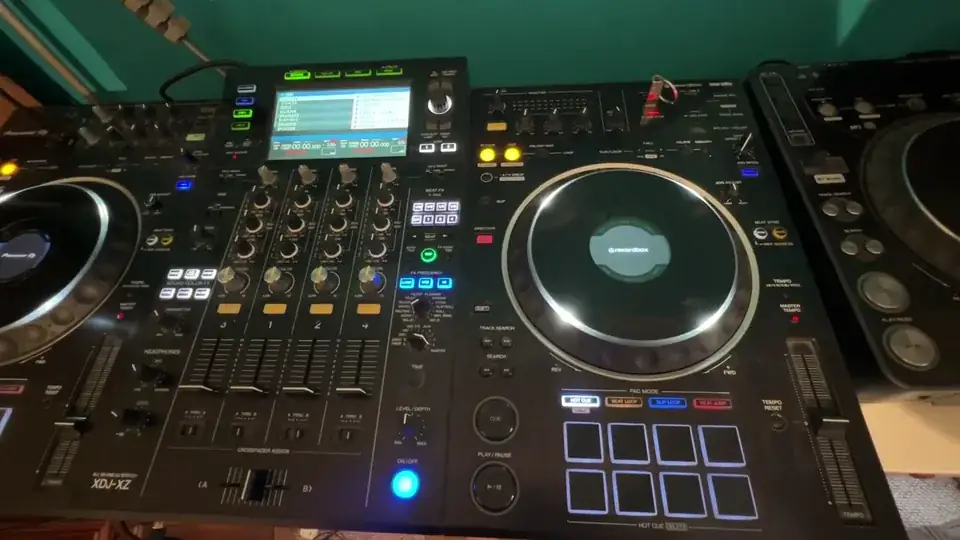
Video number three for the complete and utter novice. In this video we're going to be loading a track. So once you have your files loaded on your thumb drive, and of course you're good to go, we need to load a track into the controller and play it. Now of course by now you should understand how to plug in your external speakers and so on. So what I'm going to do is I'm going to go down to folder, I'm going to press down, I'm going to just highlight a track and I'm going to load that track onto one of the decks and you should now be able to see the play button flashing down here. What I'm going to do is press play. Now at the moment
1:52 Is just start messing around with the bass, the mid and the treble
We can't see anything at all highlighted. These are the LEDs. Now if you get to that position it's very likely because indeed the trim on your controller is set to zero. So turn that up and the zero is seven o'clock. Now you notice I've now turned that up to about 11 o'clock and we have the LEDs shining. Ideally you want the LEDs green and amber. Don't go in the red, red's not a good idea. Okay still we haven't got any audio, that's because the volume is down. So let's turn the volume up. You still can't hear anything. It's very likely because the crossfade is set to the wrong position. Move the crossfade over and now we've got volume. Just play around for a while moving the volume up and down and also what you can do now...
Is just start messing around with the bass, the mid and the treble. Now I've got mine set to kill which basically means that when I turn the treble, mid and bass to the zero position which is seven o'clock on a clock then we won't have any audio from that frequency at all. So let's turn the bass up, turn the mid up, turn the treble there so we can hear the bass, the mid and the treble. The mid is quite a deep sound, the mid we can hear the vocals, the melody and the high is a really high pitched sound. So that just complements the mid really. So there you go video number three all we did was load a track and make sure you understand how to get the audio through the controller. Thanks for watching, practice and enjoy.
This transcript was produced automatically from the audio of the video and may contain mistakes.
This video is part of
Related videos
-
Complete Beginner DJ Lessons Tags Key BPM Etc
A more advanced lesson folded in early, and worth doing once rather than putting off, because everything it sets up gets used for years…
-
Complete Beginner DJ Mixing Lessons Video 19 Getting Your Kit Ready for an Easy Mix
A whole lesson on getting ready, which is the right call - the exercise in the next video only teaches anything if the two decks are…











