 1:38
Setting a cue point and using play
On YouTube this video is called Complete Beginner DJ Lessons Video 9 Setting up a Cue Point and Using the Play Button
What this lesson teaches
Short, and it covers a piece of behaviour that will confuse you exactly once if nobody explains it.
The normal case
Load a track and the play button flashes. There is already a cue point, at the position the track loaded.
Press play and it plays from there. Press cue and it jumps straight back to that point and waits.
So cue is "go back to the start and stand by", and that is how it behaves all the time you leave it alone.
The part that surprises people
Now play the track, press pause somewhere in the middle, and press cue.
You have just set a new cue point at the place you paused. The original one is gone. From now on, cue returns you to the middle of the track rather than the beginning.
That is not a fault - it is how you set a cue point deliberately, and it is extremely useful. But if you did not mean to do it, the player will seem to have developed a mind of its own.
Getting back
If it happens by accident, press track search back and you will return to the beginning of the track.
The thing to take away
The rule in one line: cue remembers wherever you last stopped.
Once you know that, the behaviour stops being mysterious and becomes a tool - which is exactly what it is. Pausing at the right spot and pressing cue is how you set the point you are going to drop the track from.
Contents of the video
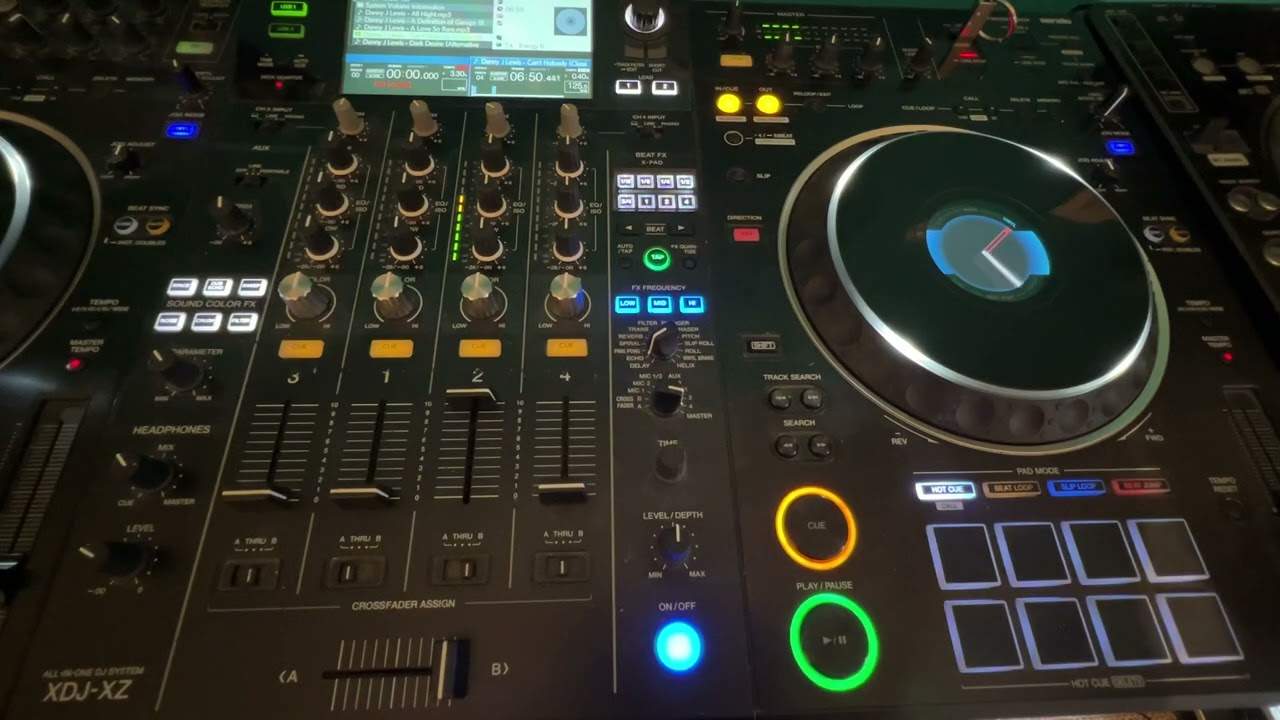
Alright ladies and gentlemen, video number 8 for the complete and utter beginner. In this video we're looking at play, pause and cue. So by now you should have a track cued up ready and the play, pause should be flashing. So let's press play and cue, play and cue. Basically what's happening is the track will load up where it's going to start from and once you press play, pause, the track will start from that position. Press cue, it will go back to the beginning of the track where it was loaded up, good to go, when you first loaded it onto that side. But the difference is when I press play, pause, press play, pause while the track is playing, then press cue, I've now set up another, sorry, a new cue point, not another.
I beg your pardon, a new cue point. So now when I press play, pause, the track will start from the new cued up position. If you don't want that to happen and you do make a mistake, if you just press track search back, it will go back to the beginning of the track.
Video number 8, hope that's a help. Thanks a lot, practice and enjoy.
This transcript was produced automatically from the audio of the video and may contain mistakes.
This video is part of
Related videos
-
Complete Beginner DJ Lessons Tags Key BPM Etc
A more advanced lesson folded in early, and worth doing once rather than putting off, because everything it sets up gets used for years…
-
Complete Beginner DJ Mixing Lessons Video 19 Getting Your Kit Ready for an Easy Mix
A whole lesson on getting ready, which is the right call - the exercise in the next video only teaches anything if the two decks are…











