 3:22
A simple look at loops
On YouTube this video is called Complete Beginner DJ Lessons Video 28 Lets Take a Simple Look at Loops
What this lesson teaches
Loops on the controller, with one explanation that is better than it needed to be.
Making one
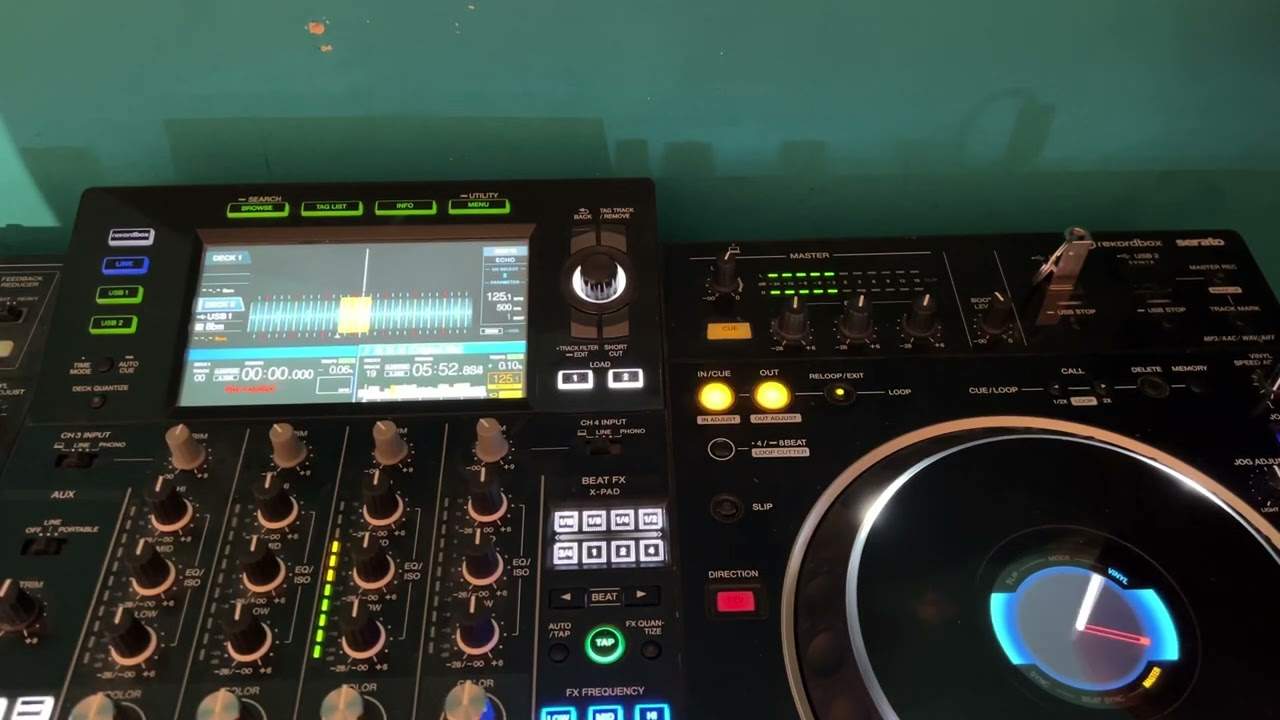
Two buttons: in and out. Press in where the loop should start, out where it should end, and the section repeats. Both buttons light and the looped region is highlighted on screen.
The discipline: press in on the one and out on the one. Start at the beginning of a bar and finish at the beginning of a bar.
Press exit to come out of it and let the track carry on.
Stay on the magic numbers
His advice is to avoid loops of three, five, seven or nine bars.
The reason is structural. Dance music is built in fours, eights, sixteens, twenty-fours and thirty-twos - so a four-bar loop keeps you aligned with everything else happening in the mix, and a three-bar loop puts you a bar out every time round. After three repetitions you are a whole bar adrift from the other deck and from the phrase structure of your own track.
The best part: why a slightly wrong loop gets worse
This is the explanation worth keeping, and he works it out properly.
Suppose your loop is out by four milliseconds - you pressed out a fraction late. Four milliseconds is nothing; you cannot hear it.
But the loop repeats. The first time round you are 4 ms late. The second, 8. The third, 12. The error does not sit still, it accumulates, and after twenty repetitions you are eighty milliseconds out and the loop is audibly dragging behind the other track.
That is why a loop that sounded fine when you set it falls apart over a minute, and it is a completely different failure from a mix drifting because the tempos differ.
Quantize fixes it
Quantize snaps the in and out points to the beat grid, so a press that was four milliseconds late is recorded as exactly on the beat.
He puts it well: it eliminates human error. Your reaction time no longer matters, because the machine corrects for it - and the loop that results repeats forever without drifting.
Switch it on. There is no reason not to while you are learning, and very little reason afterwards.
Contents of the video
0:01 Loops and forming a loop
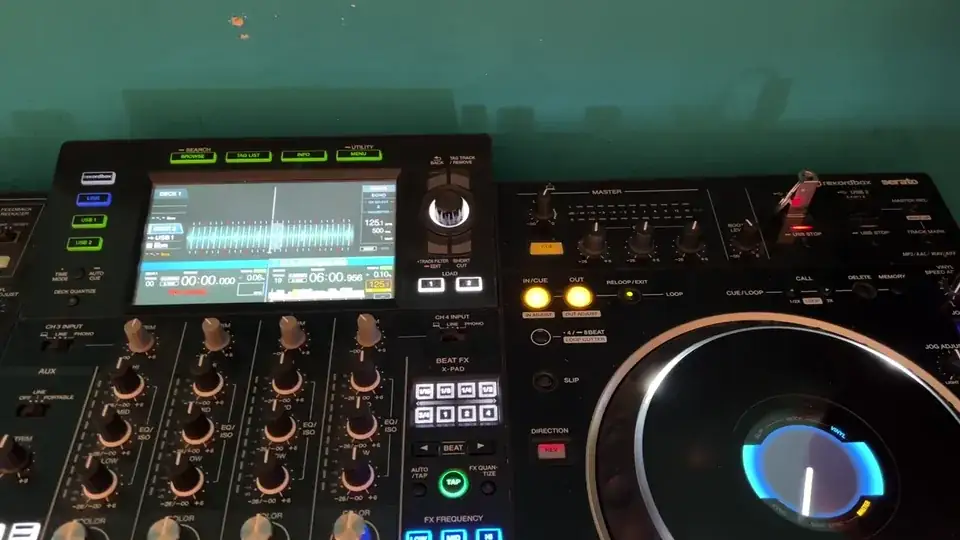
Video 28, ladies and gentlemen, for the completion as a beginner. In this video we're going to have a very simple look at loops and forming a loop. I'm going to press play, demonstration first, then the explanation. Okay, so what I did, by the way, I am using a controller. You can also form loops on your laptop just by making sure the loop icon is highlighted and of course clicking a start and a stop time on your waveform at. Okay, so on the controller here I have two buttons, in cue and out. When I want to start the loop I will press the in, when I want to finish I'll press the out. You'll notice that they're both flashing now. Also on the screen you can see a small highlighted area. Now what I did, I made sure that when I started the loop I started on the count of one and finished on the count of one.
1:06 For example, if we press play and have a listen
So, for example, if we press play and have a listen. One, two, three, four. One two three four. One two three four. One two three four. Now my advice, very simple, is try to stay away from forming loops that are say three bars or five bars or seven or nine, because you'll more than likely be out of time with dance music. dance music is always structured in fours eights 16s 24s 32s again let's just repeat the process i'm going to go out of the loop now by pressing exit press play one two three four one two three four one two three four now if you can hear there the loop is slightly out that's because quantize wasn't engaged depending on your software you may have something similar but with record box
Basically what quantize does it eliminates human error so let's say for example you didn't have quantize or the like engaged and your loop let's say for example you didn't have quantize all the like engaged and your loop let's say for example you did a one bar loop and it was out by say four milliseconds well that doesn't seem much but every time that loop rotates you add four milliseconds to every loop so the first loop four the second one eight the third one twelve and so on so over time you will find if your loop is over another track it will start to go off beat so i highly recommend you do use the software to make sure that if you do slightly your your let's say you're too early or too late in pressing the in start out finish that the software will recognize
That and make sure you're bang on the money hope that's a help thank you very much practice and enjoy
This transcript was produced automatically from the audio of the video and may contain mistakes.










