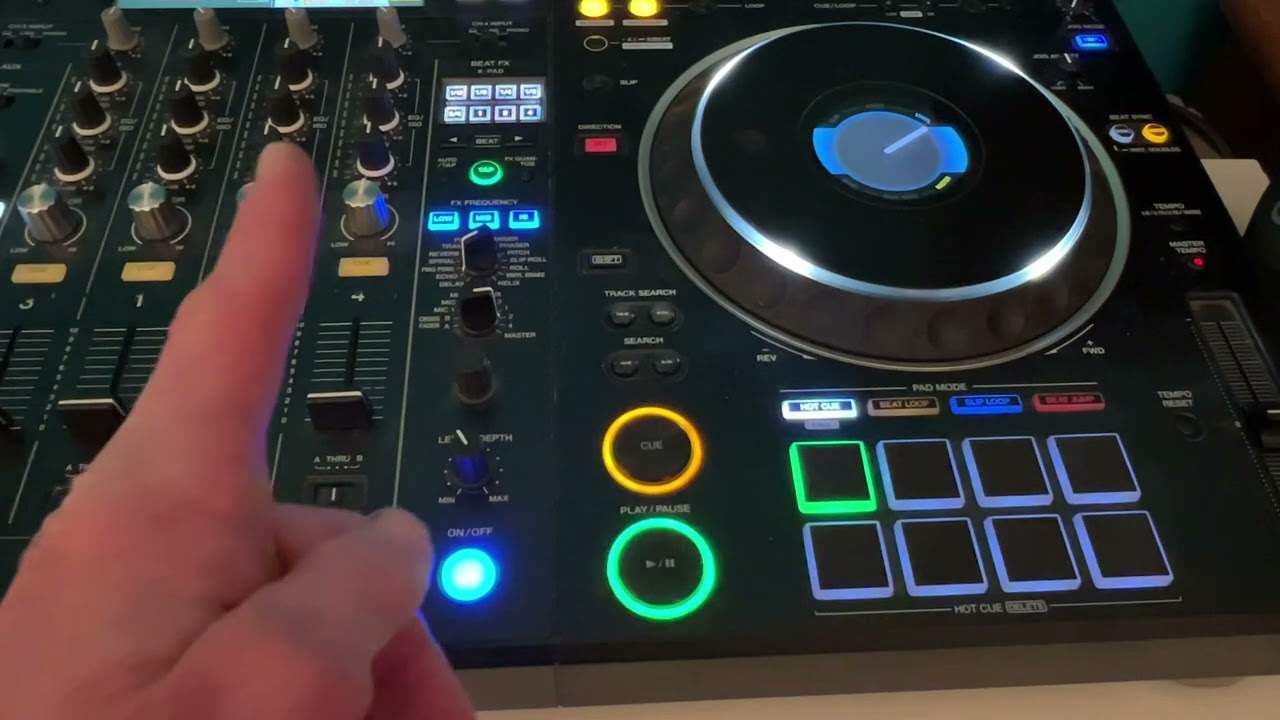
 3:04
Hot cues, and how to use them
On YouTube this video is called Complete Beginner DJ Lessons Video 27 a Simple Look at Hot Cues and How to Use Them
What this lesson teaches
The performance pads, used for the job most people use them for.
Setting one
With the track playing, press a pad. It lights up, and it has stored that exact position.
From then on, pressing that pad jumps the track back to that point and carries on playing from there - from anywhere in the track. You can be at nine minutes and jump to a cue you set at one.
That is the whole mechanism.
Clearing one
Hold shift and press the pad. The cue is deleted and the pad is free for a new one.
Useful, because the cue you set in a hurry is usually slightly wrong, and overwriting it means clearing it first.
What they are for
The thing worth understanding is what hot cues change about a record.
Without them, a track has one entry point - the start, or wherever you left the cue. You play it from there and you take what the arrangement gives you.
With eight hot cues set, the same track has eight entry points. The intro, the first drop, the breakdown, the vocal, the final chorus. You can start wherever suits the moment, skip a section that is not working, or jump back to a part the room liked.
That is the difference between playing a record and using one.
Set them in advance
He sets one slightly off beat in the demonstration, deliberately, to show that they land exactly where your finger did.
Which is the argument for setting them at home rather than live: with time, you can pause at exactly the right instant and place the cue precisely. And if your machine has quantize, switch it on - it snaps each cue to the nearest beat and removes the error from your reaction time entirely.
Contents of the video
0:01 Video number 27 for the complete and utter beginner
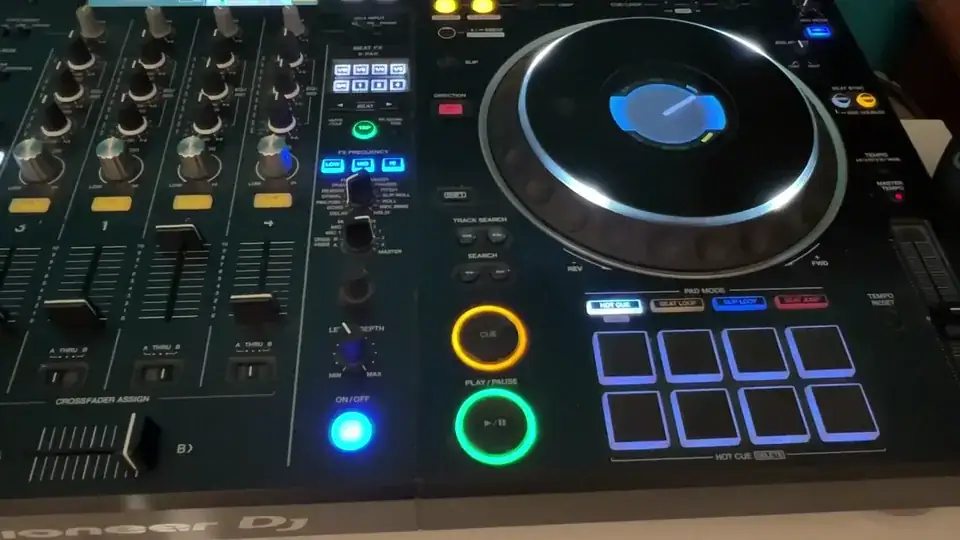
Right, ladies and gentlemen, video number 27 for the complete and utter beginner. In this one, we're going to have a brief look at the hot cues. Now, on any controller or most, you should have pads like these. They can be used in different ways, but generally people seem to use them for what's known as hot cues. So I'm going to demonstrate first, then explain what the hot cues are all about and of course how to use them. Okay, you may have noticed while the music was playing, I pressed one of the pads and as soon as I pressed that pad, it highlighted in a colour. This may or may not happen with your hot cues. Of course, it depends on the controller you've got, make and model. But what you may have noticed is when I pressed that hot cue again, the track seemed to jump back to the position where I pressed the hot cue.
1:05 The hot cues are in the first place
I'm going to show you how to do that. Now, the hot cues are in the first place. Now, that's quite important to remember and digest as soon as you have digested that small bit of information, you'll understand the concept of hot cues. So basically let's imagine we have a track that's 10 minutes long and I place a hot cue in the first minute, then another one in the second minute, then another one in the third, fourth and so on. If the track is not good enough, it's okay. If the track is all the way towards the end, maybe the ninth or coming along to say the 10th minute where it finishes and I press a hot cue, say on the first or second minute, the track will automatically jump back to that position and carry on playing from that position.
Let's try another hot cue. Press play.
2:13 Most controllers, you have a shift button by pressing the shift
There you go. I've now set two hot cues. One of them, of course, is offbeat just to show the variety, but that is a basic way of looking at hot cues. So again, just to clarify, while the track's playing, you can press down and form a hot cue again, while the track carries on playing, you can press that hot cue and the track will jump back to the position where you set the hot cue. Now, most controllers, you have a shift button by pressing the shift. Holding the shift down and pressing the hot cues that you have engaged, that will disengage the hot cues. It means they're no longer recorded and you can repeat the process by adding new hot cues. Hope that's a help. Practice and enjoy. Thank you.
This transcript was produced automatically from the audio of the video and may contain mistakes.










