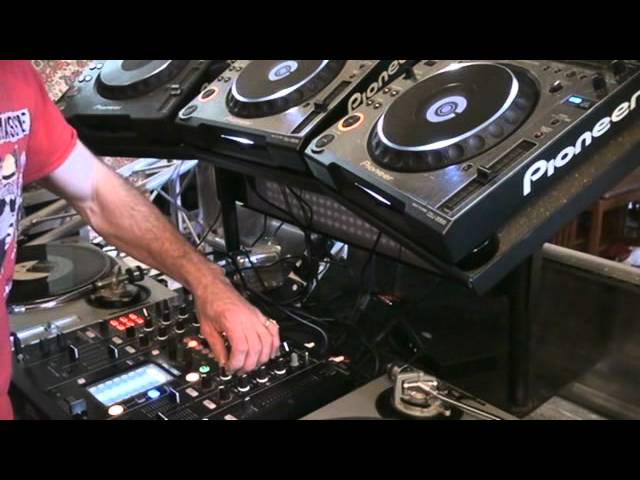
 14:24
Getting an effect from a mixer with no effects
On YouTube this video is called DJ Tutorial, advise. Getting an effect from a mixer without any effects
What this lesson teaches
The best lesson in this course, and it begins from a constraint rather than a feature.
The problem
Plenty of mixers have no effects. Some have only bass, mid and treble. Some, he points out, have one dial marked tone - which is where EQ started: a single control that swept from bass at one end, through a full sound in the middle, to treble at the other.
So: no effects unit, no send, nothing. How do you get an effect?
Two copies of the same record
The whole technique rests on this. Load the same track on both decks.
On vinyl or CD that means owning it twice. With files it needs no copy at all - controller software, or two players sharing one stick over a link, will load the same file onto both decks. Worth saying, because on camera he suggests that having paid for a download you are theoretically allowed to make yourself a copy, and he is openly guessing. The copyright course in stage 8 is the place for that question, and the answer there is less comfortable than his.
Now you have two identical signals you can offset against each other.
Press cue on both at once: phasing
Start them at exactly the same moment, both faders up, both pitch faders at zero.
What you hear is not twice as loud. It is phasing - that sweeping, hollow, slightly underwater quality, because the two copies are a few milliseconds apart and are cancelling parts of each other out.
That is an effect, produced by two records and nothing else.
Press cue slightly late: echo
Now deliberately start the second copy a fraction after the first.
You get an echo. Not an imitation of one - a real one, because an echo is a delayed copy of a signal played over the original, and that is precisely what you have built.
The timing table
Here is where it becomes controllable rather than accidental, and the explanation of the mixer's division markings is the most useful minute in the lesson:
- 4/1 - one bar. One, two, three, four.
- 2/1 - half a bar. One, two.
- 1/1 - one beat.
- 3/4 - three quarters of a beat.
- 1/2 - half a beat.
- 1/4 - a quarter of a beat.
- 1/8 - an eighth of a beat.
An effects unit lets you dial those in. Without one, you are the delay time: press the second cue half a beat late and you have a 1/2 echo; press it a beat late and you have 1/1.
His favourite is 3/4, three quarters of a beat, which he rates as one of the best echo effects known to man - because it does not line up with the beat, so it produces that tumbling, rolling pattern rather than a simple repeat.
EQ instead of effect frequency
A good effects unit lets you apply the effect only to the lows, or only to the highs. You can do the same thing here with the channel EQ, because the "effect" is a whole second channel: pull the bass out of the delayed copy and increase its mid and treble, and the echo becomes a thin, airy repeat over an undisturbed bassline.
That is exactly what an effect-frequency switch does, achieved with two EQ sections you already have.
The one thing that will ruin it
Both pitch faders must be identical. If they are not, the gap between the copies grows or shrinks continuously - the echo will drift, and then, in his words, you get a train wreck.
So this works at zero and zero, or at any matched setting, but not when one deck is pitched to fit a mix.
Why it is worth knowing even with effects
Because it teaches what the effects are. Once you have built an echo out of two records and a mistimed button, the delay unit on an expensive mixer stops being magic and becomes a thing you understand - which is the difference between using it musically and turning it on because it is there.
Contents of the video
0:00 This video is all about finding an effect without using effects

Um, right. This video is all about finding an effect without using effects. Right, you're probably scratching your head by now. There's quite a few DJ mixers out there that have got no effects whatsoever. For example, all you've got is maybe bass, mid and treble. In fact, you might not even have bass, mid and treble. You might just have like a tone control. Yeah. What's a tone control? Well, many, many years ago when they started making DJ mixers, there was not bass or treble or mid. It was just tone. And the tone control sort of went from there to there. That was about it. So what happened is the one dial EQ'd from bass through mid to treble. So when it was down there, you only had bass. It went in the middle. You had lots of bass, mid and whatnot. And on that side, you just
Had treble. So a lot of mixers out there, no effects whatsoever at all. In fact, all you've got is like I said, you've just got a couple of dials and that's about it. So how did... Oh, camera's going blurry. Why don't I just do that? And that. Is that any better? Hopefully. Right. So how do we find an effect when you haven't got any effects on your mixer? Let me show you. Right. First of all, the track I'm using is by Danny J Lewis, Enzyme Black. I will put all the information down there in the description. First of all, have a listen to the tune itself. Right. I'll take the effect off so it'll be messing around with the mixer, but have a listen to the track just in its rawness. Here we go.
1:56 Effect being used utilising th
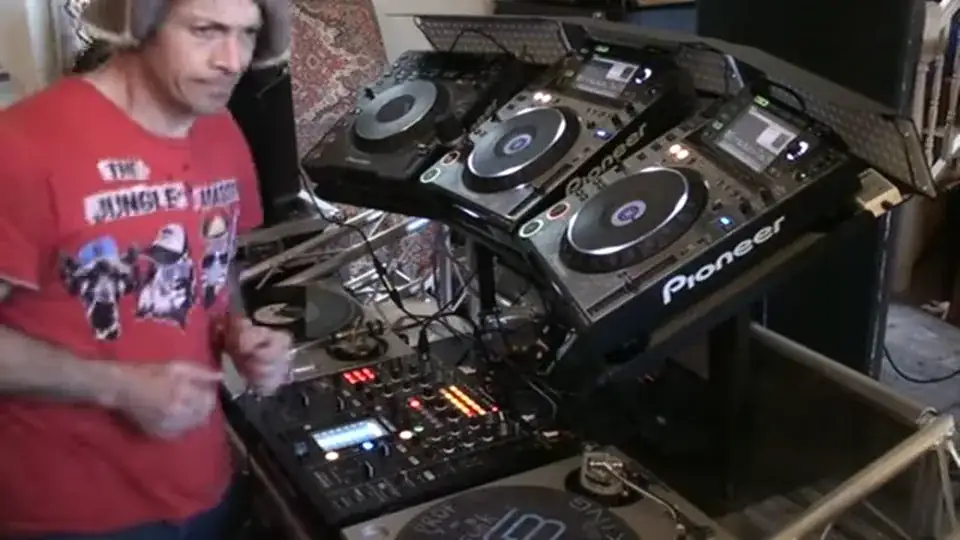
Right. So very bouncy, very uplifting, but there's nothing going on. There's no effects. So how can we put an effect or how can we make some sort of an effect on a tune or should I say with a mixer that hasn't got any? Now admittedly, this particular mixer has got some effects or I could if I wanted to. The main reason I'm using this one is because I can show you the effect being used utilising the mixer and then taking that effect away from the mixer. And just making near enough exactly the same effect without using the effects on the mixer. I know I go on, but I try and explain it as precisely and concisely as possible so anyone can get it. Even me when I watch this back. Right. So at the moment, I've got the echo
Mode set. So I'm going to press that to on. Now we've got the effect. But how do we get that effect without the effects? Let me show you. I have two copies of the same tune. Now again, if you've downloaded a track and you paid for it, theoretically, you should be allowed to make a copy for backup purposes. So what I've done is I've made an identical copy of the one tune. Have a listen. Ah, volume.
4:27 Just being silly about the apple, orange, banana, fruit
Right. This is where your timing comes in. Now on this mixer, we have 1 over 8, 1 over 4, 1 over 2, 3 over 4. 1 over 1, 2 over 1 and 4 over 1. What's that mean? Right. 4 over 1 is one bar. 1, 2, 3, 4. 2 over 1 is half a bar. 1, 2. 1 over 1 is one beat. 3 over 4, three quarters of one beat. 1 over 2 is half a beat. 1 over 4 is a quarter of a beat. And 1 over 8 is a banana. No. It's 1 over 8. It's an eighth of a beat. Just being silly about the apple, orange, banana, fruit. Right. OK. It's fun. Do you know what? I love doing these because I can just be as wacky and eccentric as I want to and people go, Goya Renata, what are you on? You must be on drugs and whatnot. Do you know what I'm on? I'm on something called the drug of life and it's marvellous. You should try
It one day. Believe me, it's fantastic. Right. So have a listen. So we have one side and the other side. There's loads of other things we're going to do. We're going to do a little bit of a mental test. It's a real test, but we're going to do a little more mental testing. So there's loads of other things we can do. Now what I'm going to do, by the way I popped it. Look at that. It's looking. It's not looking too bad now actually. Right. If you want to know what that is, that was a blood blister. I'll tell you what, they're flipping out. Right. I'm just going to bring this down because what we need to do is concentrate on ... Oh God. No. Right. OK. Put it there. That's right. That'll do. We need to concentrate
On. mainly on that area which is the CDJs and the mixer itself. I'm on these two channels here, on 2 and channel 3. At the moment I have got all the EQ set to 12 o'clock on both channels. Now easy way of doing this but then you can take it to as many levels as you want to by utilizing and changing the EQ's so for example what I'm going to do now if I hit Q on this CDJ, take my finger off the track will stop but as soon as I put my finger back on it they'll go right back to the beginning so all of a sudden I can start to scat with the beat. Now watch what happens when I press play on both of them at the same time. We've got phasing so first of all we've now or not first of all it's probably about tenth
7:09 Played track, increase
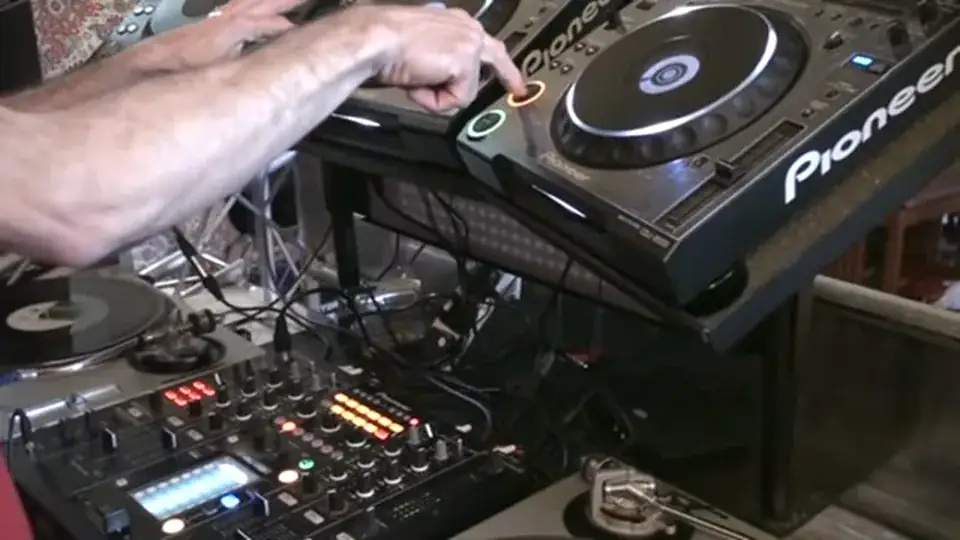
Of all now we now have another effect even before doing an echo because we're playing the same track, same time and we've now got a phasing effect so straight away without touching any of the effects here just by pressing Q or even play pause exactly the same time we have a phasing effect. We'll listen to that again here we go phasing. Alright don't know if you noticed there I hit them slightly off beat I got an echo guess what that's what this video is all about watch 1 2, 3, 4, 1, 2. What I did when I pressed Q on this guy I press Q on this one just afterwards causing an echo have a listen again. Now again there's a lot going on there we've got beats, we've got bass mid top we've got the whole frequency from both channels now this is where it gets a little not necessarily
A little bit more interesting but where you can start to have a little bit of a mess around. I'm going to reduce the bass on this side I'm gonna increase the mid slightly and increase the treble now treble at high is at 1 o'clock mids at about 130 low is about tee time which is about 7 o'clock right this time I'm going to do exactly the same thing still got my volumes at the same level but I'm going to do exactly the same thing hit Q here slightly afterwards here we go there we go I've now got an echo. One important factor as well though is that the speeds of both tracks are exactly the same in other words they're both at the centre point if you were if you were doing this in the mix again this is very important let's say for
9:55 Bass, mid and treble
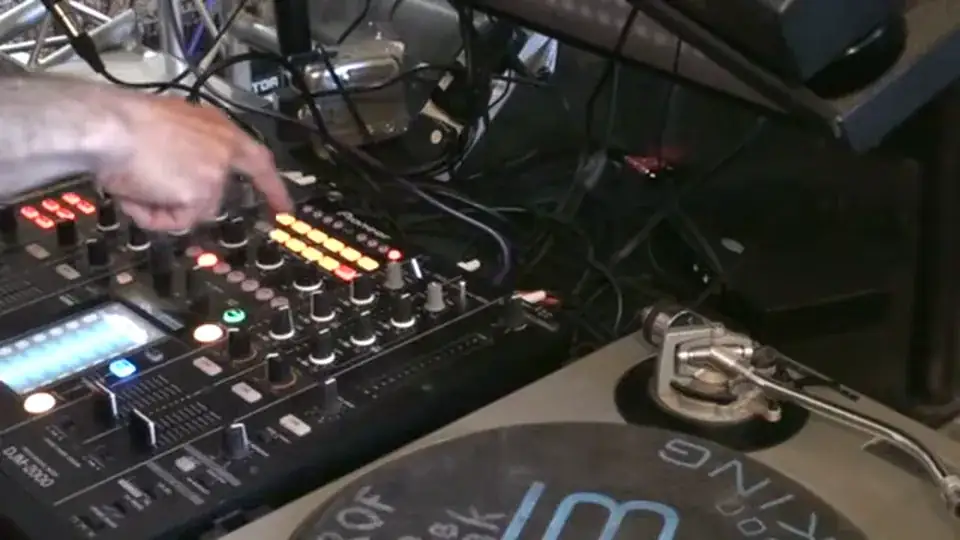
Example you played a track here and then you played a track here and then all of a sudden you bring this guy in on this CDJ and let's say for example the pitch is up here at plus three plus seven minus whatever you need to make sure that the other one is at exactly the same pitch because if it isn't what will happen that echo will increase or decrease and then you'll get what's known as a train wreck where it'll go Right, so we've got that echo. What I can do now is have a mess around with the EQ. What I was doing there I was increasing decreasing bass, mid and treble. Now on this mixer you have the effect frequency low mid and high so what you can do on this mixer you can maybe just have the effect on
The mid maybe on the bass maybe on the high maybe on the mid and the low maybe on the low in the high the mid whatever so again I can do that with this mixer because I've got these dials but I can do exactly the same thing on any mixer even without any effects just by using the low mid and high so what I'm going to do now is go back up to the CDJs. Right let's make sure they're both at the beginning right mid and high on that guy right have a listen both together now again what we can do if we go to this mixer down here remember what I said earlier on one over eight, one over four, one over two, three over four, one over one, two over one and four over one. I can do near enough exactly the same timing of echo
11:35 There's a slight difference in sound but we still have the echo
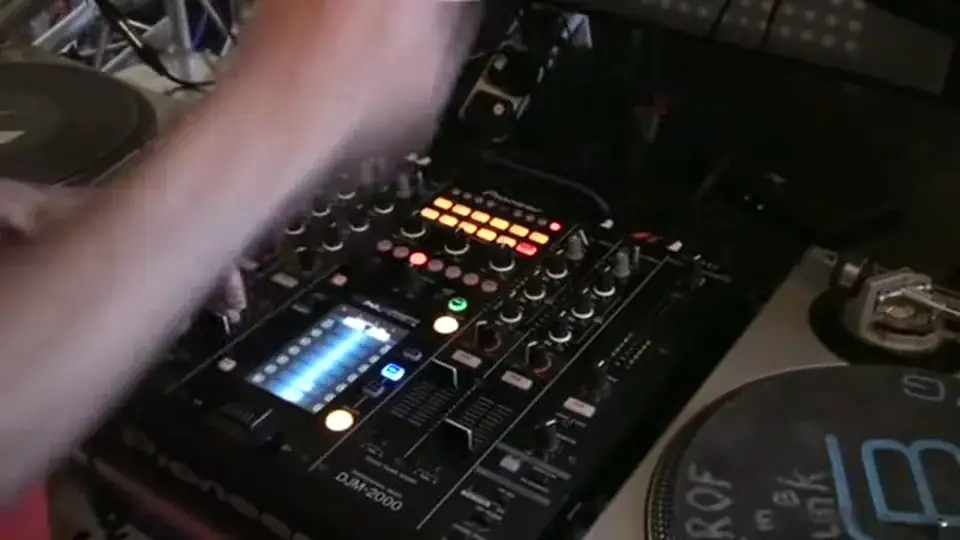
Or on there as well I can do exactly the same timing of echo which we've got here on these guys simply by hitting the next deck at the appropriate time so in other words if I want to get say an echo of one over two half a beat right so we've got so if we listen one, two so I need to hit that half a beat after the first beat so now let's have a listen to that effect on the mixer. What I'm going to do is hit one over two there put that on, there it is. OK, there's a slight difference in sound but we still have the echo. Right turn that off what we're gonna do now is one over one so what I need to do on the decks is one, two. So I hit that one on the second beat so once there listen so we'll do that on the mixer.
On 1 over 1 and make sure the effects are on. The one that's slightly more difficult is the 3 over 4 which is three quarters of a beat but I'll be honest with you, that is one of the best echo effects known to man because you've got that da-da-da-da-da-da-da-da-da-da-da-da-da so we'll hit that on there so we're ready to go with three quarters, have a listen. Ah, volume. Turn it off. Alright let's have some fun. Let's start making loads of echoes just by having a mess around with the cue. There you go, it's about having fun. Practice and enjoy. Don't forget the information on this track will be in the description. Take it easy.
This transcript was produced automatically from the audio of the video and may contain mistakes.










