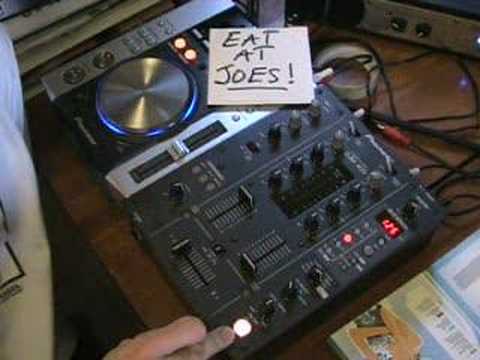
 4:06
The roll feature
On YouTube this video is called DJ Tutorial, The Roll feature on the DJM-400
What this lesson teaches
A tour of one button on one mixer, but the function appears under this name on a great deal of equipment and behaves the same way everywhere.
What roll does
Set the beat division to 1/1 - one beat - and press the effect on.
The mixer grabs one beat of whatever is playing and repeats it, over the top of the record, which keeps going underneath. His illustration: the music is counting one, two, three, four, five, six, seven, eight; you press at three, and what you hear is three, three, three, three while the track continues.
Release, and the record is exactly where it should be. Hold it for three beats and you get three repeats, then straight back in.
Why it is forgiving
This is the part worth understanding, and it is why he calls it idiot-proof.
With the division set to one beat, it does not much matter when you press. Press halfway through a beat, a quarter of the way through, wherever - the roll locks to the beat and the music comes back in time.
So unlike a hand-made loop, a roll is designed to drop you back in time, which makes it much harder to end up stranded off the grid. That makes it the one effect a beginner can use in front of people on the first night without much risk.
He does add the honest qualifier: pressing it in time gives a better-sounding sample, because what gets captured is a cleaner slice. The machine protects you from disaster, not from mediocrity.
The controls worth finding
Beat division - 16, 8, 4, 2, 1 on this unit. How long the captured slice is.
Depth or level - how loud the roll sits against the record. From twelve o'clock up you will hear it clearly.
Channel select - which channel the effect is taken from. Easy to overlook and the usual reason nothing happens.
What it is for
A roll is a short, rhythmic interruption: a stutter at the end of a phrase, a repeat that marks a change, a way of filling the two beats before a drop.
It is also the effect most often overused, which is what the title of this course is about. One roll in the right place is a moment. A roll every eight bars is a tic.
Contents of the video
0:00 Very quickly, you've got depth level select here
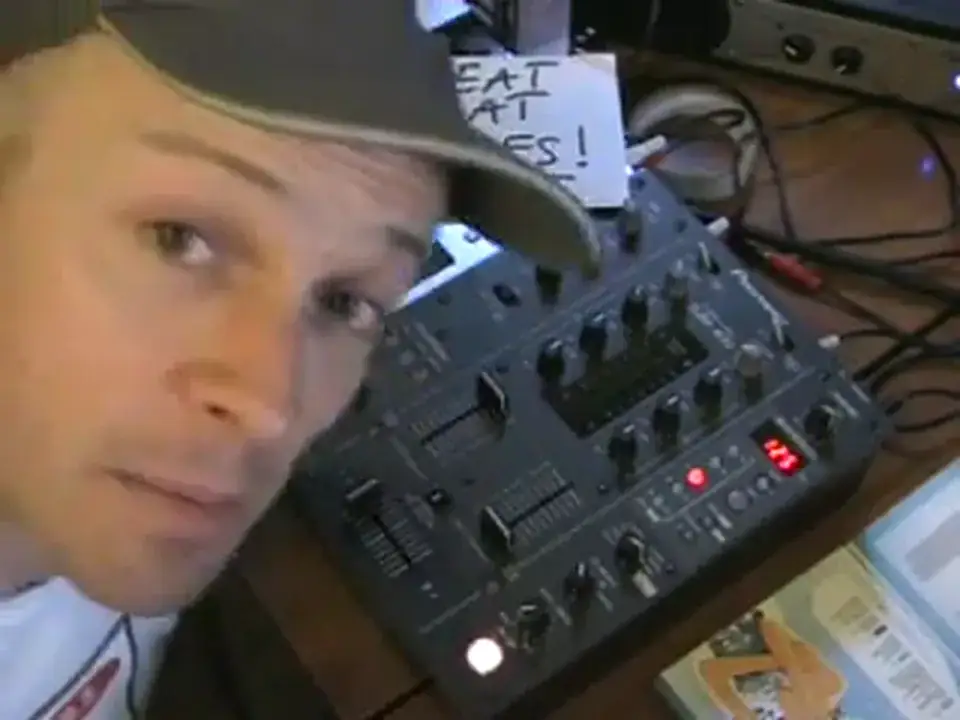
Alright folks, Jonathan here. Now in this video we're looking at this guy here, it's the DJM400 now then. Right, there's one feature I really like and it's called the roll feature which is basically part and parcel of the samples and the effects in here. Now then, all you've got to do is make sure this particular button up here above it is set at number 4. You have 16, 8, 4, 2 and 1. Dependent on which one you press will be dependent on which one will light up. is the one that's lit up. Now then, very quickly, you've got depth level select here. Now what that will do, it will set the actual level of the sample that you want to hear. Above that channel select 1, 2, mic and master, which is 1, 2, your microphone and the master out. And then of course you've got all the effects, delay, echo, filter, flanger, phaser, robot. You've got roll, which is the one we're looking at.
1:28 The music's playing 1, 2, 3
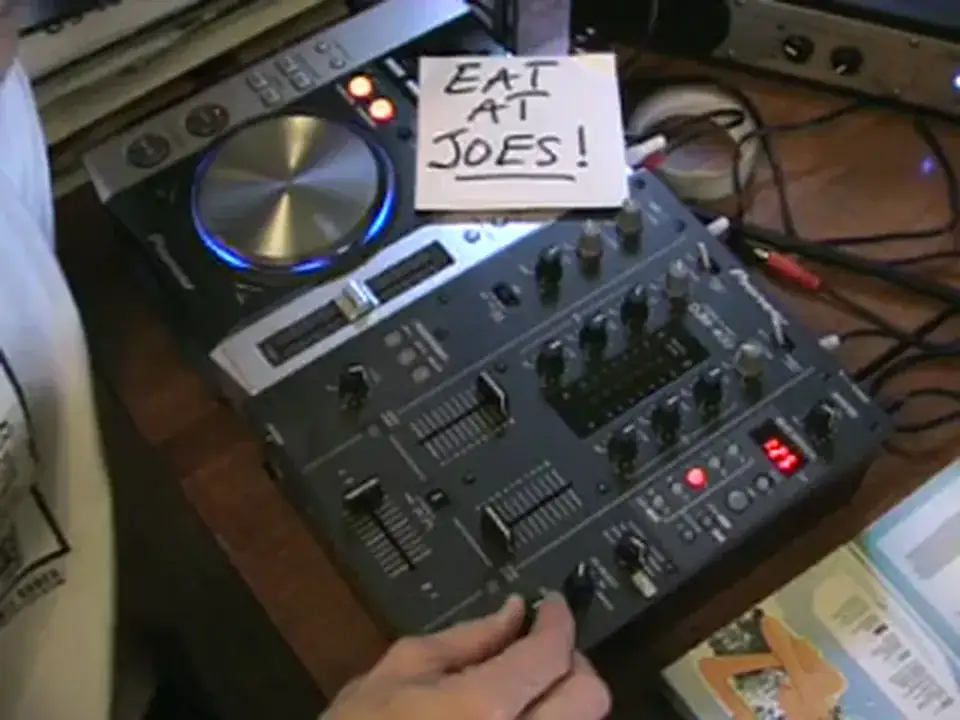
And then you've got loop-in sampler. Now, we're going to look at roll. I'm going to call it idiot proof because it is. What it actually does, it will sample one beat of that particular piece of music that you're playing when this button here is set to 4, 1 over 1. Now then, just imagine this. The music's playing and we're having 1, 2, 3, 4, 5, 6, 7, 8. Now let's say you press this button here at say number 3. And the level depth is anywhere from 12 o'clock and above. You will only hear that sample over the music, but the music will continue playing underneath that sample. So, the music's playing 1, 2, 3. You press that sample at 3, then what you will hear is 3, 3, 3, 3, but the music's still playing. So, when you press that button, the sample starts. When you press that button, the sample finishes.
2:22 I'll give you a demonstration, here we go
If you press that button for three beats, you will hear that sample for three times over the music. So one, two, three, sample in, four, five, six, sample out, seven, eight, nine, ten. The music will continue to play and the beauty about it is no matter where you press that button or when you press it, if this button here is set to 1 over 1, What will happen is the music will be back in beat, so you can press it halfway through the beat, a quarter of the way through the beat, doesn't really matter. Again, it's a nice idea to get it so it's working in time with the music, so you get a better actual sample over the music, but for an idiot like me, it doesn't matter where you press it. I'll give you a demonstration, here we go. Right, I hope this has given you a general sort of idea. It's a sampler, it's a loop feature, so it will sample one beat.
Thanks for watching, practice and enjoy.
This transcript was produced automatically from the audio of the video and may contain mistakes.










