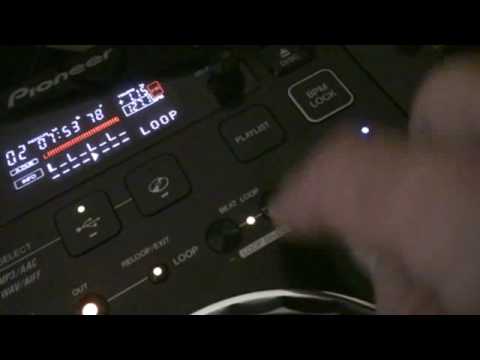
 1:33
Making a simple loop
On YouTube this video is called DJ Tutorial Pioneer CDJ-350 Make a Simple loop
What this lesson teaches
A quick demonstration that contains the whole argument of this course.
The usual way
Start the track. Press in. Count one, two, three, four. Press out.
You now have a loop that is exactly as accurate as your two presses were.
The other way
Press beat loop.
That is it. One button, and the machine produces a loop of a set length starting from where you are.
Why the second is better
Because of what you are not doing.
The manual loop requires two pieces of timing, and the error in each is permanent. A fraction late on the out button and the loop is a fraction too long - and because it repeats, that error accumulates with every pass until the loop is audibly dragging behind everything else.
A beat loop has no out press. You are telling the machine a length, and it knows exactly how long a bar is because it knows the tempo. The machine sets the length from the track's tempo, so the loop should stay in time rather than drifting the way a hand-set one does.
When the manual version is still right
Two cases, and they are worth knowing so you do not abandon it entirely.
Something that is not a whole number of beats. A vocal phrase that starts on the offbeat, a sound effect, a fragment that happens to be three and a half beats long. Beat loop cannot produce it; in and out can.
Catching something unexpected. If a moment goes past and you want it back, your hand is faster than deciding on a length.
For everything else - extending an intro, holding a breakdown, buying yourself time - use the button.
The halving
He also demonstrates the loop getting shorter, which on these machines is usually a dial or the next pad along: each step halves the length, so two bars becomes one, then half, then a quarter.
That is where the stutter effect comes from, and because each step is a division of the bar, it stays in time however far you take it.
Contents of the video
Alright guys, another quick demonstration tutorial on the Pioneer CDJ-350. Alright, add your former loop. Well, the usual way is this. Start the tune and in, two, three, four, out. Out of the loop. What I'm going to do is hit beat loop. Have a listen and watch the screen. And...
Got a loop. Check it out. Oh, it's going tap-tap. Tap-tap. Have a listen.
Tap-tap.
Tap-tap. Here we go. Or just once.
This transcript was produced automatically from the audio of the video and may contain mistakes.










