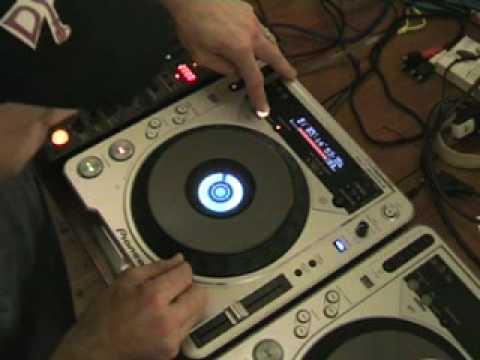
 6:21
The loop function, control by control
On YouTube this video is called Dj Tutorial, Video 3, The loop function of a Pioneer CDJ-800 turntable
What this lesson teaches
The third in a series on one machine's loop function, and it addresses the problem the previous videos leave you with.
The situation
You have sampled a section and looped it, and it is a tiny bit off.
His illustration of what that sounds like is the useful part. Instead of a steady one-two-three-four, one-two-three-four, you get a count that limps - the same four beats, but arriving slightly early or late each time round.
Why a small error matters here
Because a loop repeats, and the error repeats with it.
A mix that is four milliseconds out is four milliseconds out. A loop that is four milliseconds out is four milliseconds out on the first pass, eight on the second, twelve on the third - because each repetition starts from where the last one ended, and the mistake compounds.
So a loop is the one place in DJing where an error you genuinely cannot hear will become one you definitely can, given thirty seconds.
The fix
These machines let you adjust the out point after the fact - nudging it forward or back until the loop sits properly - rather than requiring you to release and try again.
That is worth knowing because the alternative is dropping out of the loop in front of the room and attempting it a second time, which announces the mistake. Adjusting it is silent.
The better fix
Quantize, where the machine has it, which is the subject of two later lessons in this course. It snaps both ends to the beat grid so the error never exists.
But the manual adjustment is the skill underneath, and it is the one that works on anything - including equipment old enough to have no grid at all.
Contents of the video
0:00 Something on here whereby
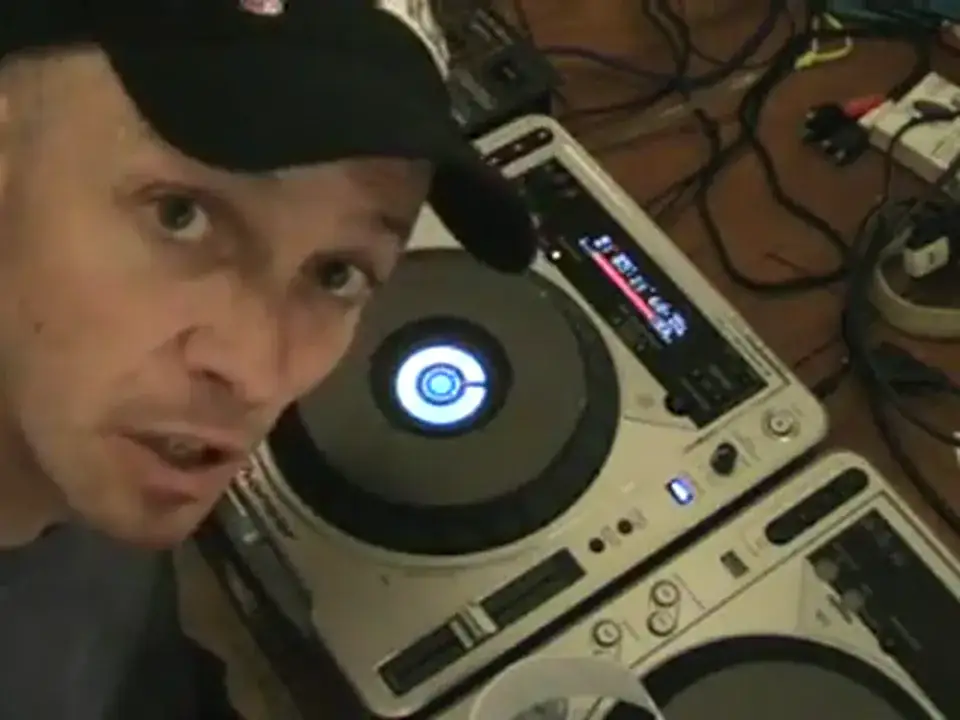
Alright folks, Jonathan here. This is video number three in a selection I'm doing on the loop function of this guy here. It's a CDJ-800 Mark II. Check out video number one and two first. Now then, in this video what I'm going to be doing, similar to video number two, I'm going to be sampling a piece of the music and looping it. The only difference is I'm going to show you something on here whereby if the actual sample that you've recorded is slightly off, you can actually make it so it's a proper loop. I'll explain myself. Let's say, for example, I sample a section of music and let's say it's a tiny bit off. In other words, instead of counting 1, 2, 3, 4, 1, 2, 3, 4, I'd count like this. 1, 2, 3, 4, 1, 2, 3, 4, 1, 2, 3, 4, 1, 2, 3, 4. Now then.
If I was, let's say I was a machine and I was doing that as a machine would be able to a lot better than I would. And I had to incorporate that counting into counting that was perfectly in time. What would happen very quickly is that the dodgy counting, the one I did first, would be out of beat, out of time with the one that was counting in time. Now then, utilising a few gadgets on this guy you can actually Get that sample, get that loop in perfect beat. Now then, what I need to do first, how I'm going to sample the music is simply this. There's a button here, like I said in video number two, real-time cue in. I'm going to press that on the count of one and then I'm going to count two, three, four in time with the music that's playing. Now then, when I get to number one again, I'm going to press out and just below the out button you've got out adjust.
2:17 Press button, longer, sample loop
Now then, that's important because you can adjust the actual sample. Now what I'm going to do, I'm going to make it so the sample, when it's looped, is slightly out of sync. Alright, so let's have a go. Right, you can see that's really add. Now we'll just pause that. Now then. This is what you can do with this guy here. When you press the out button and you keep your finger on the out button while you are actually listening to that sample or that loop, and by utilising the jog wheel on the actual side, you can listen to the sample, correct? But what you can actually do, you can stretch it to make it longer or you can reduce it to make it shorter. Now think about it. If let's say I pressed that button too soon.
4:01 Bang, bang, bang, like so
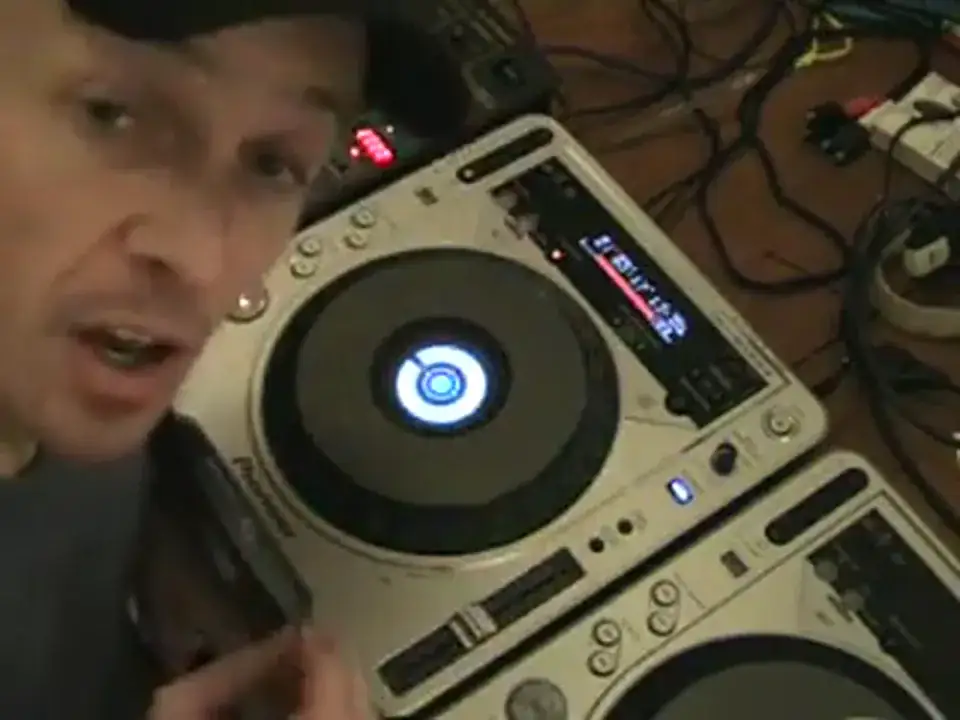
I would have to stretch that sample out to make it longer so it's in beat. If I press that button too late, I would have to reduce that sample to make it a loop, to make it in beat. So I'll give you a demonstration here. So we'll play it on. Right. You have a listen while I move this. It's getting shorter but we need to get it longer. Alright, we got it. I mean, I started to go anti-clockwise... But then I realised I was going the wrong way, so I started to go clockwise. But I went too far, so I had to go anti-clockwise again to get it in beat. Now again, this is where really you need to use your ears, you need to tap as well. Bang, bang, bang, like so. But let's say for example I'd had this particular track in beat, in time, perfectly beatmatched with another song. There's no reason at all why...
I can't decrease the volume on the mixer of this particular song, listen to this one through the headphones, listen also to the other song that's playing, start a sample in beat to the other music, listen to the beat of the other music and try and match the beat of my sample with the other music. Now by listening, practicing which is very important and concentrating on that beat After a bit of practice and a bit of time, it could be a week, it could be a day, it could take you six months, but eventually you will learn how to get a perfect loop. Now we'll try it again. He did exactly the same thing again. Okay, exact. Another way. Okay, video number three. Basically this video is showing you a function on this guy here whereby if, and a lot of people have said to me that they find cheaper samplers and cheaper effects where you can get a loop.
You can never get a true, proper, good quality loop. With this you can, it just takes a little bit of practice and a little bit of ingenuity and use your ears and you can do it, okay? Video number three, loop function on this guy here is the CDJ-800M2. Practice and enjoy!
This transcript was produced automatically from the audio of the video and may contain mistakes.










