7:36
Its All in the Wave of Your Beat Grid for a Smooth DJ Mix
Contents of the video
0:01 I'm playing drum and bass, but this follows with practically any genre
Alright ladies and gentlemen, first and foremost, big shout out to Hospital Records for letting me use their tunes. I will put in the description the names of the tunes I'm using and they're rather good. Now, I'm going to call this video Following the Wave and we're going to be mainly concentrating on the wave format. Now, a video like this is really for the beginner DJ. I'm playing drum and bass, but this follows with practically any genre. Before I start though, just make a note of the BPM and this does put a lot of people off. You can see on the right hand side we have 86%. On the left hand side, we have 172.4. So first and foremost, if you are a complete beginner and you've got numbers a bit like that, you may think what the heck's going on?
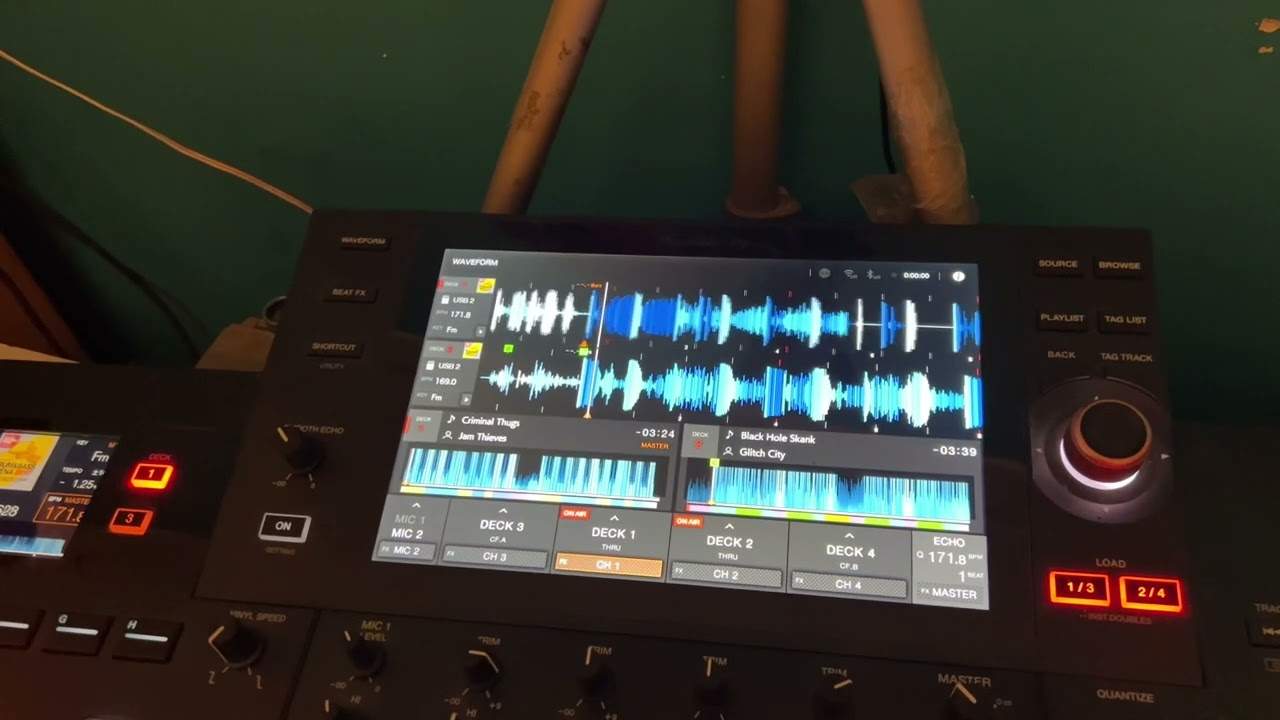
I mean, how come they are completely different BPM? Well, they're actually not. All that's happened is that the software has analysed the BPM half time and or double time. So if we times 86.2 twice and I'm old school, 280 is 160, 26 is 12, that's 72, 22 is a 4, 172.4, which we have over there or we can half 172.4 and we've got 86.2. All right. So first of all, let's just bring the volumes down. I'm going to press play on both tracks and let's have a look at the wave format. OK, zoom in by all means if you want to. Now, you'll notice we've got red markers and if we have a look now, if I pause as best as I can, queue up. Hold on. Sorry, I'll start again. Pause. I press queue. If I just pause now there, if you can look, those two red markers are very, very slightly off centre.
2:38 Should tell you that the BPMs are off
So they're not perfectly aligned now. Very quickly here. If you're doing a mix like that and they're very, very slightly off, but they stay very, very slightly off and they do not deviate from that very, very, very slightly off position during your transition. Don't worry about it. OK, it's only when they start to move away from each other as the wave format is proceeding. That's when you need to worry, because that's basically telling me. Should tell you that the BPMs are off. On the other hand, if they're slightly off, but they stay in that position all the time as the wave format moves, then all that tells me should tell you is that they're not exactly to the millimetre in beat, but they are in time.
So let me play again. We can watch that. And again, I started them off at a different time and you'll notice. There that the red markers have gone slightly off again. So let's just change that slightly. I'm now going to let's have a listen, by the way. This is round to see speaker really nice tunes, by the way.
Let's just wang it forward a bit.
What I like about this tune, it's really nice and happy and jolly. And then it just goes into this not dark, but it goes into the sort of underground energetic. Sort of vibe. So really good production here at its hoax remix and then levitate your mind, the IP.
4:12 Let's press play on both at the same time
OK, so what I'm going to do now is I'm going to and there is madness behind the mayhem of this video that I'll explain in a bit. Now, I'm not going to reduce the speed very slightly on the right hand side, start both tracks again. So let's press play on both at the same time. Just bring the volume down. OK, so what? I can see now and just make note of the distance here and then the distance here and so on, you'll notice that they're starting the red lines are starting to move away from each other. Now, that's what I explained earlier. That is telling me that they are not at the same BPM. The reason for that? Is that every time we go through another bar, the actual beats are off that little bit more now I know that even without listening to the track, because the whole idea of this video is to look at the visual interpretation of what the tracks are doing against each other.
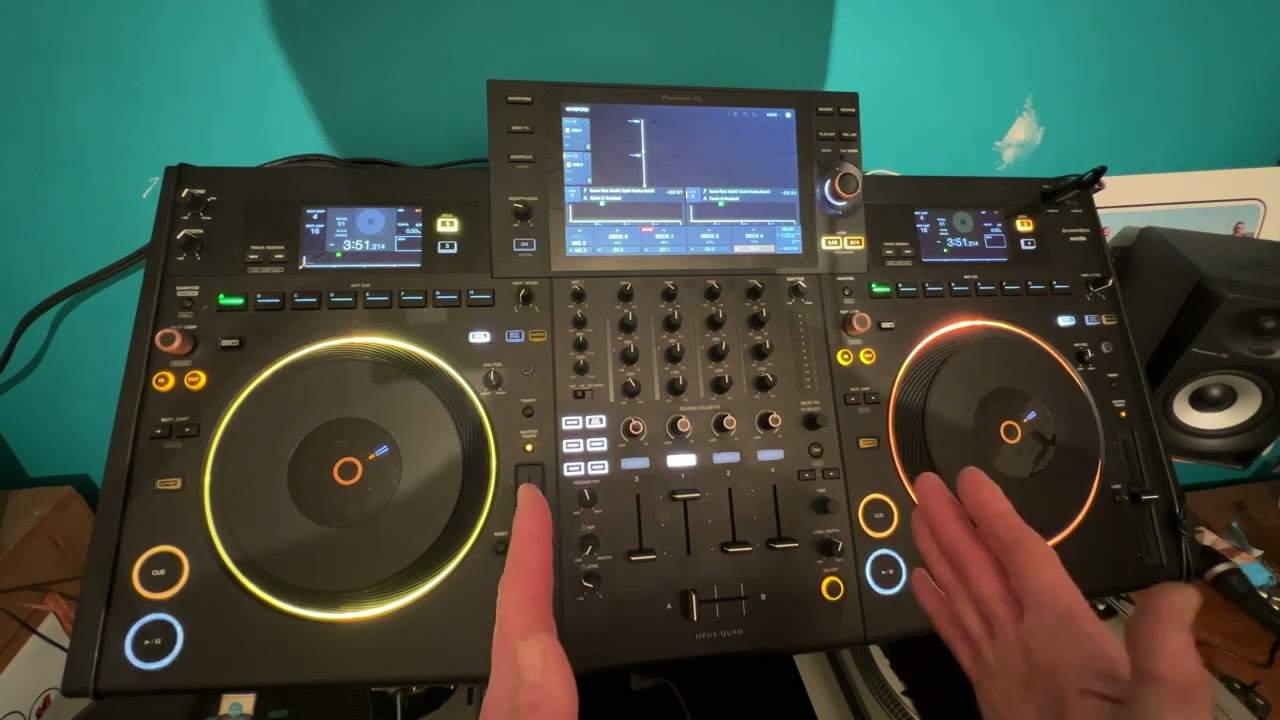
This is why we have what's known here as the beat grid. So if I bring the. Right hand side back up to 86.2. So slowly bring it up to 86.2 and press play again, we should be able to see now that even though like I said earlier, they're very, very slightly off that that doesn't matter so much so long as they stay very, very slightly off in that same position if they start deviating then you know you're offbeat. Now again, I'm not, I'm old school, I don't really need to look constantly at the screen, but a lot of DJs today do definitely rely on the screen to make sure that they're in this right position, bar phrase and they're in beat as well. So let's say I wanted to get this perfectly in beat now knowing that the BPM is correct, what I can do now while the track is playing, I can use the jog wheel.
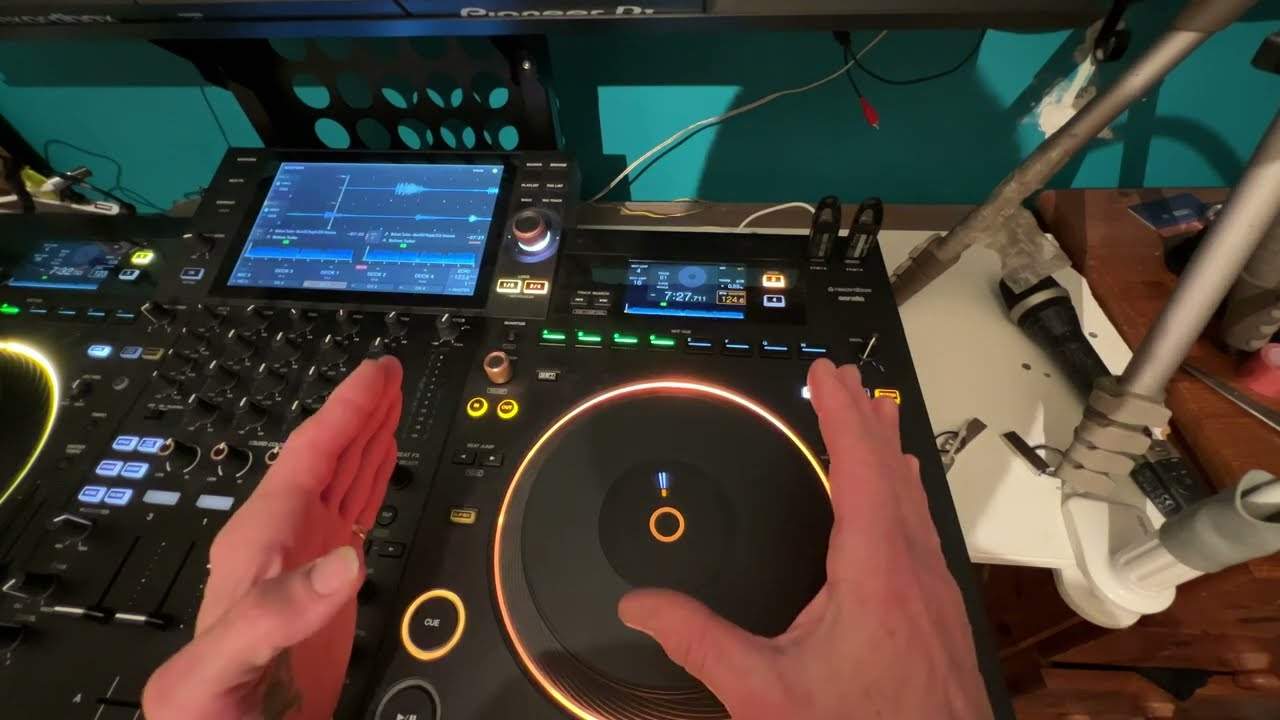
And just jog the track clockwise or anti clockwise. Now, you'll notice now that the red markers are precisely in line and they're staying in line. So number one, that tells me it's exactly in beat and number two, it tells me that the BPM is the same because the red markers aren't deviating. So I hope that's a help. Don't forget, let me know in a comment what you think. And let me know also if you want any particular tutorials, demonstrations in any sort of genre. Thank you for watching practice and enjoying again. Big shout out to Hospital Records. Thank you.
This transcript was produced automatically from the audio of the video and may contain mistakes.
Related videos
-
Complete Beginner DJ Lessons Video 26 Practise Play Pause on Time in a Bar
The shortest exercise in the course, and the sort of thing that looks too simple to bother with. The drill Press play at the start of a…