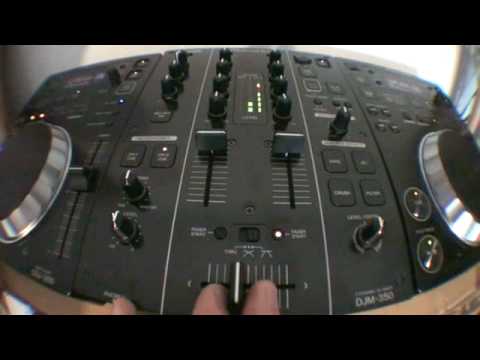
 5:58
Loop divide and effects together
On YouTube this video is called Pioneer 350 series. Video 1 loop divide and effects
What this lesson teaches
The first of a series on a player and mixer pair sold for bedroom use, and his verdict on that framing is the interesting part.
On "bedroom" equipment
The setup is marketed at the bedroom DJ. Having used it, his assessment is that the sound quality is good, the effects are very good, and if it were installed in a nightclub the crowd would not know whether you were playing on this or on the top-of-the-range equivalent.
That is worth hearing, because the amount of anxiety about equipment among new DJs is out of all proportion to the difference it makes to a listener. The gap between a cheap player and an expensive one is in build quality, durability and the number of dedicated controls - not in what comes out of the speakers.
Loop divide
The feature he demonstrates, and it is the halving control from the previous lessons under a different name: take a loop and cut it in half, then half again, down into stutter territory.
Combined with the effects, that is most of a performance toolkit on a unit sold as an entry point.
Fader start
He flags the thin cable that comes with the players, which is the fader start lead - connecting player to mixer so that lifting the channel fader starts the track.
Covered properly in the stage 1 arrival checklist, and worth knowing here for the opposite reason: if you have just bought this setup and tracks keep starting by themselves, this cable and that setting are why.
Why it is here
The course is about loops and this lesson is partly about equipment anxiety, which is a reasonable thing to address in a performance stage.
The techniques in this course - beat loop, halving, quantize, slip - exist in some form on almost everything sold today. You do not need the expensive machine to do any of it, and a DJ who can use loops musically on a cheap player will sound better than one who cannot on an expensive one.
Contents of the video
0:00 First video I'm doing on the 350 series from Pioneer
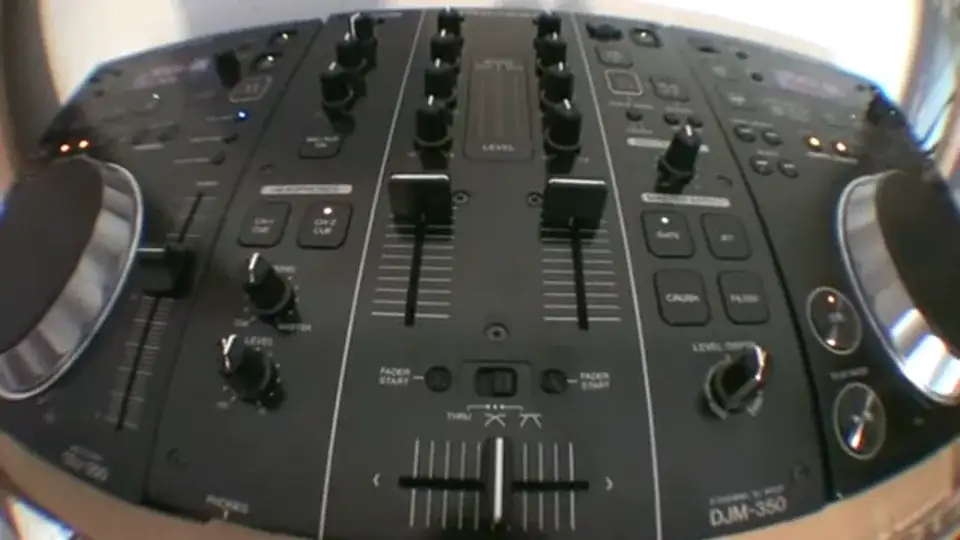
Right guys, first video I'm doing on the 350 series from Pioneer. CDJ-350 and the mixer is the DJM-350. Now allegedly this setup is predominantly for the bedroom DJ but after having a bit of a mess around the sound quality is pretty good actually. The effects are very good so to be quite honest if this setup was stuck in a nightclub somewhere, to be honest I don't really think the crowd are going to know if you're playing with one of these or the top three. It's a top notch CD player, or mixer for that matter. Right now in this video what I'm going to be doing, because I've had a bit of a mess around, is messing around and using the loop divide and also the in-out and some of the effects. Now very quickly as well, the CD players come with a very thin cable for fader start. Now that particular cable is not a plug in your ear stick up your nose, it's for your fader start. What is fader start?
It's got nothing to do with Darth Vader, that bloke who floats around in space and got a funny knobbly hat on. What it is to do with is this. Now first of all, the tracks I'm using by the way are track 1 from disc 1, disc 2, global releases from CDpool June 2010. Now have a listen, absolutely nothing whatsoever. Hit fader start and listen.
Alright, all you've got in the back of the CD player, you've got a small plug, you'll plug your fader start cable into there and then into the back of the mixer. Exactly the same with the other side. So, there you go. If you can't, if you've got fader start on you can't hear anything. It's probably because your volumes are down or check your gain, check your master level and also check your speakers. Sounds crazy but sometimes people go like, why can't I hear anything? Your speakers aren't turned on.
Alright, let's just disengage that now. Right, let's listen to the beginning of this track.
We've got a basic house beat and the other side.
1:59 How, well both ways are good
More of a salsa feel. Now what I'm going to do is I'm going to form a loop and then use... ...the loop divide. I'm going to do it two ways to show you how, well both ways are good but I want to use the second way because it will enable me to get that salsa beat out of a very basic house track so have a listen.
What I'm going to do now, I'm going to hit the in and out on the count of one, three, four, hit the loop divide but I don't want that. What I want is a salsa beat, how do we get it? What I'm going to do now is I'm going to hit the in and the out on the offbeat. So, in other words, one, two, three, four. One, two, three, four. That slight, slight subtle change makes one hell of a difference to when we use the loop divide. Let's have a listen. Sorry, start it right from the beginning. Two, three, four. One, two, three, four. One, two, three, four. All right, there's a very, very slight sort of delay there in the loop but it doesn't matter. Now let's hit the loop divide. Okay, we're going Brazilian. Fade to start.
3:28 Some of the effects we've got gate, jet, crush and filter
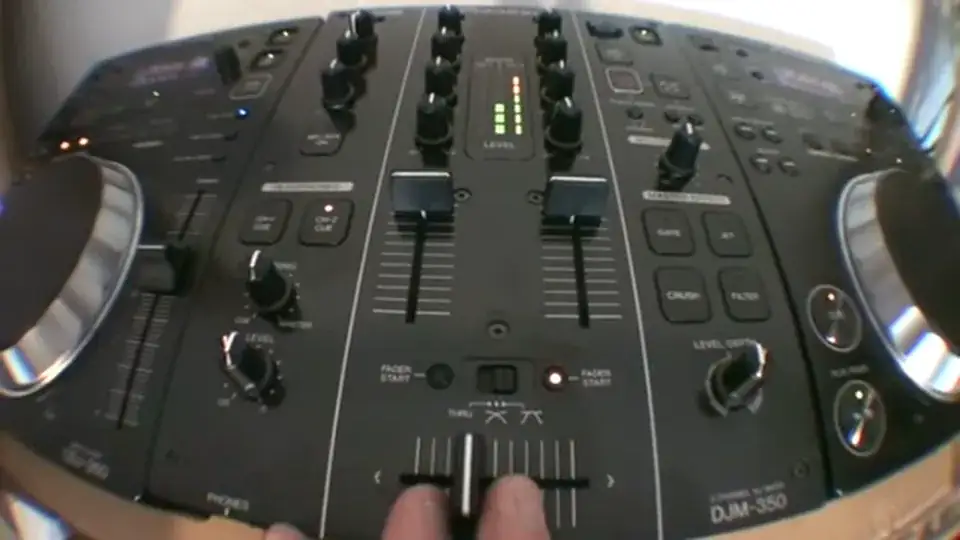
Now let's have a listen, fun you can have. All right, some of the effects we've got gate, jet, crush and filter. Let's have a listen. Timing here, a way of describing it, it's almost muffling the sound a little bit. Jet, it's almost like the jet is going down, it's going up. Crush, favorite one, filter. All right, short video, well not actually that short but showing you again something that you can do. Now what you need to do with videos like this is don't follow them step by step but look at certain aspects and incorporate that into the stuff you do and take it to the next level, all right? Video number one on these guys CDJ-350 and the DJM-350 Pioneer stuff in the house. Thank you very much. Practice and enjoy.
Take it easy.
This transcript was produced automatically from the audio of the video and may contain mistakes.










