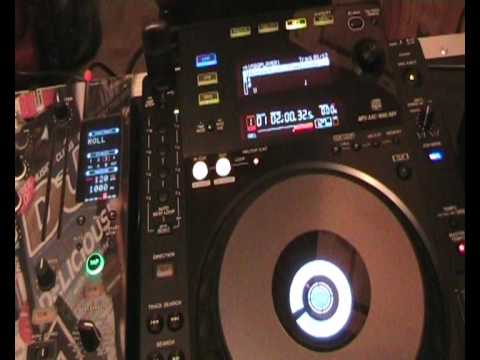
 3:47
Auto beat loop
On YouTube this video is called Pioneer CDJ-900 Auto beat loop feature vid 1
What this lesson teaches
A comparison lesson as much as a feature tour, and the comparison makes the point.
What the older machine did
The CDJ-800 could loop one, two, four or eight beats. Four options, all of them a beat or longer.
That is enough for the structural uses: extend an intro, hold an outro, repeat a bar.
What this one adds
The 900 adds the short end: a sixteenth of a beat, an eighth, a quarter, a half - plus quarter, third, half and three-quarter divisions, across three selectable modes.
So the range now runs from a fragment far shorter than a single beat all the way up to eight beats.
Why the short lengths change what it is
This is the part worth understanding, because it is not simply more of the same.
A loop of one bar is a structural tool. You are repeating a musical unit, and the listener hears a section being extended.
A loop of a sixteenth of a beat is an effect. It is too short to contain anything recognisable - what you get is a pitched buzz or a stutter, and the listener hears a texture rather than a repetition.
Somewhere between the two, around a half or quarter beat, is the drum roll - the build-up stutter that every modern dance record uses before a drop.
So one control covers three completely different musical purposes, and which one you are using depends only on the number.
The practical move
Start a loop at one bar and halve it repeatedly while it runs: one bar, half, quarter, eighth, sixteenth.
What you hear is a section tightening into a roll and then into a tone. That is the standard build, it is one dial, and because every step is a division of the bar it stays in time throughout.
It is worth practising as a single continuous gesture, because that is how it is used.
Contents of the video
0:00 The CDJ-800 you can basically just loop one beat, two, four or eight
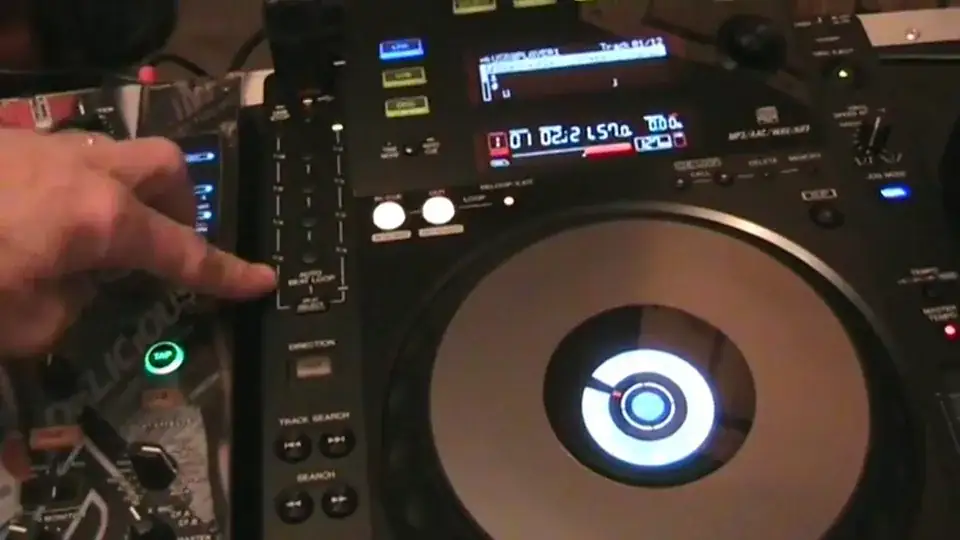
In this video on the Pioneer CDJ-900 we're going to be looking at this area here, the auto beat loop. Now it's not dissimilar let's say to the likes of the CDJ-800 but it's two or three levels above. The CDJ-800 you can basically just loop one beat, two, four or eight. With this one you can loop sixteenth, eighth, quarter, half. Again here we have a quarter, third, half, three quarters. But what we can do then is we can set this three modes, this side, this side and the centre. And by setting it at the centre, it's not dissimilar to the 800 where we have 1, 2, 4 or 8 beats. So if we press this button here, the beat select, if I hit 1, 1 beat, 2, 1, 2, 1, 2, 1, 2, 4, 2, 3, 4, 1, 2, 3, 4 and 8, 1, 2, 3, 4,
1:36 Slip mode, music
One, two, three, four, five, six, seven, eight. One, two, three, four, five, six, seven, eight. Just go out the loop and then hit beat select. You'll notice the LED is highlighted on the left hand side. Let's have one sixteenth. One eighth, quarter, half. And then press it again and keep my finger on it. Now we're on this side. Quarter, third, half, three quarters. Third, half, three quarters. Out. But that's not the end of it. Now at the moment basically what's happening is when you hit one of these guys, you will get a loop and as soon as you disengage the loop then the music will start from when you started that loop. If we hit slip mode on the other hand which is this button down here, what happens now takes it to the next level. Basically you can get that loop going but the underlying music will carry on playing. In other words it's not dissimilar let's say to the likes of the
2:52 Straight into the underlying music
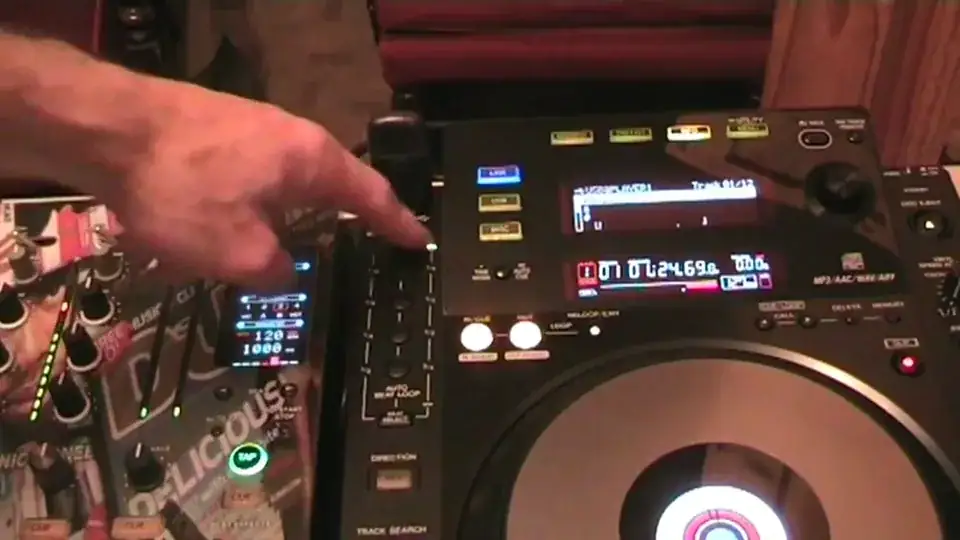
Here's the CDJ400, where if you touch down on the platter you get that but the music still carries on playing. So I'm going to engage slip mode, press that and then what I'm going to do now is press beat select and we're on 1, 2, 4 and 8. So let's play the music. What I'm going to do is get to say a vocal area. There we go. And 4, 2, 3, 4. 1, 2, 3, 4. 2, 3, 4. 1, 2, 3, 4. Straight into the underlying music. So again, we can do that with quarter, slightly off there. That was me. There you go. Okay, so I hope you get a general idea. Another quick video for you on the CDJ-900 practice and enjoy. Thank you very much.
This transcript was produced automatically from the audio of the video and may contain mistakes.










