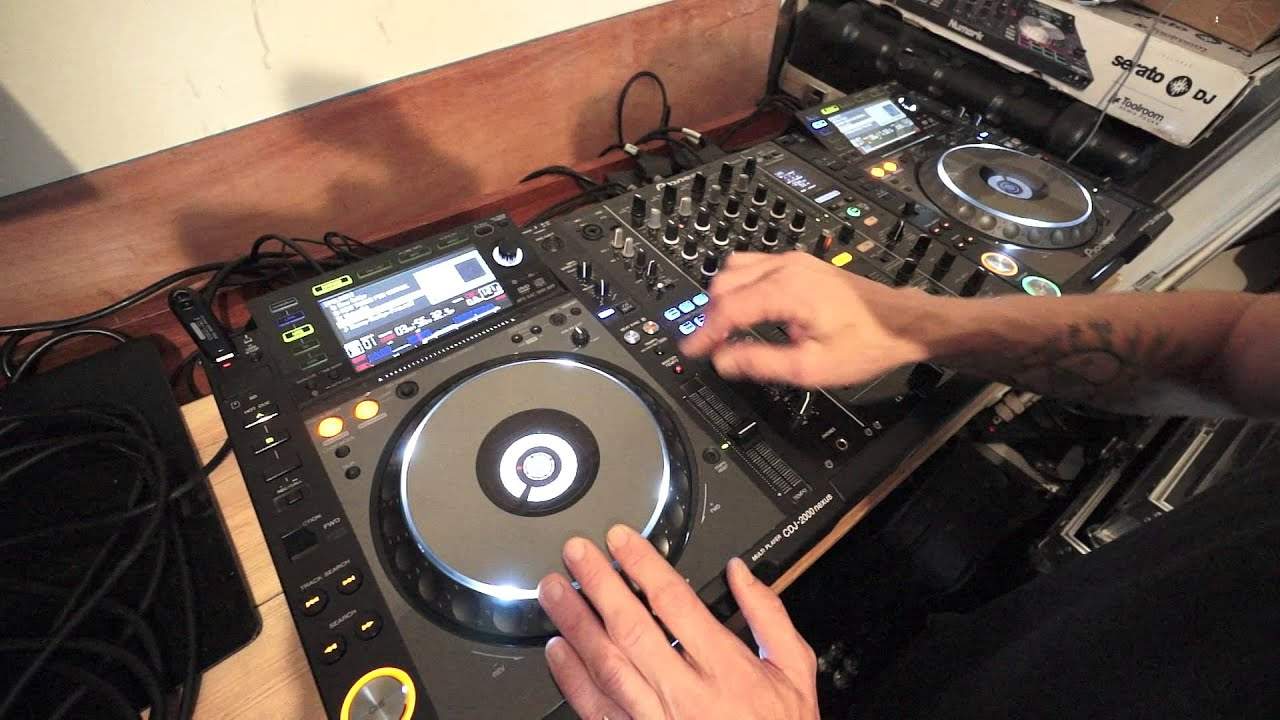
 13:06
Getting genuinely good at it
On YouTube this video is called Biginner DJ Lesson on Getting Good at Beat Matching BY Ellaskins DJ Tutor
What this lesson teaches
This lesson is less about a technique than about how to practise, which for beatmatching is the harder problem. It gives you a loop you can run indefinitely with one track.
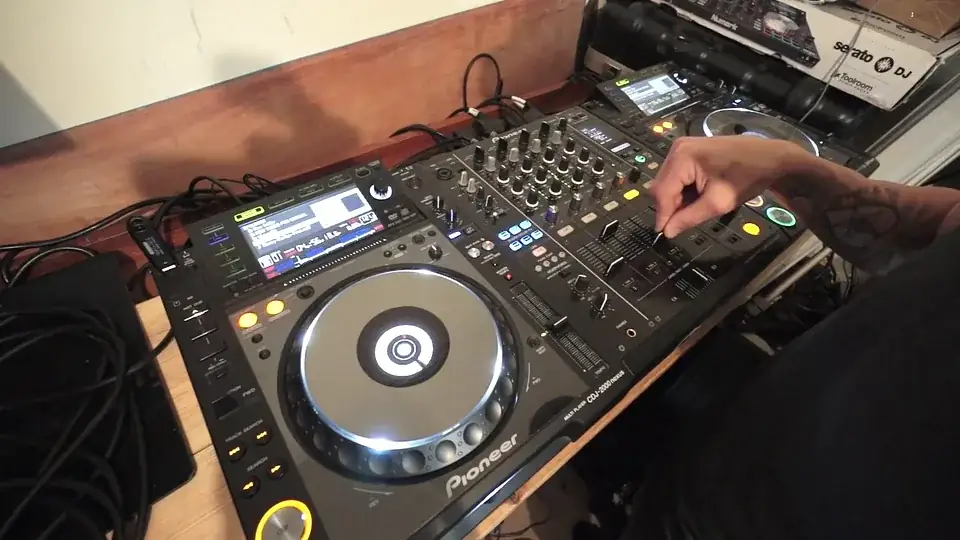
Beginning-and-end mixing
Load the same track on both decks. Take the first deck to its final sixteen bars and mix the second deck's opening into it.
When that is done, take the first deck back to the end again, and repeat. You have a practice loop that never needs new music and never ends.
It is a genuinely good exercise because the ending and the opening of a track are usually the sparsest parts - often drums alone - so there is little to mask a timing error. It also happens to be a real mixing situation, not an artificial one.
Start from a known tempo
Before anything, get both decks to the same speed exactly. On these players there is a tempo reset that returns the track to the speed it was produced at, whatever the fader is doing; on anything else, set both pitch faders to 0.0.
This matters more than it looks. With the tempos genuinely identical, a mix you get into time will stay in time. Any drift you hear is then your own doing, not the tracks pulling apart, and that makes the practice honest.
Using the vocal to find the beat
This is the part worth the watch, and it solves a problem most beginners have: dropping a track over an acapella, where there is no kick to mix against.
The method is to learn the vocal's relationship to the beat during a part of the track where you can hear both. Find a word that lands on the first beat of a bar, and notice precisely where it sits against the kick - the consonant at the front of the word, not the middle of it.
Once you know that, the vocal is a beat reference. When the drums drop out you have not lost your timing cue; you have swapped it for a different one that was there all along.
Setting a hot cue at the point gives you a visual marker to go with the audible one, and watching the playhead arrive at that marker while you hear the word confirms you have identified the right moment.
Building the internal clock
The reason to count out loud through all of this - and he does, constantly - is that beatmatching ultimately runs on an internal sense of where the next beat falls. Counting bars aloud while two tracks play trains that sense faster than listening passively does.
It also keeps you honest about where you are in the phrase, which is what the next stage of the curriculum is built on.
The direction test
The same one as everywhere else, and worth repeating because it is the thing you will actually use. If a nudge makes the gap between the kicks wider, you went the wrong way. Go the other way. When the two taps become one and the sound goes hollow, you have it.
Contents of the video
0:00 Couple of tricks as well
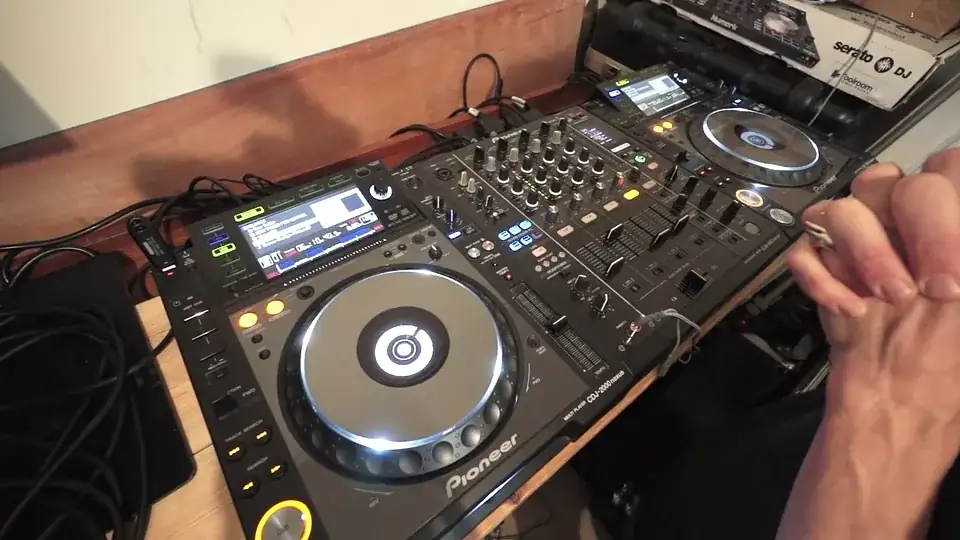
Alright guys, got a tune here by Mr. Kenny Hectic. It's a track entitled Free. It's the extended mix and I'll put some info in the description where you can get more info on Mr. Kenny Hectic and also his tracks. Now this is a beginner DJ lesson. I'm going to show you a couple of tricks as well and something a little bit interesting with the effects afterwards, but what we're going to do here is concentrate on beginning and end mixing. Now this again is for the beginner DJ. Track is entitled Free. We're listening to it now at the beginning of the track. Now what I'm going to do, I'm going to go to the exact same track on the other deck. I'm not going to use any headphones either so let's get started.
Let's unplug those. This is where you start to have to stretch yourself a little bit more. I'm going to set a hot cue now at the beginning of this break. Two, three, four, there. Okay. Now the hot cue there is a reference. It's a visual reference for me. Now if we start the other side, of course it's exactly the same track. Same track so we shouldn't really have any problems with mixing the two. Well, we'll see. Okay. I'm also going to make sure that they're both at exactly the same speed. Of course I can do that as well. If I just press, I've got the 2000s here, master or sorry, tempo reset then it doesn't matter where I put that pitch. It will stay at the exact speed that the producer made it in the studio.
2:36 One, two, three, four
Right. What I'm going to do here now is I'm going to press play again on the left hand side. Speed it forward a little bit. Now as soon as I get to that break, I'm going to start the other track. Now the object here is to keep the other track in time with the break. There's a few things you can do to mess around with. Two, three, four. Bring the volume down. Advice here, bring the volume up. It's what we should be hearing. Two, three, four. Two, three, four, one. That's our one. One, two, three, four. One, two, three, four. One, two, three, four. One, two, three, four. One, two, three. Now it's starting to go slightly off. One, two, three, four. One, two, three, four. One, two, three, four. And so on. Okay, so why are we doing this?
Right. First of all, it's a great way of making you listen more to, of course, the timing and also it's a great way of getting your internal clock used to keeping time. Now let's just listen to that break again. One, two, three. So the free, the F in free is the count of one in a bar. Three, two, three, four. One, two, three, four. One, two, three, four. One, two, three, four. One, two. Okay, so again what we can do here with this track is we can listen to and wait for that word free and make sure that the kick is exactly on the F in free. So I'm going to do it again, this time though just for quickness I'm going to start this off here and also hit the hot cue at the same time. So we're going straight into the break here
And we're going straight from the start of the track from the beginning of the track. So one, two, three, four. One, two, three, four. One, two, three, four.
There. Again. Okay, now another reason for doing this is you're probably thinking well I'm not very good at bringing a track in over an acapella or over just the vocals because I don't know where the beat should be in the vocals. Well this is when you need to listen to the entire track and listen to parts of the track where the vocals are in over the beat. So for example free, listen to that free there and you can hear that F is straight over the kick the first kick of the count of one in a bar.
5:32 Beat, hand deck, black line
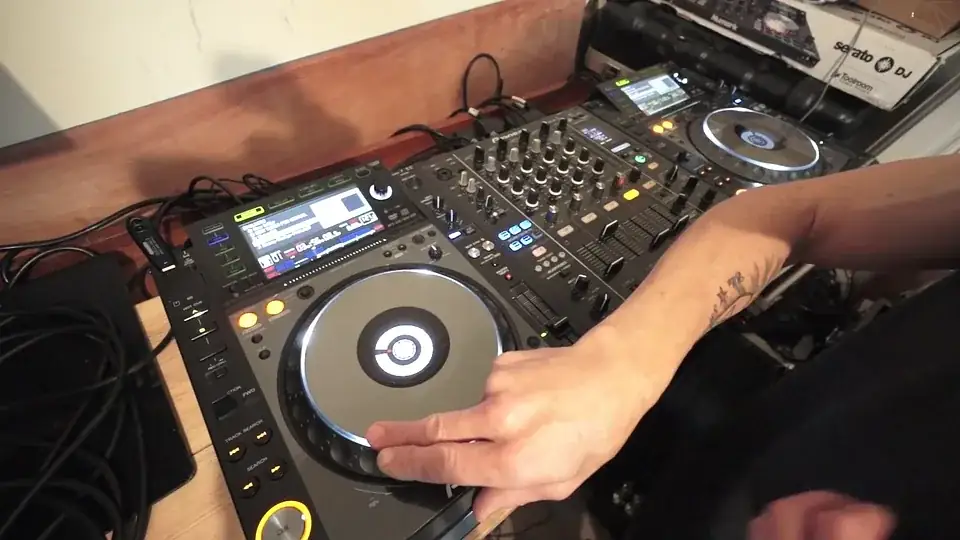
Now let's go back a little bit I'm going to make a hot cue there just set a cue point there so we know exactly where we are and what I want you to do now is look at that red dot and also look at that black line. Now those two will meet up but the red dot is where that kick is now let's see if we get the word F free at that red dot when that black line reaches the red dot. Now I'm going to slow it right down so
Ah, yeah take off tempo reset
There. There you go. So what I'm saying here is listening to the vocals while the beat is playing in a track will give you a reference to where the beat should be when there is no beat in the part of the track where there, of course, is no beat. For example here we have the instrumental break or yeah, a break really so go from A again
Okay now again another great way of practicing beat matching for the complete beginner is the beginning and end mix. So what we're going to do we're going to go to the end of free by Kenny Hectic on the left hand deck and we're going to mix in the beginning of free on the right hand deck and you can carry on doing this time and time again now to begin with what I recommend if you find it very difficult to beat match to begin with set the tempo reset or if you haven't got that facility just make sure on the CD players that you're using or for that matter at the PC program whether it be Virtual DJ, Serato, Traktor or whatever else just make sure that you're on 0-0 so both are the same speed what that will mean is that if it is slightly off beat
When you try and mix it in and you get it in beat it should theoretically stay in beat it shouldn't start to glide off because they're both at exactly the same speed so let's do a beginning and end mix so let's just go to the end of the track here we'll go to around about the last 16 bars listen to the change in sound
Now also what you're listening for when you do a beginning and end mix is that phasing sound of the two tracks it's almost as though they're cancelling each other out a way of describing it as well it's a little bit as though your speakers are starting to sound strange now there is a definite difference between that and them being off beat so I'll show you exactly now what it sounds like when they're off beat so let's go to the end of the track here again we've got this one ready
Now that is definitely off beat so, what do we do? start to move the jog wheel try one way to begin with now we can hear here we can hear here here here here here that the difference between the kicks the distance between the the distance between the kicks got wider it seemed to be it seemed to sound a lot worse when I moved the jog wheel that direction which was anti-clockwise I'm now going to move it clockwise and hopefully it should start to sound better so if it does start to sound worse because you're moving it in the one direction you're moving it in the wrong direction which means you have to move it in the other direction
Now we're getting that phasing sound again that means it's on time ok right I hope that's been a help don't forget check out Kenny Hectic Track & Tile 3 you're listening to the extended mix now also I just want to show you a quick tip here now I believe this can be done with any controller or any mixer that's got effects and it's something they don't tell you about it's just a tip and a trick for you here so what I'm going to do is we'll play this track again so ok so I've got echo on we're on the usual it's channel 3 and I'm gonna tap 1, 2, 3, 4 1, 2, 3, 4 now that's one over one
So the echo itself is playing is overlapping itself
Volume down
Turn the effect off gone level depth down don't forget as well very important when you turn the effect off with echo you'll still hear the effect because it's an echo the only way to get completely rid of the effect is to turn the level depth to minimum therefore you will completely get rid of that effect so that's one over one we're tapping in time notice where the dot is there it's still in the centre point but I've got a completely different sound completely different let's do that again first time hit it or press it do it slightly differently ok all I'm doing is instead of hitting it once 1, 2, 3, 4 I'm hitting it like this 1, 2, 3, 4 1, 2, 3, 4 so I'm doubling the amount of taps and I'm taking it from a one echo to almost like as though you're halving
It so you're doubling the amount of echo so if you imagine that if you're doubling the amount of echo on 1 a half echo will be a quarter a quarter echo will be an eighth an eighth will be a sixteenth and so on and so on I hope that's been a help
This transcript was produced automatically from the audio of the video and may contain mistakes.








